Images to WEBP Converter
Convert images to WEBP online for free. Upload JPG, PNG, GIF, BMP, TIFF, and other formats, then download optimized WEBP images with smaller file sizes and excellent quality in seconds.
Image to WEBP Converter
Images play a big role in website speed and user experience. Large image files slow down web pages, use more bandwidth, and affect SEO. An Image to WEBP Converter helps solve this problem by converting JPG, PNG, GIF, BMP, TIFF, and other image formats into the modern WEBP format.
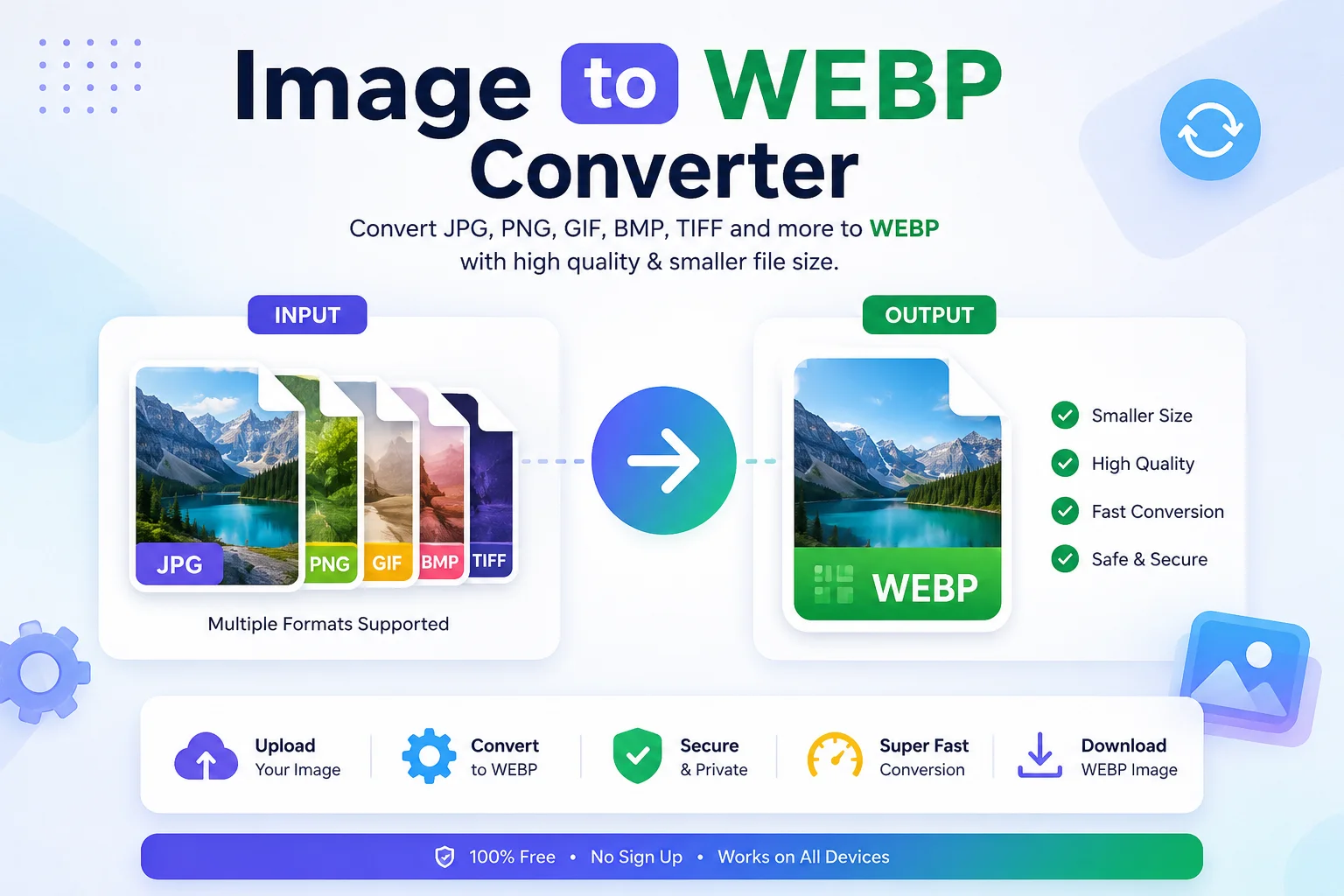
WEBP is an image format developed by Google. It supports both lossy and lossless compression, transparency, and animation while keeping file sizes much smaller than many older image formats. This makes WEBP one of the best choices for websites, blogs, eCommerce stores, and mobile apps.
In this guide, you'll learn what WEBP is, why you should use it, how an Image to WEBP Converter works, and when WEBP is the right choice.
What Is an Image to WEBP Converter?
An Image to WEBP Converter is an online or offline tool that changes image files into the .webp format.
Most converters support formats such as:
- JPG / JPEG
- PNG
- GIF
- BMP
- TIFF
- SVG (depending on the tool)
- AVIF (some tools)
- HEIC and HEIF (some tools)
The converter compresses the image while keeping good visual quality. Many tools also allow you to adjust image quality, resize images, and preserve transparency.
What Is WEBP?
WEBP is a modern image format created by Google to make websites load faster.
Unlike older image formats, WEBP supports:
- Lossy compression
- Lossless compression
- Transparency (Alpha Channel)
- Animation
- Metadata (EXIF, XMP, ICC Profile)
Because of these features, WEBP can replace JPG, PNG, and GIF in many situations.
Why Convert Images to WEBP?
Converting images to WEBP offers many benefits.
Smaller File Size
WEBP images are usually much smaller than JPG and PNG images while keeping similar visual quality.
Google reports that:
- Lossy WEBP images are 25–34% smaller than comparable JPEG images.
- Lossless WEBP images are about 26% smaller than PNG images.
Faster Website Loading
Smaller images load faster.
This helps:
- Improve page speed
- Reduce bandwidth usage
- Create a better user experience
- Improve Core Web Vitals
Google also recommends serving modern image formats such as WEBP or AVIF where possible.
Better SEO
Fast-loading pages often perform better in search engines because speed is an important ranking factor.
Smaller image files also reduce server load and improve mobile performance.
Transparency Support
WEBP supports transparent backgrounds just like PNG.
This makes it useful for:
- Logos
- Icons
- Product images
- Graphics
Animation Support
WEBP can also replace animated GIF files with much smaller file sizes.
WEBP vs Other Image Formats
Format Compression Transparency Animation Best For JPG Lossy No No Photos PNG Lossless Yes No Logos, Graphics GIF Limited Yes Yes Simple Animations WEBP Lossy & Lossless Yes Yes Websites, Blogs, eCommerce AVIF Advanced Yes Yes Maximum CompressionSupported Input Formats
Most Image to WEBP Converters accept:
Input Format Can Convert to WEBP JPG ✅ JPEG ✅ PNG ✅ GIF ✅ BMP ✅ TIFF ✅ ICO ✅ HEIC ✅ SVG* Sometimes PSD* Depends on the converterHow to Use an Image to WEBP Converter
- Step 1: Upload your image.
- Step 2: Choose WEBP as the output format.
- Step 3: Adjust quality settings if available.
- Step 4: Click the Convert button.
- Step 5: Download your new WEBP image.
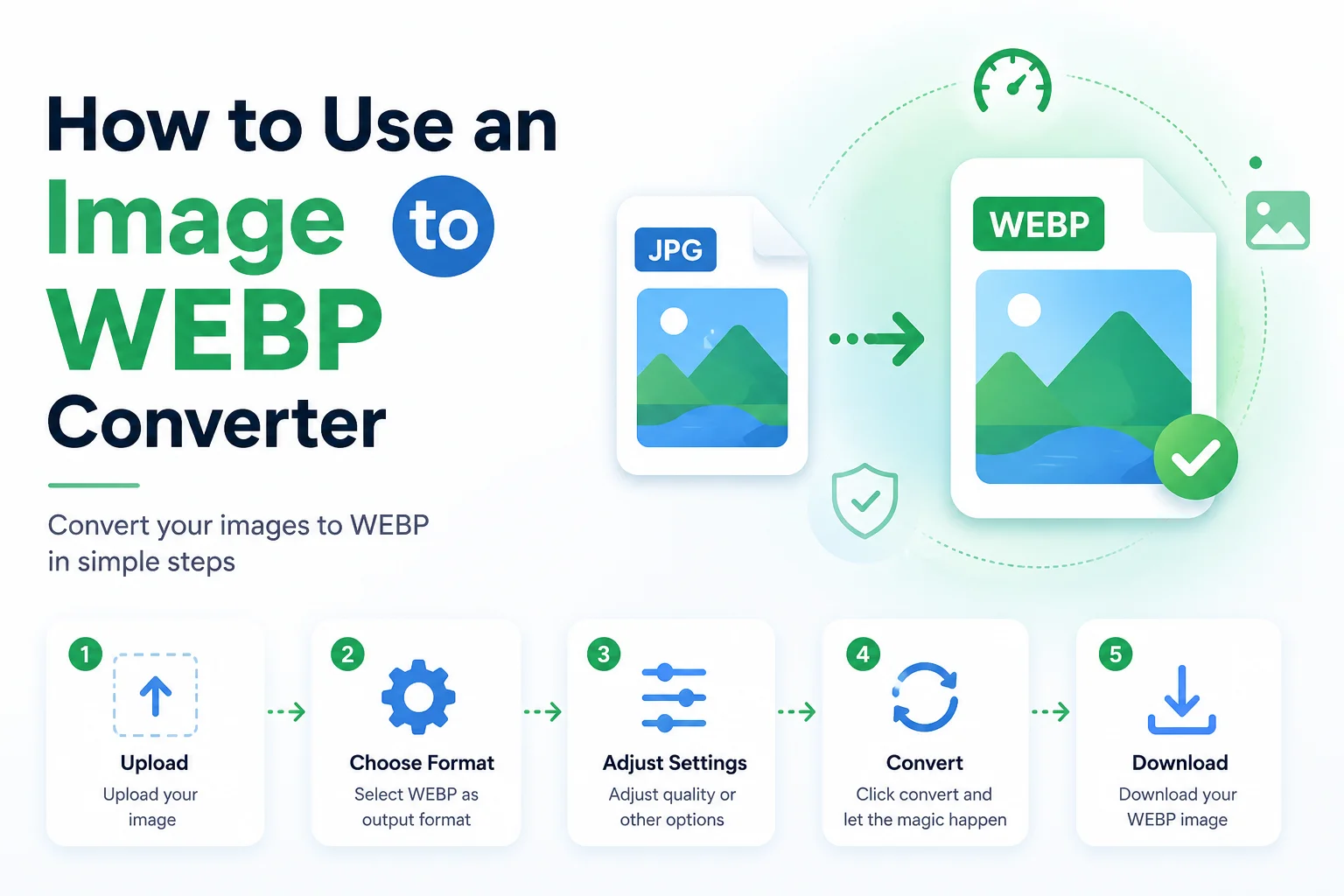
The whole process usually takes only a few seconds.
Features of a Good Image to WEBP Converter
- Fast image conversion
- Drag-and-drop upload
- Batch image conversion
- High-quality compression
- Custom quality settings
- Resize options
- Transparency support
- Secure file processing
- No software installation
- Works on mobile and desktop
Who Should Use an Image to WEBP Converter?
Website Owners
Reduce page size and improve loading speed.
Bloggers
Optimize images for faster articles.
Web Developers
Improve website performance and Core Web Vitals.
eCommerce Stores
Compress product images without losing quality.
Digital Marketers
Speed up landing pages for better conversions.
Graphic Designers
Export transparent graphics in a smaller format.
Advantages of WEBP
Advantage Benefit Smaller files Faster loading High quality Better user experience Transparency Great for logos Animation Replace GIF Browser support Works in modern browsers Better SEO Improved performanceAre WEBP Images Supported Everywhere?
Today, WEBP is supported by all major modern browsers, including:
- Google Chrome
- Microsoft Edge
- Mozilla Firefox
- Safari
- Opera
Most modern image editing software and content management systems also support WEBP.
Does WEBP Reduce Image Quality?
Not necessarily.
Most converters allow you to choose the image quality.
Quality Result 100% Best quality, larger file 90% Excellent balance 80% Smaller size with minimal quality loss 70% Good for websites Below 60% Very small files, visible quality lossChoosing the right quality depends on your project.
Common Uses of WEBP Images
- Website images
- Product photos
- Blog featured images
- Portfolio websites
- News websites
- Mobile apps
- Landing pages
- Social media graphics
- Logos
- Transparent icons
Tips for Better WEBP Conversion
- Start with a high-quality original image.
- Choose around 75–90% quality for most websites.
- Resize large images before uploading.
- Keep transparency only when needed.
- Use batch conversion for multiple images.
- Test image quality before publishing.
Frequently Asked Questions (FAQs)
What is an Image to WEBP Converter?
It is a tool that converts images like JPG, PNG, GIF, BMP, and TIFF into the WEBP format.
Is WEBP better than JPG?
For most websites, yes. WEBP usually provides similar image quality with a smaller file size.
Does WEBP support transparent backgrounds?
Yes. WEBP supports alpha transparency in both lossy and lossless modes.
Can WEBP replace PNG?
In many cases, yes. WEBP supports transparency while often producing smaller files than PNG.
Is WEBP supported by browsers?
Yes. All major modern browsers support WEBP.
Can I convert multiple images at once?
Many Image to WEBP Converters support batch conversion.
Is WEBP good for SEO?
Yes. Smaller image sizes improve page speed, which can positively affect SEO and user experience.
Conclusion
An Image to WEBP Converter is an essential tool for anyone who wants faster websites, smaller image files, and better online performance. By converting JPG, PNG, GIF, BMP, and other image formats into WEBP, you can reduce storage space, improve loading speed, and provide a smoother experience for visitors.
Whether you're a blogger, developer, designer, online store owner, or digital marketer, using WEBP is a smart way to optimize your images without sacrificing quality. With broad browser support, transparency, animation, and efficient compression, WEBP has become one of the best image formats for the modern web.