Images to Gif Converter
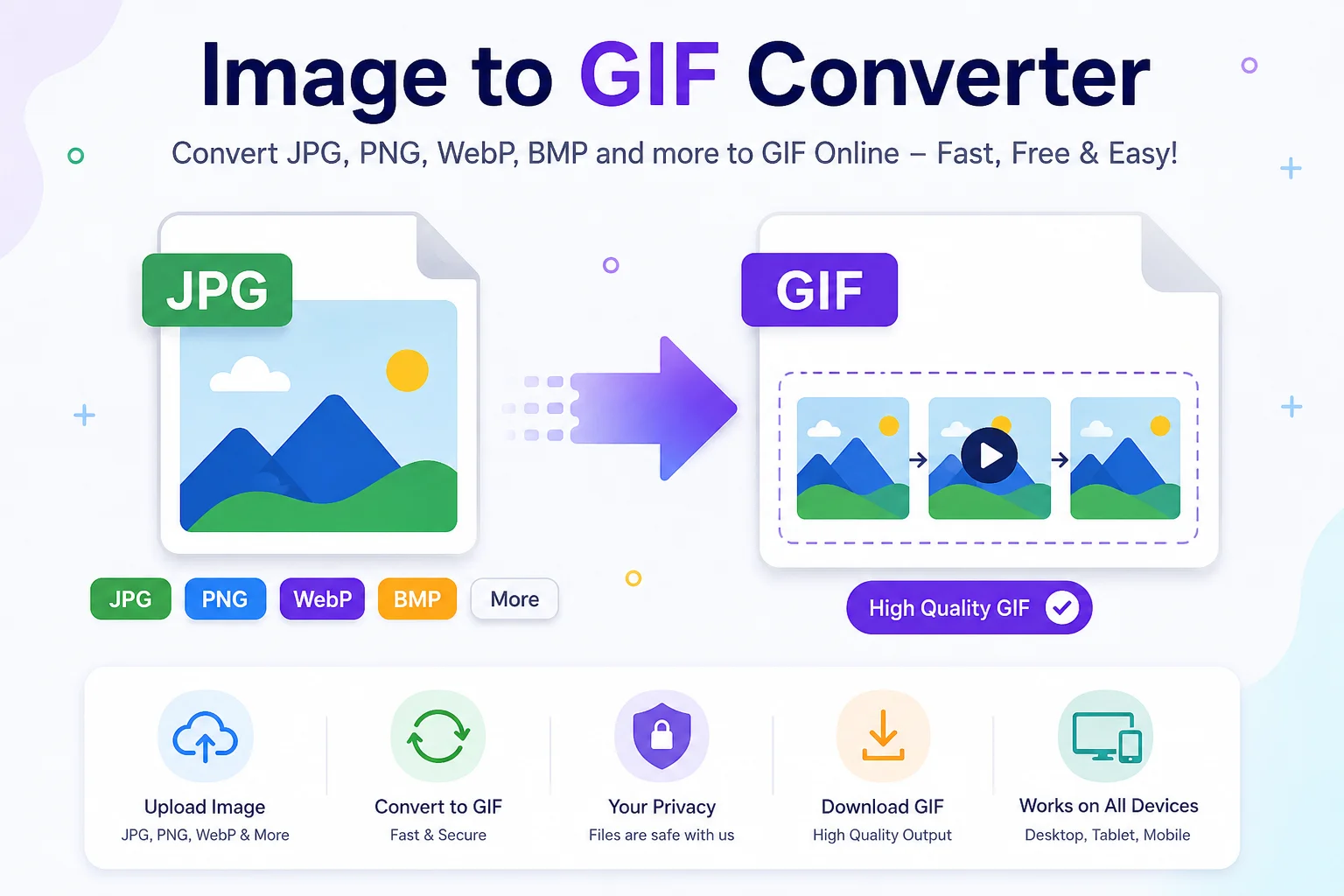
Convert your images to GIF format quickly and easily with our free Image to GIF Converter. Upload JPG, PNG, WebP, BMP, AVIF, HEIC, TIFF, SVG, and other image formats, then download a high-quality GIF in seconds. The tool works on all devices.
Images come in many file formats, but sometimes you need a GIF instead of a JPG or PNG. An Image to GIF Converter helps you convert image files such as JPG, PNG, WebP, BMP, TIFF, AVIF, HEIC, SVG, and more into the GIF (Graphics Interchange Format) file format in just a few clicks.
GIF files are popular because they are supported by almost every browser, operating system, and image viewer. They are often used for simple graphics, logos, icons, transparent images, and short animations. However, because GIF files support only 256 colors, they are best for simple graphics rather than detailed photos.
Whether you're a student, designer, web developer, marketer, or casual user, an Image to GIF Converter makes the conversion process quick and easy.
What Is an Image to GIF Converter?
An Image to GIF Converter is an online tool that changes one image format into the GIF format without requiring professional editing software.
Most converters support formats such as:
Input Format Can Convert to GIF JPG / JPEG ✅ PNG ✅ WebP ✅ BMP ✅ TIFF ✅ AVIF ✅ HEIC ✅ SVG ✅ ICO ✅Many online tools also allow multiple images to be combined into an animated GIF.
Why Convert an Image to GIF?
There are many reasons to convert images into GIF format.
1. Better Browser Compatibility
GIF has been supported by web browsers for decades and works almost everywhere.
2. Supports Transparency
GIF supports one transparent color, making it useful for logos, icons, and simple graphics.
3. Great for Simple Graphics
Because GIF uses a limited color palette, it works well for:
- Icons
- Buttons
- Logos
- Diagrams
- Illustrations
4. Animation Support
GIF can store multiple frames inside one file, allowing simple animations without video players.
5. Easy Sharing
Most messaging apps, websites, blogs, and social media platforms support GIF files.
How to Use an Image to GIF Converter
Converting an image takes only a few simple steps.
Step 1
Upload your image.
Step 2
Choose GIF as the output format.
Step 3
Adjust optional settings like:
- Resize image
- Compression
- Transparency
- Animation options (if available)
Step 4
Click Convert.
Step 5
Download your GIF file.
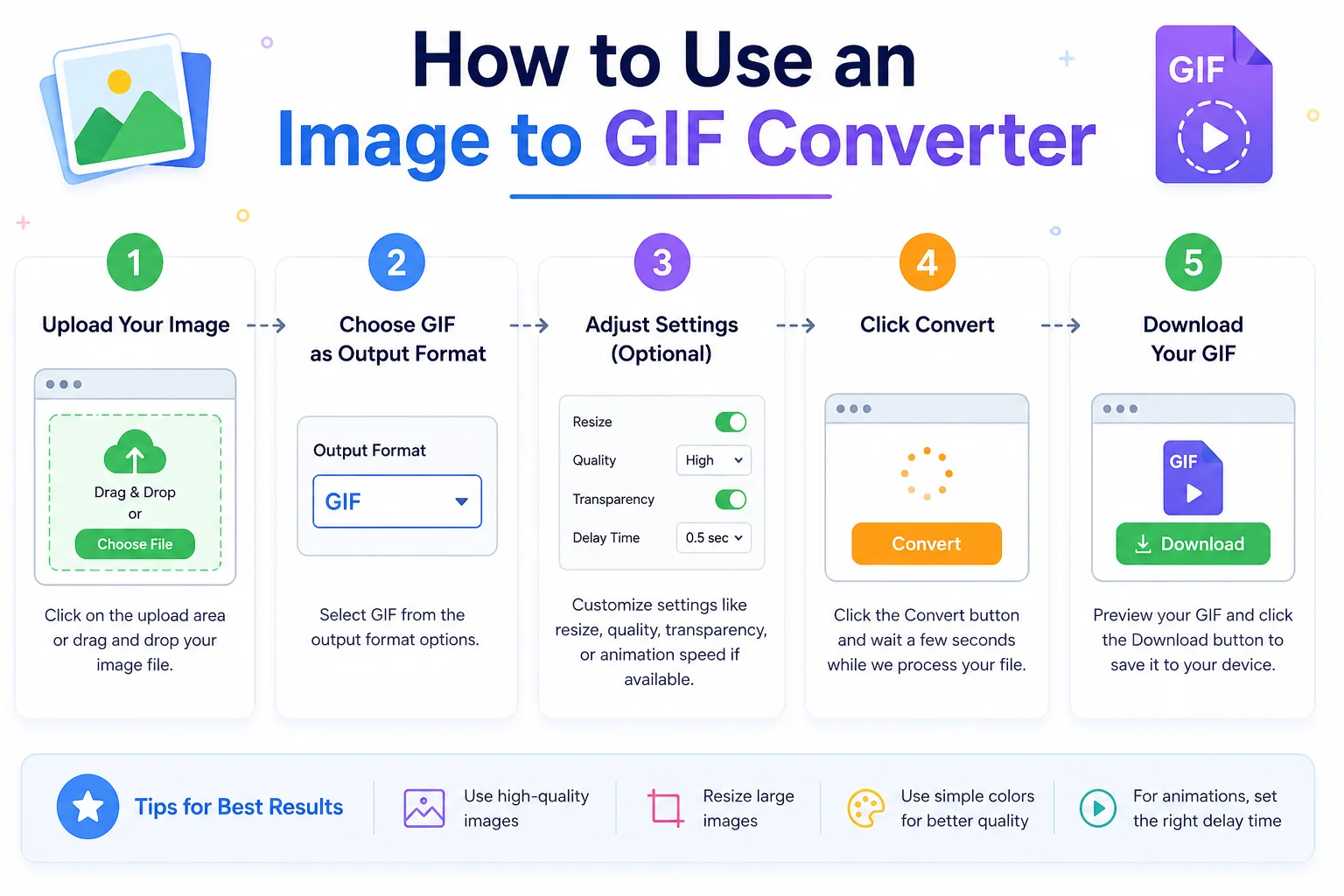
The entire process usually takes only a few seconds.
Common Image Formats You Can Convert
Format Description JPG Best for photographs PNG Supports lossless quality and transparency WebP Modern web image format BMP Uncompressed bitmap image TIFF High-quality image for printing AVIF Modern image format with high compression HEIC Image format used by Apple devices SVG Vector graphics formatMost converters support all of these formats.
Features of an Online Image to GIF Converter
A good converter usually includes:
- Fast conversion
- Drag-and-drop upload
- Multiple file support
- High-quality output
- Browser-based conversion
- No software installation
- Works on desktop and mobile
- Free to use
- Secure file processing
Advantages of GIF Format
Advantage Explanation Universal Support Opens on almost every device. Small File Size Suitable for simple graphics. Transparency Supports transparent backgrounds. Animation Multiple frames in one file. Easy Sharing Works across websites and messaging apps.Limitations of GIF Format
GIF is useful, but it also has some limitations.
Limitation Details Only 256 Colors Not suitable for detailed photographs. Larger Animated Files Long animations can become large. No Full Alpha Transparency Only one transparent color is supported. Lower Image Quality Compared to PNG for colorful images.Because of the 256-color limit, photos often lose color detail after conversion.
Image to GIF vs PNG
Feature GIF PNG Animation ✅ Yes ❌ No (standard PNG) Transparency Basic Advanced alpha transparency Color Support 256 Colors Millions of colors Best For Logos, icons, animation Photos, graphics, screenshots Compression Lossless LosslessImage to GIF vs JPG
Feature GIF JPG Animation Yes No Transparency Yes No Photo Quality Limited Excellent Logos Excellent Good Color Depth 256 Colors Millions of colorsWho Uses an Image to GIF Converter?
This tool is useful for many people.
Designers
Create lightweight graphics and icons.
Web Developers
Optimize graphics for websites.
Students
Convert images for presentations and school projects.
Content Creators
Create simple animated graphics for blogs and social media.
Businesses
Prepare logos and promotional graphics.
Tips for Better GIF Quality
For the best results:
- Use simple graphics instead of detailed photos.
- Resize large images before converting.
- Avoid unnecessary compression.
- Keep the image dimensions reasonable.
- Use PNG as the source image whenever possible.
Is an Online Image to GIF Converter Safe?
Most trusted online converters process your file automatically without requiring software installation.
For better privacy:
- Use reputable websites.
- Avoid uploading sensitive images.
- Check whether uploaded files are automatically deleted after processing.
Frequently Asked Questions (FAQs)
Can I convert JPG to GIF?
Yes. Most Image to GIF Converters support JPG files.
Can I convert PNG to GIF?
Yes. PNG files can easily be converted into GIF format.
Does GIF support transparency?
Yes. GIF supports one transparent color but does not support full alpha transparency like PNG.
Can GIF be animated?
Yes. GIF can contain multiple frames, making simple animations possible.
Is GIF good for photos?
Not usually. Since GIF supports only 256 colors, JPG or PNG is generally a better choice for photographs.
Do I need to install software?
No. Most online Image to GIF Converters work directly in your web browser.
Can I convert multiple images at once?
Many online converters support batch conversion and can even combine several images into an animated GIF.
Final Thoughts
An Image to GIF Converter is a simple and useful tool for converting popular image formats into the widely supported GIF format. It is ideal for creating web graphics, logos, icons, transparent images, and basic animations. The conversion process is quick, beginner-friendly, and usually requires no software installation.
While GIF is not the best choice for detailed photographs due to its 256-color limitation, it remains one of the most compatible and recognizable image formats on the web. If you need a lightweight image or a simple animation that works almost everywhere, converting your image to GIF is an excellent option.