Images to EPS Converter
Convert images to EPS format online in seconds with our free Image to EPS Converter. Upload JPG, PNG, WebP, SVG, BMP, TIFF, GIF, AVIF, or HEIC files and download high-quality EPS files instantly. No registration or software installation is required.
Image to EPS Converter
An Image to EPS Converter lets you convert popular image formats like JPG, PNG, WebP, BMP, TIFF, GIF, AVIF, HEIC, and SVG into the EPS (Encapsulated PostScript) format. EPS files are widely used in professional printing, logo design, vector graphics, and publishing because they can store high-quality artwork that works well across different devices and printing systems.
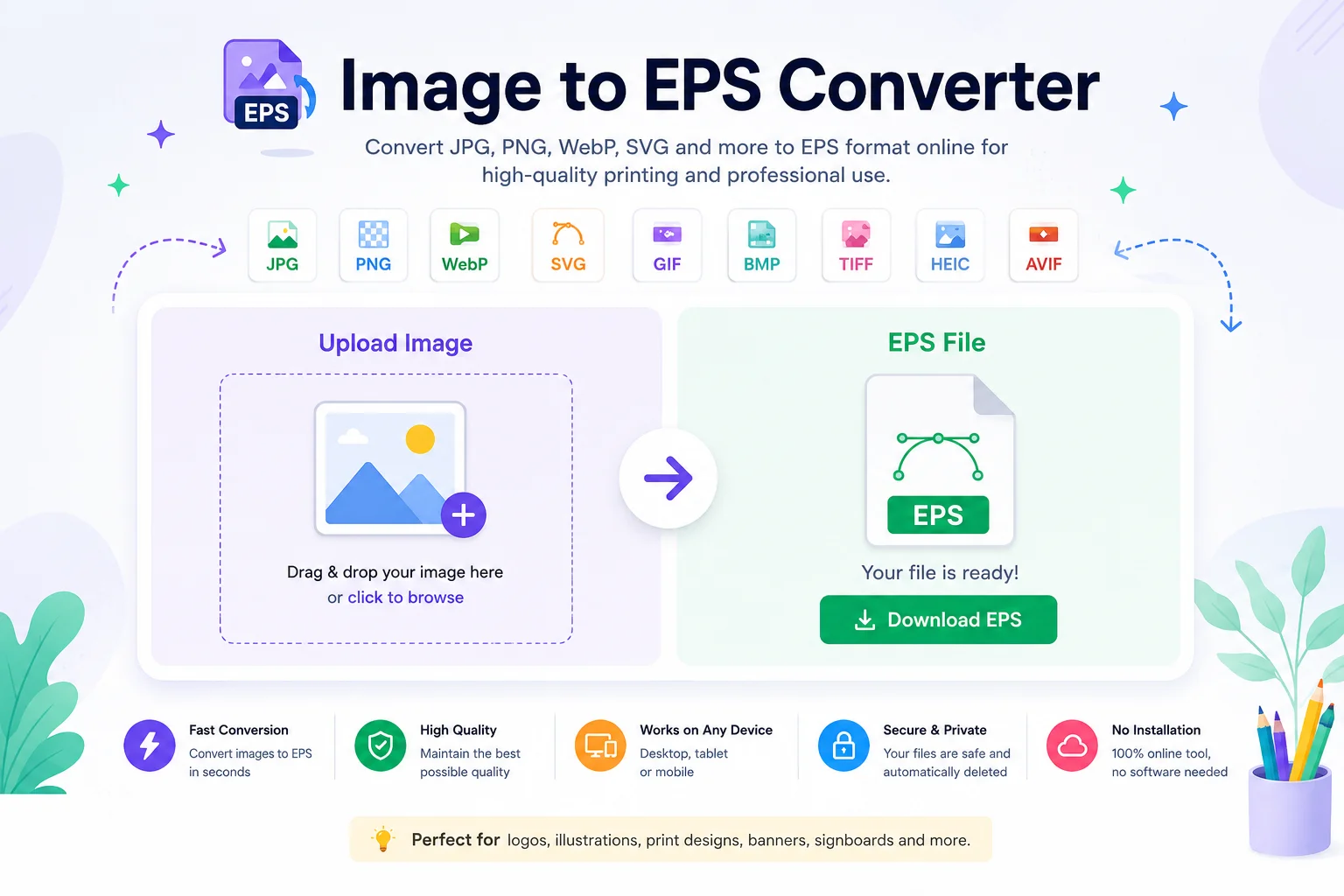
Whether you're preparing a company logo for printing, creating artwork for large banners, or saving graphics for professional design software, an Image to EPS Converter makes the process quick and simple. You don't need advanced editing skills or expensive software. Just upload your image, convert it, and download the EPS file in a few clicks.
What Is an EPS File?
EPS stands for Encapsulated PostScript. It is a graphics file format developed by Adobe for sharing high-quality artwork between different design and printing applications.
EPS files can contain:
- Vector graphics
- Text
- Bitmap images
- Clipping paths
Because of this flexibility, EPS has been a popular format for professional printing and graphic design for many years.
Note: If you convert a raster image such as JPG or PNG into EPS, the file format changes, but it does not automatically become a true editable vector image. Converting a photo into a fully scalable vector usually requires vector tracing or image tracing.Why Use an Image to EPS Converter?
Many images are saved in formats like JPG or PNG. These formats are perfect for websites and social media but are not always the best choice for printing or professional graphic design.
An Image to EPS Converter helps you:
- Prepare artwork for commercial printing
- Save graphics in a professional file format
- Share artwork with designers and print shops
- Keep images compatible with older design software
- Store graphics in a widely supported publishing format
The conversion process is simple and usually takes only a few seconds.
Common Image Formats You Can Convert
Input Format Supported JPG / JPEG ✅ Yes PNG ✅ Yes WebP ✅ Yes BMP ✅ Yes GIF ✅ Yes TIFF ✅ Yes SVG ✅ Yes AVIF ✅ Yes HEIC ✅ YesHow to Use an Image to EPS Converter
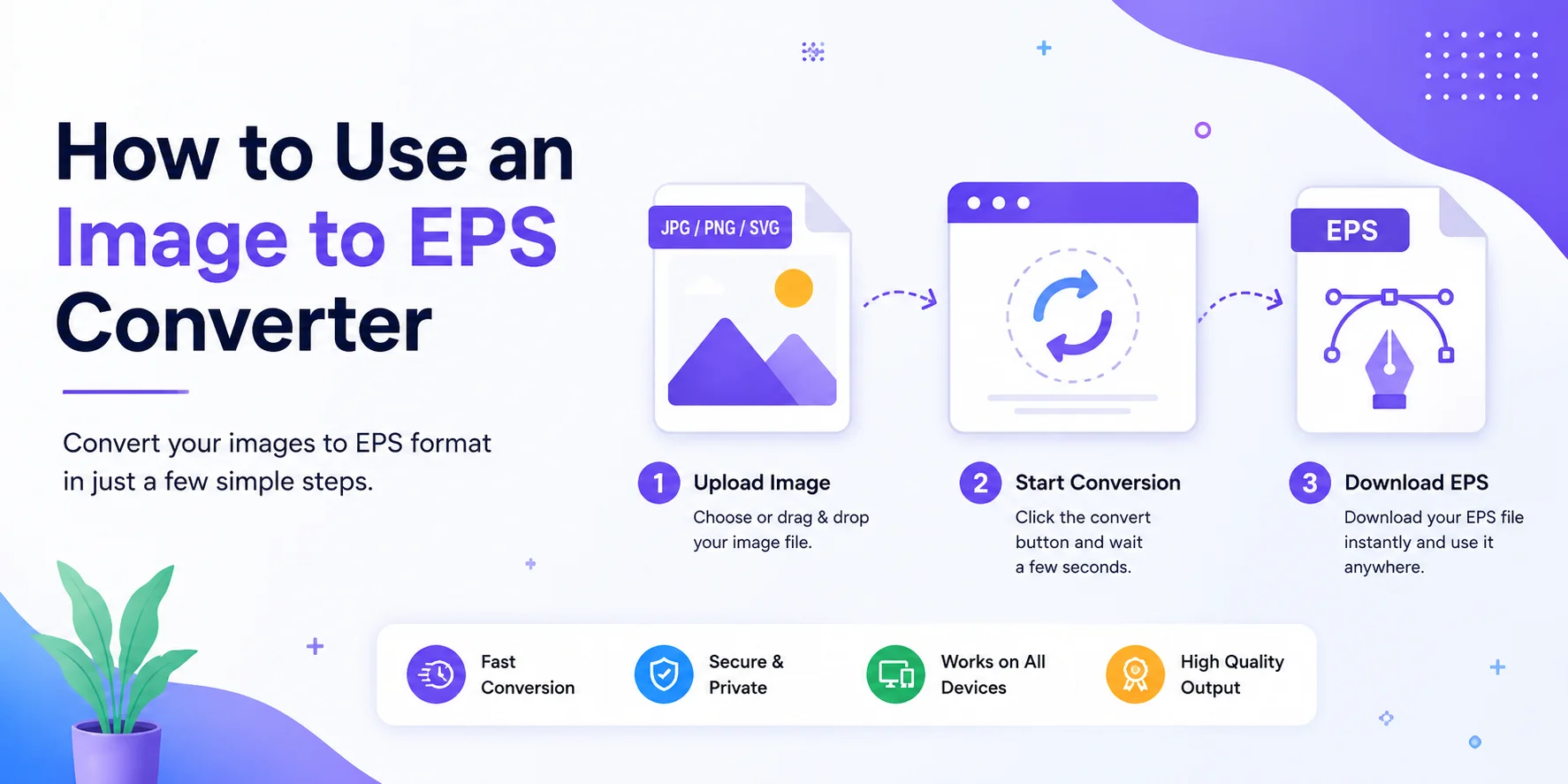
Using the tool is easy.
Step 1: Upload Your Image
Choose the image from your computer, tablet, or mobile device.
Step 2: Start the Conversion
Click the Convert button. The tool processes your image and creates an EPS file.
Step 3: Download the EPS File
Once the conversion is complete, download your new EPS file instantly.
No software installation is required.
Features of Our Image to EPS Converter
Our online tool is designed to be fast, simple, and reliable.
Fast Conversion
Most files are converted within a few seconds.
Easy to Use
No technical knowledge is needed.
Multiple Image Support
Convert popular image formats into EPS with just a few clicks.
High-Quality Output
The converter preserves image quality during the conversion process whenever possible.
Works on Any Device
Use the tool on Windows, macOS, Linux, Android, or iPhone.
Browser-Based
Everything works directly in your web browser.
Benefits of EPS Files
Benefit Description Print Friendly Commonly accepted by commercial printers. Professional Format Widely used in graphic design and publishing. Supports Vector Graphics Ideal for logos and illustrations created as vectors. Cross-Platform Compatible with many operating systems and design applications. Stores Multiple Elements Can contain text, graphics, and bitmap images together.EPS vs Other Image Formats
Format Best For Supports Vector Best for Printing EPS Professional printing and graphics ✅ Yes ⭐⭐⭐⭐⭐ PNG Transparent web graphics ❌ No ⭐⭐⭐ JPG Photos ❌ No ⭐⭐ SVG Web vector graphics ✅ Yes ⭐⭐⭐⭐ PDF Documents and print sharing ✅ Yes ⭐⭐⭐⭐⭐Who Can Use This Tool?
An Image to EPS Converter is useful for many types of users.
Graphic Designers
Prepare artwork for professional printing and publishing.
Print Shops
Receive files in a format commonly supported by commercial printing workflows.
Students
Learn about professional graphics formats without installing special software.
Businesses
Convert company logos and marketing materials into EPS for print projects.
Content Creators
Create print-ready graphics for posters, flyers, brochures, and promotional materials.
When Should You Use EPS?
EPS is a good choice when:
- Sending artwork to a print company
- Creating logos for branding
- Preparing billboard or banner designs
- Sharing graphics with professional designers
- Working with publishing software
- Saving artwork in a widely recognized graphics format
Tips for Better Conversion Results
To get the best output:
- Upload a high-resolution image.
- Use PNG if your image contains transparency.
- Avoid blurry or heavily compressed images.
- Use SVG when converting vector artwork.
- Check the final EPS file before sending it for printing.
Frequently Asked Questions (FAQs)
Is the Image to EPS Converter free?
Yes. Most online Image to EPS Converter tools are free for everyday use.
Can I convert JPG to EPS?
Yes. You can upload a JPG image and convert it into an EPS file.
Can I convert PNG to EPS?
Yes. PNG files are commonly supported.
Does converting a JPG to EPS make it a true vector?
No. Simply changing the file format does not convert a raster image into editable vector artwork. A true vector version usually requires image tracing or vectorization.
Can EPS files be printed?
Yes. EPS files are widely used in professional printing and publishing.
Does this tool work on mobile devices?
Yes. You can use it on Android phones, iPhones, tablets, laptops, and desktop computers.
Is my uploaded image secure?
Most browser-based converters process files quickly, and many automatically remove uploaded files after processing. Always check the privacy policy of the specific tool you use.
Conclusion
An Image to EPS Converter is an easy way to prepare images for professional design and printing. Whether you're converting JPG, PNG, WebP, TIFF, BMP, GIF, AVIF, HEIC, or SVG files, the tool helps create an EPS file that is compatible with many graphics and publishing applications.
Keep in mind that converting a photo to EPS changes the file format but does not automatically create a fully editable vector graphic. If you need scalable vector artwork, you may also need a vector tracing process.
For logos, print projects, illustrations, and publishing work, an Image to EPS Converter provides a quick and convenient solution that works directly in your browser.