Image to APNG Converter
Convert your JPG, PNG, JPEG, or WebP images into high-quality animated APNG files with our free Image to APNG Converter. Upload your images, adjust the animation settings, and download your APNG in seconds.
If you want to create smooth, high-quality animations from your images, an Image to APNG Converter is one of the easiest tools to use. It lets you combine one or more images into an Animated PNG (APNG) file without needing advanced editing software.
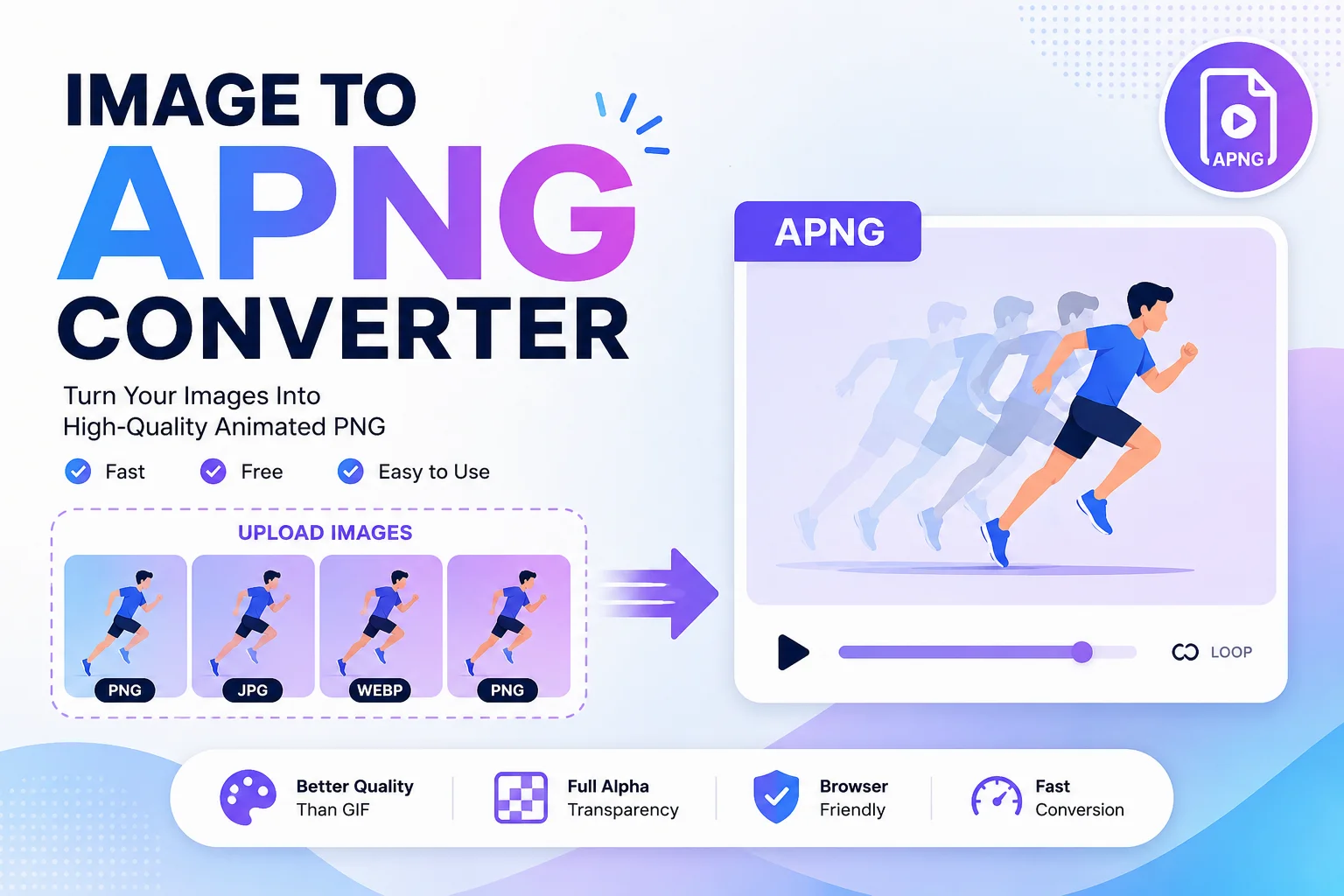
Unlike GIF files, APNG supports full 24-bit color and 8-bit alpha transparency, making animations look sharper and more professional. This is why many designers, developers, marketers, and content creators use APNG for website animations, stickers, UI effects, logos, and social media graphics.
Whether you are a beginner or a professional, an Image to APNG Converter helps you create animated images in just a few clicks.
What Is an APNG File?
APNG stands for Animated Portable Network Graphics. It is an extension of the PNG image format that adds animation while keeping all the advantages of standard PNG files.
One of the biggest benefits of APNG is backward compatibility. If a program or browser does not support APNG animation, it simply displays the first frame as a normal PNG image instead of showing an error.
APNG Highlights
- Supports animation
- Lossless image quality
- Full alpha transparency
- Better colors than GIF
- Compatible with modern web browsers
- Displays the first frame on unsupported software
What Is an Image to APNG Converter?
An Image to APNG Converter is an online tool that converts one or multiple image files into an animated APNG file.
The tool combines uploaded images into animation frames. You can usually control settings like:
- Animation speed
- Frame order
- Loop count
- Frame delay
- Output quality
After processing, the tool generates a downloadable APNG file ready for websites, apps, presentations, or digital projects.
How Does an Image to APNG Converter Work?
Most online converters follow a simple process.
Step Description 1 Upload one or more images 2 Arrange the image order 3 Set animation speed and frame delay 4 Choose loop settings 5 Click Convert 6 Download the APNG file
The entire process usually takes only a few seconds.
Why Use APNG Instead of GIF?
Although GIF has been popular for many years, APNG offers several improvements.
Feature APNG GIF Animation ✅ Yes ✅ Yes Color Depth 24-bit 8-bit (256 colors) Transparency Full alpha transparency Limited transparency Compression Lossless Lossless (limited colors) Image Quality Excellent Lower for detailed images Browser Support Modern browsers Universal
APNG produces smoother gradients, cleaner edges, and better transparency than GIF.
Benefits of Using an Image to APNG Converter
High Image Quality
APNG keeps image quality high because it uses lossless compression.
Better Transparency
Unlike GIF, APNG supports full alpha transparency, making it perfect for logos, icons, stickers, and overlays.
Smooth Animation
Animations appear smoother with richer colors.
Easy to Use
Most online tools require no software installation.
Fast Processing
Files are converted within seconds.
Works Across Modern Browsers
Modern versions of Chrome, Firefox, Edge, Safari, and Opera support APNG.
Common Uses of APNG Files
People use APNG files for many creative projects.
Some popular examples include:
- Website loading animations
- Animated logos
- UI icons
- Social media stickers
- Product demonstrations
- App interface animations
- Tutorials
- Presentations
- Digital advertisements
- Educational graphics
Features of an Image to APNG Converter
A good converter usually includes the following features:
Feature Benefit Multiple Image Upload Create animations from several images Drag & Drop Faster uploading Frame Delay Control Adjust animation speed Loop Settings Choose infinite or custom loops High-Quality Output Better visual results Fast Conversion Save time Browser-Based Tool No installation needed Free to Use Suitable for everyone
How to Use an Image to APNG Converter
Using the tool is simple.
Step 1
Upload your PNG, JPG, JPEG, or WebP images.
Step 2
Arrange the images in the correct order.
Step 3
Select the animation speed.
Step 4
Choose loop settings if available.
Step 5
Click the Convert button.
Step 6
Download your animated APNG file.
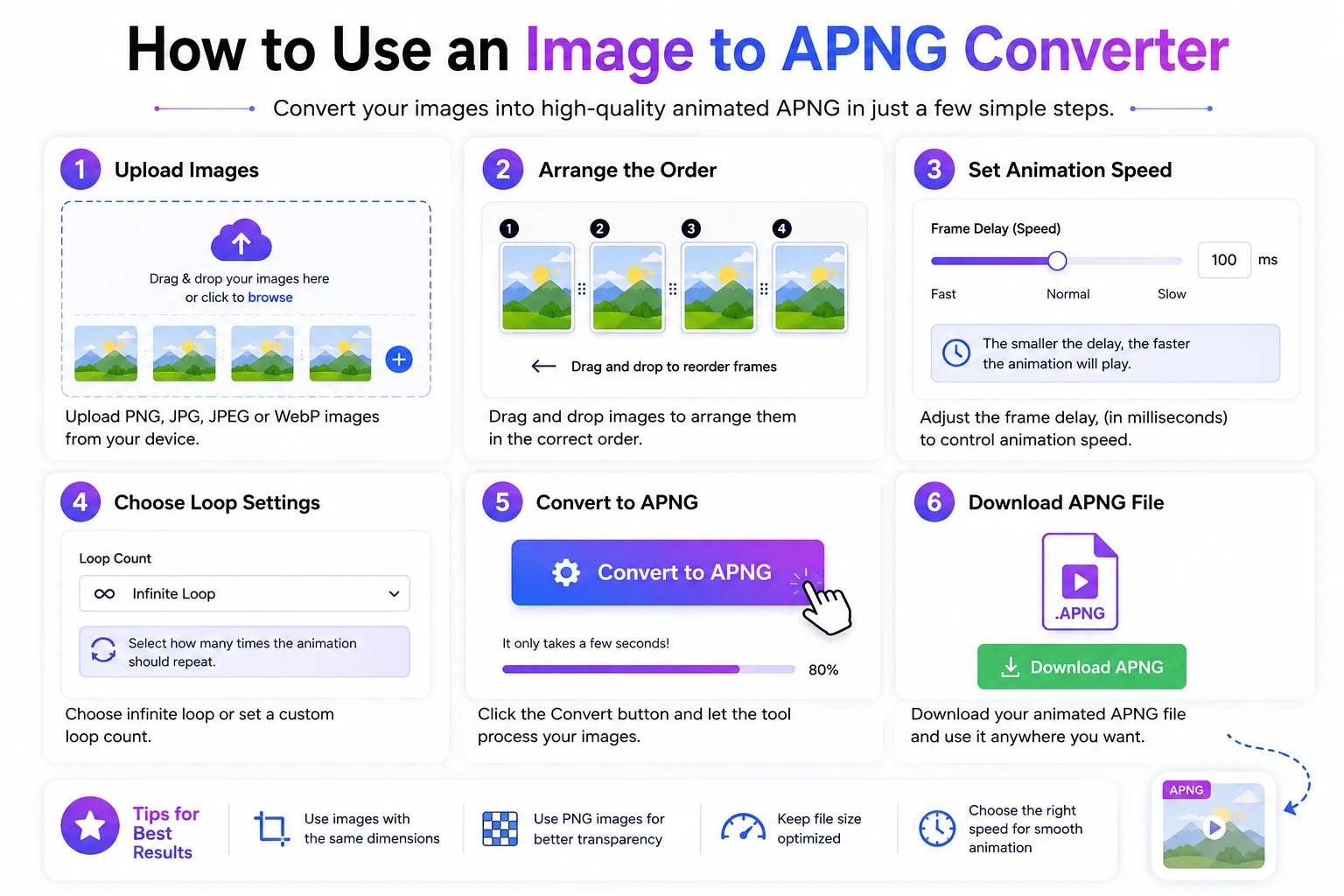
The animation is now ready for your website, app, or project.
Who Can Use This Tool?
An Image to APNG Converter is useful for many users.
- Graphic designers
- Web developers
- Students
- Teachers
- Digital marketers
- Bloggers
- UI/UX designers
- Content creators
- Small businesses
- Social media managers
No technical knowledge is required.
Tips for Better APNG Files
For the best results:
- Use images with the same dimensions.
- Keep frame sizes optimized.
- Use transparent PNG images when needed.
- Avoid unnecessary frames.
- Choose an animation speed that looks natural.
- Compress large images before uploading.
These practices help reduce file size while maintaining quality.
Conclusion
An Image to APNG Converter is a simple yet powerful tool for creating high-quality animated PNG files. It helps you turn static images into smooth animations while preserving excellent image quality and full transparency.
Whether you are building a website, designing user interfaces, creating animated stickers, or making digital content, APNG offers a modern alternative to GIF with better colors, cleaner transparency, and improved visual quality. With just a few clicks, you can upload your images, adjust the animation settings, and download a professional APNG file ready to use.