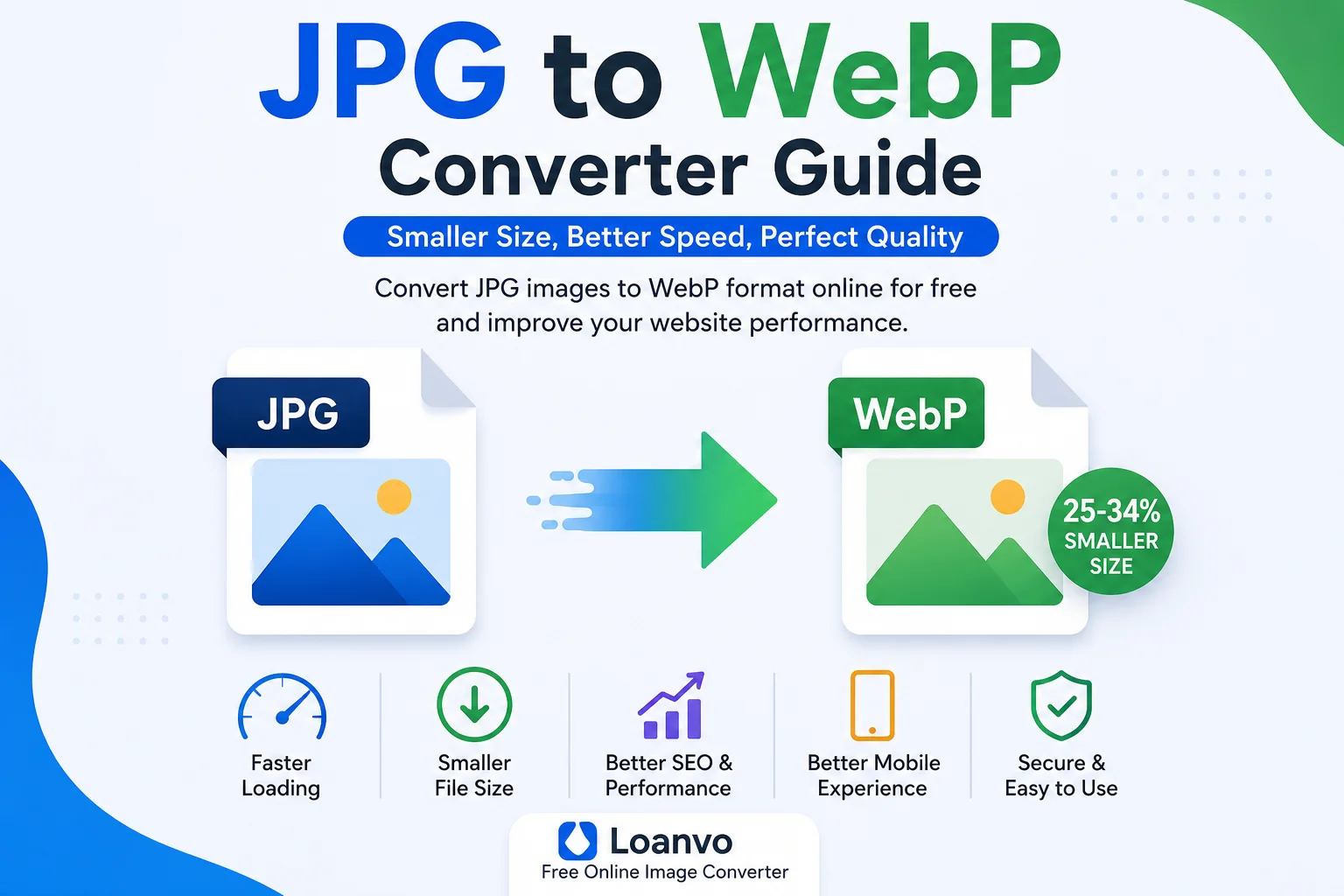
High-quality images make websites look professional, but they can also slow down page loading if the file sizes are too large. One of the easiest ways to improve website performance is by converting JPG images to WebP, a modern image format developed by Google. WebP provides significantly smaller file sizes while maintaining excellent visual quality, making it a popular choice for bloggers, businesses, eCommerce stores, and developers. Google states that WebP images are typically 25–34% smaller than comparable JPEG images at similar quality, helping reduce bandwidth usage and improve loading speed.
If you're looking for a quick and free way to convert your images, the Loanvo JPG to WebP Converter lets you convert images directly from your browser in just a few clicks.
What is a JPG Image?
JPG (or JPEG) is one of the most widely used image formats in the world. It uses lossy compression, meaning it reduces file size by permanently removing some image data that is less noticeable to the human eye.
JPG is ideal for:
- Digital photographs
- Camera images
- Website photos
- Social media images
- Product photography
Its biggest advantage is broad compatibility, as nearly every device, browser, and image editor supports the format. However, repeated editing and saving can gradually reduce image quality because of its lossy compression.
What is WebP?
WebP is a modern image format created by Google specifically for the web. It supports both lossy and lossless compression, along with features such as transparency (alpha channel), animation, EXIF metadata, and ICC color profiles.
Compared to traditional formats like JPG and PNG, WebP usually produces much smaller files while maintaining similar image quality. This makes it especially useful for websites where faster loading times are important.
JPG vs WebP
| Feature | JPG | WebP |
|---|---|---|
| Compression | Lossy | Lossy & Lossless |
| File Size | Larger | Smaller |
| Transparency | No | Yes |
| Animation | No | Yes |
| Image Quality | Good | Excellent at smaller sizes |
| Best For | Photos | Modern websites |
| Browser Support | Universal | Supported by all modern browsers |
Why Convert JPG to WebP?
Converting JPG images to WebP offers several practical benefits.
1. Smaller File Sizes
WebP images are generally much smaller than JPG files while preserving similar visual quality. Smaller files require less storage and transfer faster over the internet.
2. Faster Website Loading
Images often account for a large portion of a webpage's total size. Smaller image files help pages load more quickly, especially on slower internet connections.
3. Better Mobile Experience
Visitors using smartphones benefit from faster image loading, reduced data usage, and smoother browsing.
4. Lower Bandwidth Costs
Websites serving thousands of images each day consume less bandwidth when images are optimized with WebP.
5. Improved User Experience
Fast-loading websites encourage visitors to stay longer and reduce the likelihood of users leaving before the page finishes loading.
How JPG to WebP Conversion Works
A JPG to WebP converter follows a simple process:
- Upload a JPG image.
- Decode the original image.
- Compress it using the WebP encoder.
- Generate a new
.webpfile. - Download the optimized image.
Most online converters complete this process within seconds, depending on the image size.
How to Use the Loanvo JPG to WebP Converter
Using the Loanvo JPG to WebP Converter is simple:
- Open the converter page.
- Upload your JPG image.
- Wait a few seconds while the image is processed.
- Download the converted WebP file.
- Upload the optimized image to your website, blog, or application.
No advanced technical knowledge is required.
Who Should Use a JPG to WebP Converter?
This tool is useful for many types of users, including:
- Bloggers
- WordPress website owners
- SEO professionals
- Web developers
- Graphic designers
- Digital marketers
- eCommerce businesses
- Students
- Content creators
Whether you're publishing blog posts or managing an online store, smaller images help improve overall website performance.
Benefits for SEO
Although Google does not state that using WebP directly improves search rankings, image optimization can positively affect several performance metrics that matter for SEO.
Optimized WebP images can help with:
- Faster page loading
- Better Core Web Vitals
- Reduced bandwidth usage
- Improved mobile experience
- Better overall user satisfaction
Since website speed is an important aspect of user experience, optimized images contribute to a faster and more efficient website.
Best Practices When Converting JPG to WebP
To achieve the best results:
- Keep a backup of your original JPG images.
- Start with high-quality source images.
- Avoid repeatedly converting between lossy formats.
- Check image quality after conversion.
- Resize oversized images before uploading if possible.
- Use responsive images on your website.
Following these practices helps maintain visual quality while reducing file size.
Common Mistakes to Avoid
Many users unknowingly reduce image quality by making these mistakes:
| Mistake | Better Approach |
|---|---|
| Repeatedly converting JPG files | Keep the original file |
| Using very low quality settings | Choose balanced compression |
| Uploading oversized photos | Resize images first |
| Deleting originals immediately | Keep backups |
| Ignoring image quality | Preview before publishing |
When Should You Use WebP?
WebP is an excellent choice for:
- Blog featured images
- Product photos
- Landing pages
- Portfolio websites
- News websites
- Educational websites
- Company websites
- Mobile-first websites
For most modern websites, WebP provides an excellent balance between quality and file size.
Frequently Asked Questions
What is a JPG file?
JPG is a popular image format that uses lossy compression and is commonly used for digital photographs.
What is WebP?
WebP is a modern image format developed by Google that supports lossy and lossless compression, transparency, and animation while producing smaller file sizes than many traditional formats.
Is WebP better than JPG?
For web use, WebP is often a better choice because it typically provides smaller file sizes while maintaining comparable visual quality.
Will converting JPG to WebP reduce image quality?
A small amount of quality loss may occur with lossy compression, but at appropriate quality settings the difference is usually difficult to notice.
Can I convert multiple JPG files?
Many image converters support batch conversion, allowing you to process several images at once.
Is WebP supported by browsers?
Yes. WebP is supported by all major modern browsers, including Chrome, Firefox, Edge, and Safari.
Is the Loanvo JPG to WebP Converter free?
Yes. The Loanvo JPG to WebP Converter is available for free and is designed to make image conversion quick and easy.
Conclusion
Converting JPG images to WebP is one of the simplest ways to optimize images for the web. Smaller image files improve loading speed, reduce bandwidth usage, and create a better browsing experience without noticeably sacrificing quality. Whether you're managing a personal blog, an online store, or a business website, using a reliable converter can save storage space and help your pages load faster.
If you want a fast, browser-based solution, try the Loanvo JPG to WebP Converter to convert your JPG images into efficient WebP files in just a few simple steps.