Images to HEIC Converter
Convert your images to the HEIC format quickly and easily with our free Image to HEIC Converter. Upload JPG, PNG, WebP, BMP, TIFF, GIF, AVIF, SVG, ICO, and other popular image formats, then download a high-quality HEIC file in seconds.
Image to HEIC Converter
Have you ever wanted to make your image files smaller without losing much quality? An Image to HEIC Converter helps you do exactly that. It converts popular image formats like JPG, PNG, WebP, BMP, TIFF, GIF, AVIF, SVG, and more into the HEIC (High Efficiency Image Container) format.
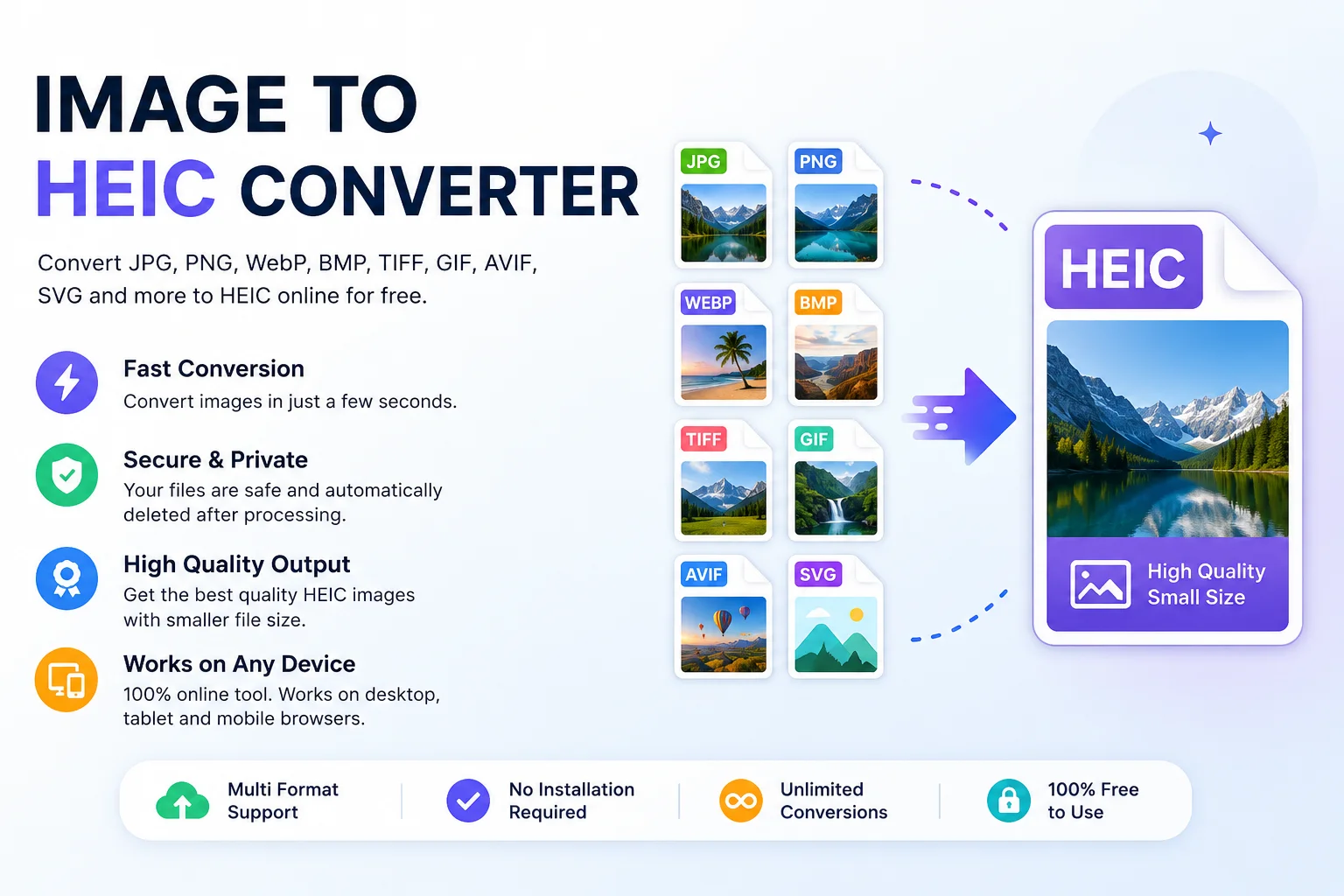
HEIC is widely used by modern Apple devices because it stores high-quality images while using much less storage space than traditional JPG files. It is based on the High Efficiency Image File Format (HEIF) standard and usually stores images compressed with the HEVC codec.
Whether you are saving phone storage, sharing photos, or preparing images for Apple devices, an Image to HEIC Converter is a simple and useful tool.
What Is HEIC?
HEIC is an image file format designed to store high-quality photos in a smaller file size. Apple introduced HEIC as the default image format in iOS 11 and macOS High Sierra.
Because HEIC uses modern compression technology, it can often store images at similar visual quality while taking significantly less space than JPEG.
Common HEIC Features
- Smaller file size
- High image quality
- Supports transparency
- Can store image metadata
- Supports image sequences
- Ideal for Apple devices
Why Convert Images to HEIC?
Many people convert images to HEIC for better storage efficiency and modern compatibility.
Main Benefits
- Save storage space
- Upload images faster
- Keep excellent image quality
- Perfect for iPhone and iPad users
- Good for large photo collections
- Supports advanced image features
Supported Input Formats
A good Image to HEIC Converter usually supports many image types.
Input Format Supported JPG / JPEG ✅ PNG ✅ WebP ✅ BMP ✅ GIF ✅ TIFF ✅ AVIF ✅ SVG ✅ ICO ✅ PSD (tool dependent) ✅Output Format
Output Description HEIC High-quality compressed image format commonly used by Apple devices.How to Use an Image to HEIC Converter
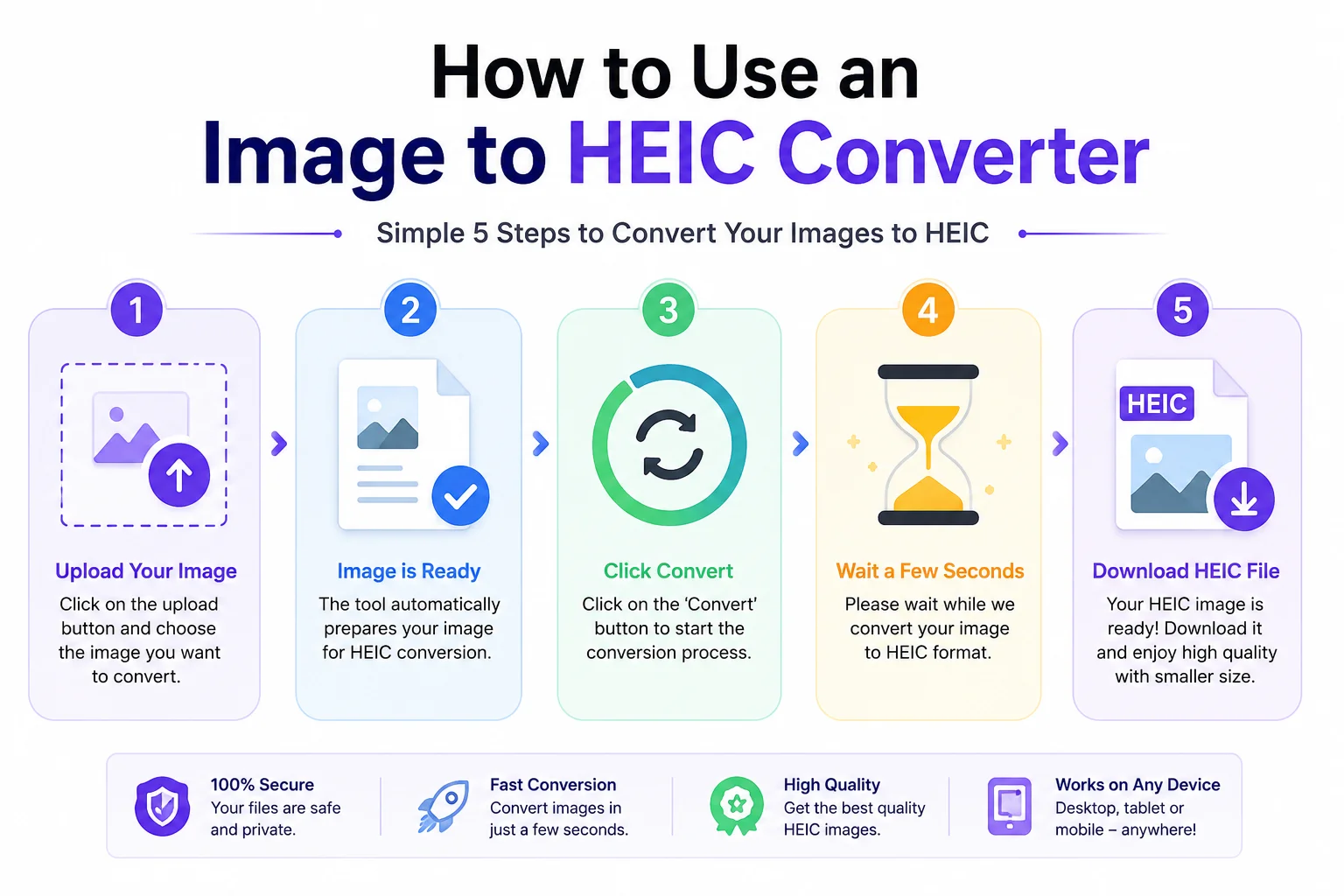
Using the tool is simple.
- Upload your image.
- The tool automatically prepares the image for conversion.
- Click the Convert button.
- Wait a few seconds while the conversion completes.
- Download your new HEIC file.
No software installation is required when using an online converter.
Who Can Use This Tool?
An Image to HEIC Converter is useful for many people.
Students
Save storage space for assignments and projects.
Photographers
Store large photo collections more efficiently.
Designers
Convert exported artwork into smaller files.
iPhone Users
Prepare images that work well with Apple devices.
Website Owners
Archive images while reducing storage requirements.
Businesses
Manage image libraries with less disk usage.
Features of Our Image to HEIC Converter
Our converter is designed to be simple and fast.
Fast Conversion
Convert images in just a few seconds.
Multiple Upload Support
Convert several images one after another.
High Quality Output
Keeps the image looking sharp after conversion.
Secure Processing
Files are processed securely and can be automatically removed after processing (depending on your tool's policy).
No Registration
Use the tool without creating an account.
Works Everywhere
Compatible with desktop, tablet, and mobile browsers.
HEIC vs JPG
Feature HEIC JPG Image Quality Excellent Good File Size Smaller Larger Compression More efficient Older method Transparency Supported in some HEIF variants No Apple Support Excellent Excellent Universal Compatibility Moderate ExcellentHEIC offers better storage efficiency, while JPG remains the most widely supported image format across websites and older software.
Where Is HEIC Used?
HEIC is commonly used in:
- iPhone photography
- iPad photos
- macOS devices
- Digital photo storage
- Personal photo backups
- Mobile photography
Is HEIC Better Than JPG?
It depends on your needs.
Choose HEIC if you want:
- Smaller file sizes
- Better storage efficiency
- Modern image technology
- Apple ecosystem compatibility
Choose JPG if you need:
- Maximum compatibility
- Easy sharing with older software
- Universal browser and device support
Tips for Best Results
- Upload the highest-quality original image.
- Avoid converting the same image repeatedly, as repeated compression can reduce quality.
- Keep a backup of your original file.
- Use HEIC mainly for storage and Apple devices.
- Convert back to JPG only when broader compatibility is required.
Software Support
Many modern image-processing tools support HEIC through libraries such as libheif, and software like ImageMagick can read and write HEIC when built with the appropriate support.
Frequently Asked Questions
Is this Image to HEIC Converter free?
Most online converters offer free conversion for everyday use.
Does HEIC reduce image quality?
HEIC is designed to provide high image quality while using less storage space than JPEG.
Can I convert PNG to HEIC?
Yes. Most converters support PNG to HEIC conversion.
Can I convert JPG to HEIC?
Yes. JPG is one of the most common input formats.
Is HEIC supported on Windows?
Recent versions of Windows support HEIC through Microsoft's HEIF Image Extensions, while Windows 11 includes broader built-in support.
Can I open HEIC files on Android?
Many modern Android devices support HEIC, though compatibility depends on the device and Android version.
Is my uploaded image secure?
That depends on the converter. A trustworthy online tool should process files securely and clearly explain its privacy policy.
Conclusion
An Image to HEIC Converter is an excellent tool for anyone who wants high-quality images with smaller file sizes. Whether you are converting JPG, PNG, WebP, BMP, TIFF, or another format, HEIC offers an efficient way to save storage while maintaining impressive image quality. If you use Apple devices or want a more storage-friendly image format, converting your images to HEIC is a smart choice.