Images to PNG Converter
Convert your images to PNG quickly and easily with our free online Image to PNG Converter. Upload JPG, JPEG, WebP, HEIC, AVIF, BMP, GIF, TIFF, and other formats to create high-quality PNG files in seconds.
An Image to PNG Converter is a simple online tool that changes images from one file format into the PNG format. Whether your image is in JPG, JPEG, WebP, AVIF, HEIC, BMP, GIF, TIFF, or another supported format, you can quickly convert it into a PNG file without installing any software.
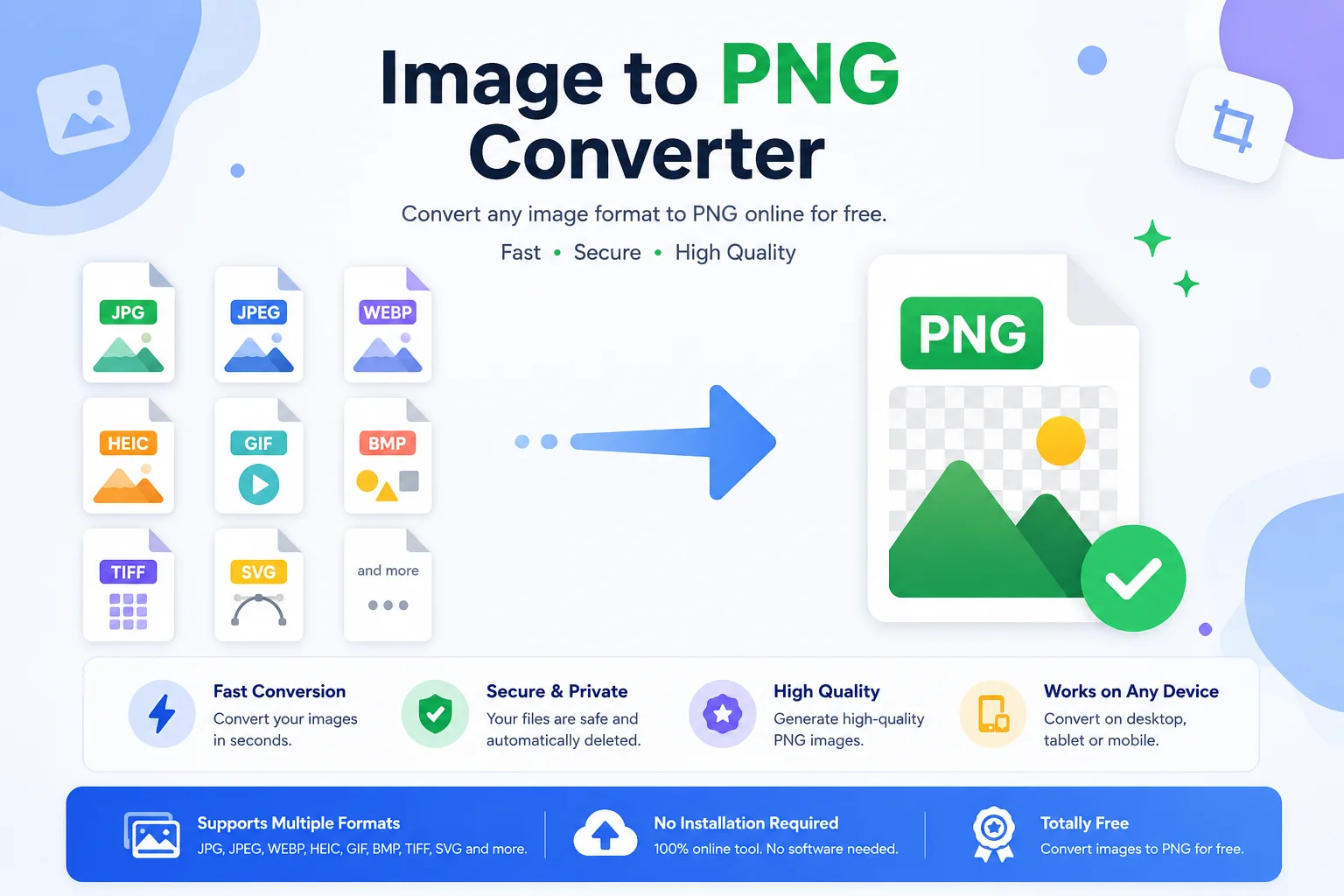
PNG (Portable Network Graphics) is one of the most popular image formats because it keeps image quality high while supporting transparent backgrounds. It is widely used for logos, icons, screenshots, illustrations, graphics, and web design. Since PNG uses lossless compression, it preserves image details during compression, making it a great choice when image quality matters.
An online Image to PNG Converter makes the process fast and easy. Simply upload your image, click the convert button, and download the PNG file in just a few seconds.
What Is an Image to PNG Converter?
An Image to PNG Converter is a tool that converts images from different file formats into the PNG (Portable Network Graphics) format. Most online converters work directly in your browser, so you do not need to install any software or create an account.
These tools support many popular image formats, including:
- JPG / JPEG
- WebP
- AVIF
- HEIC
- HEIF
- BMP
- GIF
- TIFF
- ICO
- SVG (tool support may vary)
- PSD (tool support may vary)
The converter reads your uploaded image, processes it, and creates a new PNG version while keeping the image as clear as possible. Depending on the original file, it may also preserve transparency or create a transparent PNG if the source image contains an alpha channel.
Why Convert an Image to PNG?
Different image formats are designed for different purposes. PNG is one of the best choices when you need high-quality graphics, transparent backgrounds, or images that will be edited multiple times.
Better Image Quality
PNG uses lossless compression, which means it keeps all the important image details during compression. Unlike some formats that reduce quality to save space, PNG maintains sharp edges, clear text, and fine details.
Supports Transparent Backgrounds
One of PNG's biggest advantages is its support for transparency. This makes it perfect for:
- Company logos
- Product images
- Icons
- Stickers
- Website graphics
- Social media designs
Transparent PNG files can easily be placed on different colored backgrounds without showing a white box around the image.
Great for Editing
If you plan to edit an image several times, PNG is often a better choice because saving the file again does not reduce its quality like some other formats.
Widely Supported
PNG files work with almost every:
- Web browser
- Image editor
- Mobile device
- Desktop operating system
- Graphic design software
This makes sharing and using PNG images very easy.
Common Image Formats You Can Convert to PNG
Most online converters support many popular image formats.
Input Format Convert to PNG JPG ✅ JPEG ✅ WebP ✅ AVIF ✅ HEIC ✅ HEIF ✅ BMP ✅ GIF ✅ TIFF ✅ ICO ✅ SVG* ✅ PSD* ✅Note: SVG and PSD support depends on the converter you use.
Key Features of an Image to PNG Converter
A good Image to PNG Converter offers more than simple file conversion. It helps users convert images quickly while maintaining quality and making the process easy for everyone.
Fast Conversion
Most images are converted in just a few seconds, even on mobile devices.
High-Quality Output
The converter preserves as much image detail as possible, producing a clear and sharp PNG file.
Simple Interface
Most tools require only three steps:
- Upload your image.
- Click Convert.
- Download the PNG file.
No technical knowledge is needed.
Supports Multiple Image Formats
Instead of converting only JPG files, modern tools usually support many formats, including WebP, HEIC, AVIF, BMP, TIFF, GIF, and more.
Browser-Based Conversion
Since the tool works online, you do not need to install any software. It can be used on:
- Windows
- macOS
- Linux
- Android
- iPhone
- iPad
Free to Use
Many online Image to PNG Converters allow users to convert images without paying or creating an account.
Batch Conversion
Some tools support converting multiple images at once, saving time when working with large numbers of files.
Benefits of Using an Online Image to PNG Converter
Benefit Description Easy to Use Suitable for beginners and professionals. No Installation Works directly in your browser. Quick Conversion Converts images in seconds. High Quality Maintains image clarity using PNG's lossless format. Cross-Platform Works on computers, tablets, and smartphones. Multiple Format Support Converts many image formats into PNG. Free Access Many converters are available at no cost.When Should You Use PNG?
PNG is an excellent choice in many situations, especially when image quality is more important than having the smallest possible file size.
You should use PNG for:
- Website logos
- Mobile app icons
- Transparent graphics
- Screenshots
- User interface (UI) elements
- Charts and diagrams
- Digital illustrations
- Product images with transparent backgrounds
- Images containing text
- Graphics for presentations
For photographs where a smaller file size is the main priority, formats like JPEG may be more suitable. However, for graphics, logos, and images that require transparency, PNG is usually the better option.
How to Use an Image to PNG Converter
Converting an image to PNG is simple and usually takes only a few moments.
- Step 1: Upload your image by clicking the Upload or Choose File button. Many tools also support drag and drop.
- Step 2: Select PNG as the output format if multiple output formats are available.
- Step 3: Click the Convert button.
- Step 4: Download the converted PNG image.
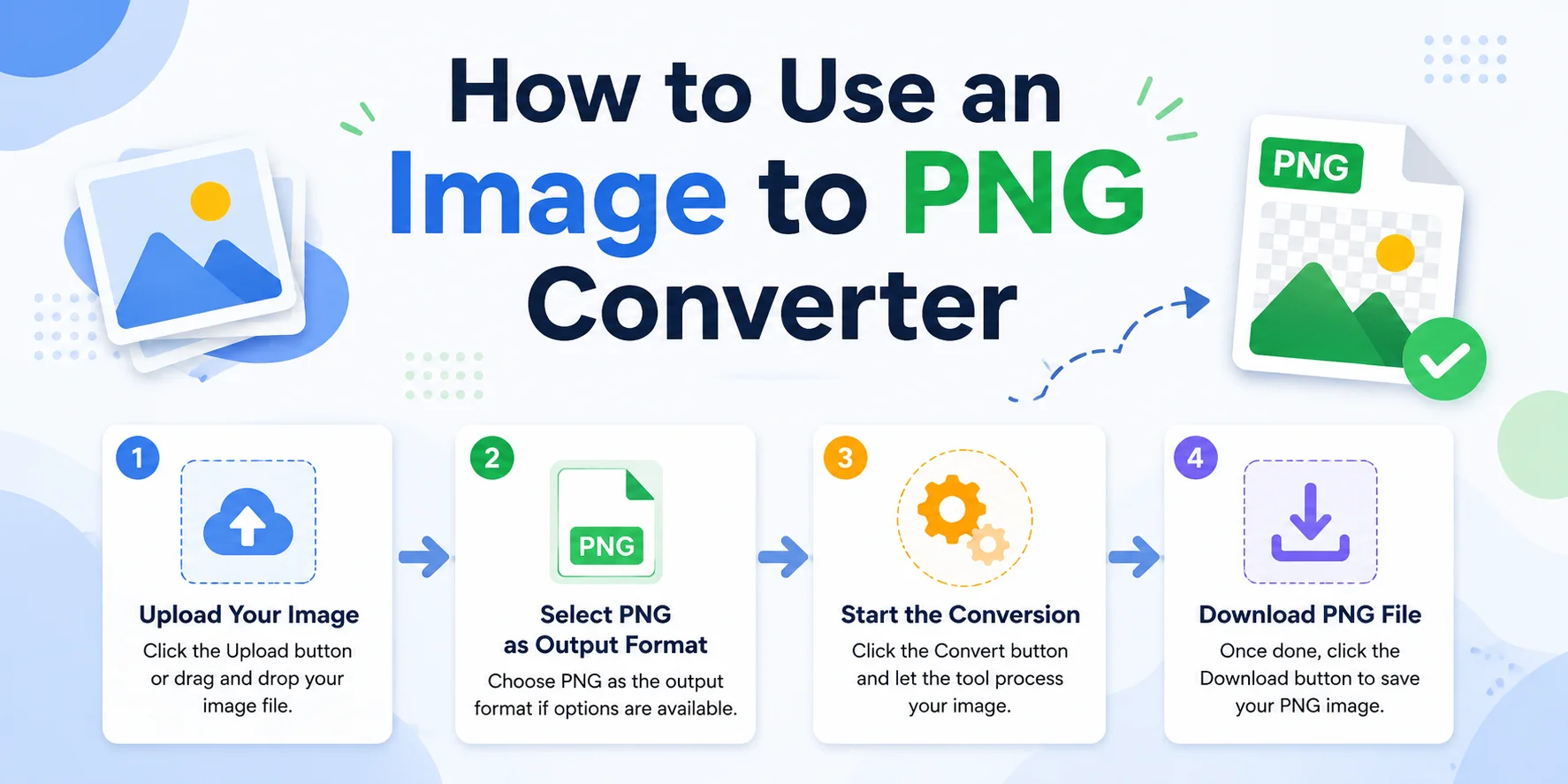
Some tools also allow batch conversion, making it easier to convert multiple files at once.
PNG vs JPEG vs WebP vs GIF
Feature PNG JPEG WebP GIF Compression Lossless Lossy Lossy & Lossless Lossless Image Quality Excellent Good Excellent Good Transparency ✅ Yes ❌ No ✅ Yes Limited Animation ❌ No ❌ No ✅ Yes ✅ Yes Best for Photos Good Excellent Excellent No Best for Logos Excellent Fair Excellent Good Best for Screenshots Excellent Fair Very Good Fair File Size Medium to Large Small Small MediumWhich Format Should You Choose?
- PNG – Best for logos, icons, screenshots, graphics, and transparent images.
- JPEG – Best for photographs where smaller file sizes are important.
- WebP – A modern format that offers excellent quality with smaller file sizes and supports transparency.
- GIF – Best for simple animations and basic graphics.
Tips for Getting the Best PNG Conversion Results
- Use a high-quality source image.
- Keep the original size whenever possible.
- Use PNG for graphics, logos, icons, diagrams, and screenshots.
- Choose the right format for your project.
- Convert multiple files together if batch conversion is available.
Frequently Asked Questions (FAQs)
Is an Image to PNG Converter free?
Many online Image to PNG Converters are free to use. Some may offer premium features such as larger file limits or batch processing.
Does converting to PNG reduce image quality?
No. PNG uses lossless compression, which helps preserve image quality during the conversion process.
Can I convert JPG to PNG?
Yes. Most Image to PNG Converters support JPG and JPEG files.
Can PNG have a transparent background?
Yes. PNG supports transparency, making it a popular format for logos, icons, and web graphics.
Can I convert WebP to PNG?
Yes. Most modern converters support converting WebP images to PNG.
Does PNG support animation?
The standard PNG format does not support animation. However, Animated PNG (APNG) is a separate format that allows animations and is supported by many modern web browsers.
Can I convert images on my phone?
Yes. Most online Image to PNG Converters work on Android phones, iPhones, tablets, laptops, and desktop computers.
Do I need to install software?
No. Browser-based converters work online without requiring any installation.
Conclusion
An Image to PNG Converter is a useful tool for anyone who needs high-quality images with support for transparency. Whether you are converting JPG, WebP, HEIC, AVIF, BMP, TIFF, or another format, PNG provides clear image quality and broad compatibility across devices and software.
PNG is especially suitable for logos, icons, screenshots, illustrations, and graphics where sharp details and transparent backgrounds are important. With an online converter, you can upload your image, convert it in seconds, and download the PNG file without installing additional software.
Choosing the right image format can improve the appearance of your projects, websites, presentations, and digital designs. If you need a reliable format that preserves image quality and works almost everywhere, PNG remains one of the best options.