Images to JPE Converter
Use our free Image to JPE Converter to quickly convert JPG, PNG, WebP, GIF, BMP, TIFF, HEIC, AVIF, and other image formats into JPE files. Enjoy fast, secure, and high-quality conversions directly in your browser without installing any software.
Image to JPE Converter
An Image to JPE Converter is a simple online tool that converts popular image formats into the JPE file extension. If you have images in JPG, JPEG, PNG, WebP, GIF, BMP, TIFF, HEIC, AVIF, or other formats, you can quickly convert them to JPE in just a few clicks.
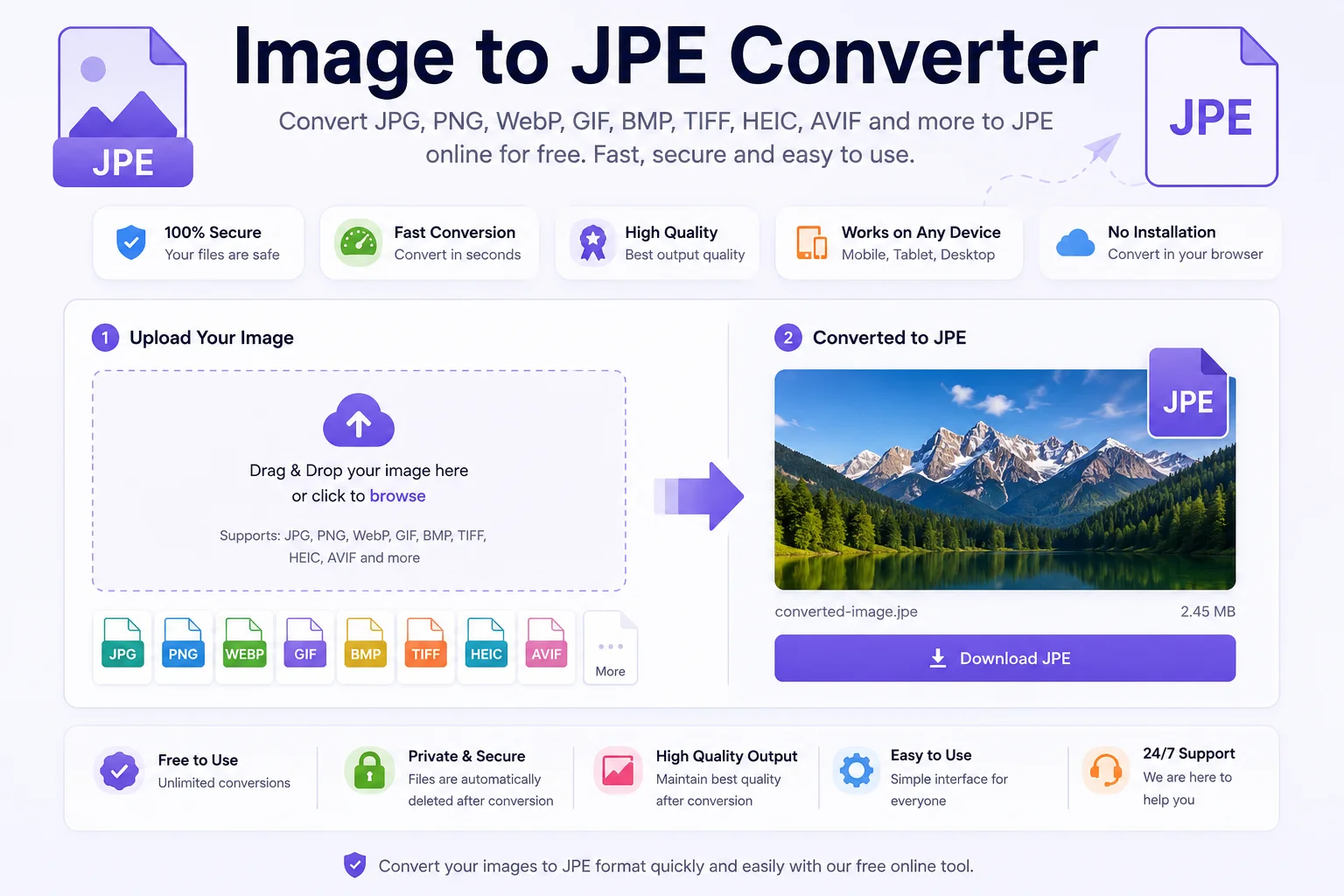
Many people are surprised to learn that JPE is not a different image format. It is simply one of the official filename extensions used for JPEG images, alongside .jpg and .jpeg. The image data and compression method remain the same.
Whether you are a designer, photographer, developer, or everyday user, an Image to JPE Converter makes it easy to create files that are compatible with older software, specific workflows, or systems that expect the .jpe extension.
What Is a JPE File?
A JPE file is a JPEG image saved with the .jpe extension instead of .jpg or .jpeg. All three extensions represent the same JPEG image standard.
JPEG was created by the Joint Photographic Experts Group and has become one of the world's most widely used image formats because it offers a good balance between image quality and file size. It uses lossy compression, which reduces file size by removing some image data that is usually difficult for the human eye to notice.
What Is an Image to JPE Converter?
An Image to JPE Converter changes your image into a JPEG image with the .jpe extension. Most online converters also allow you to adjust settings such as:
- Image quality
- Compression level
- Output resolution
- File size
- Metadata options
The conversion process is fast and usually works directly in your web browser without installing software.
Supported Input Formats
Most Image to JPE converters support many popular image formats.
Input Format Supported JPG ✅ JPEG ✅ PNG ✅ WebP ✅ GIF ✅ BMP ✅ TIFF ✅ HEIC ✅ HEIF ✅ AVIF ✅ SVG* ✅ (Rasterized)*SVG files are vector graphics and are converted into raster JPEG images during export.
How to Use an Image to JPE Converter
Using the tool is very easy.
- Upload Your Image
Choose an image from your computer, phone, or tablet. - Select JPE as Output
Choose JPE (.jpe) as the output format. - Adjust Settings
If available, choose:- Image quality
- Compression level
- Resize options
- Resolution
- Convert
Click the Convert button. - Download
After the conversion finishes, download your new JPE image.
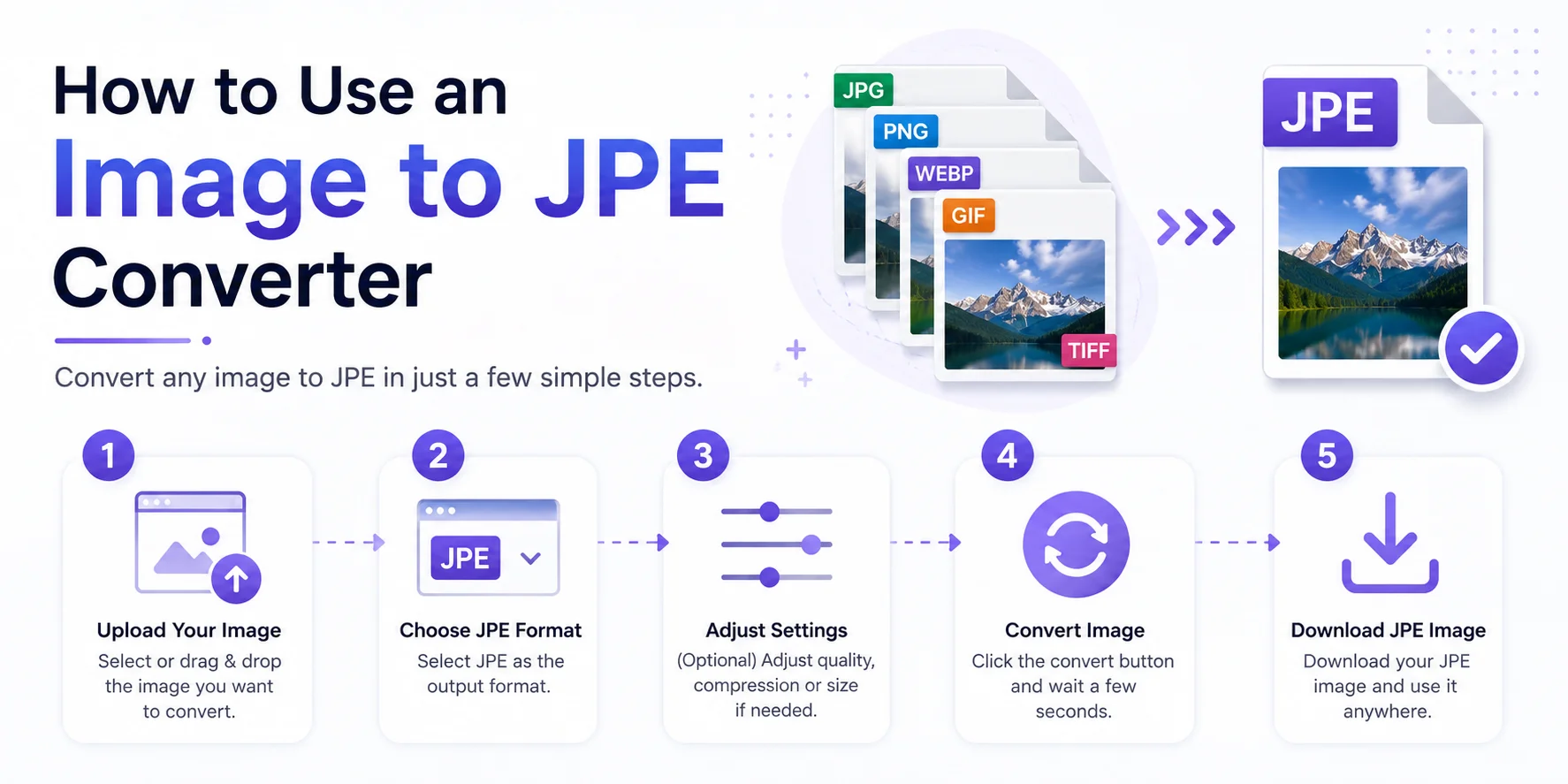
The entire process usually takes only a few seconds.
Benefits of Using an Image to JPE Converter
Easy Compatibility
Some older software and operating systems expect the .jpe extension instead of .jpg.
Smaller File Size
JPEG compression creates smaller files, making images easier to store and share.
Faster Uploads
Smaller images upload faster to websites, emails, and cloud storage.
Simple Sharing
JPE files work with almost every modern image viewer because they are standard JPEG images.
No Software Installation
Most online converters work directly in your browser.
When Should You Use JPE?
JPE files are useful when:
- Older software requires the .jpe extension.
- A workflow specifically requests JPE.
- You need smaller image files.
- You want better compatibility with legacy applications.
- You are archiving images using an existing naming convention.
For everyday use, JPG, JPEG, and JPE all behave the same.
JPE vs JPG vs JPEG
Feature JPE JPG JPEG Same image format ✅ ✅ ✅ JPEG compression ✅ ✅ ✅ Image quality Same Same Same File size Same Same Same Browser support Excellent Excellent Excellent Difference File extension only File extension only File extension onlyThe only real difference is the filename extension. The image itself remains the same.
Best Practices
To get the best results:
- Start with a high-quality source image.
- Avoid converting the same JPEG multiple times, as repeated lossy compression can reduce quality.
- Choose higher quality settings when image detail is important.
- Resize large images before uploading if you only need smaller dimensions.
- Keep an original copy for future editing.
Who Can Use an Image to JPE Converter?
This tool is useful for:
- Photographers
- Graphic designers
- Web developers
- Bloggers
- Students
- Businesses
- Social media creators
- Digital marketers
Frequently Asked Questions
Is JPE different from JPG?
No. JPE, JPG, and JPEG all represent the same JPEG image format. The difference is only the file extension.
Does converting to JPE reduce image quality?
If the image is saved using JPEG compression, some quality may be lost because JPEG uses lossy compression. The amount depends on the quality setting used during conversion.
Can I convert PNG to JPE?
Yes. Most online converters support PNG, WebP, BMP, TIFF, GIF, HEIC, AVIF, and many other image formats.
Can I open JPE files on Windows and Mac?
Yes. Most built-in image viewers and photo editing programs support JPE files because they are standard JPEG images.
Is an online Image to JPE Converter safe?
Most reputable tools process images securely. If you are converting sensitive images, choose a trusted converter that clearly explains its privacy policy.
Conclusion
An Image to JPE Converter is a fast and convenient way to convert images into the .jpe file extension. Since JPE is simply another extension for the standard JPEG format, you get the same excellent compatibility, efficient compression, and broad software support.
Whether you need JPE for an older application, a specific workflow, or simply to match an existing file naming convention, an online converter makes the process quick and easy. Upload your image, convert it in seconds, and download a high-quality JPE file ready to use.