Image to AI Converter
Convert your images to the AI format with this free online converter
If you want to turn a JPG, PNG, or WebP image into an editable vector file, an Image to AI Converter is one of the easiest tools to use. It helps designers, business owners, students, and creators convert raster images into scalable vector graphics that stay sharp at any size.
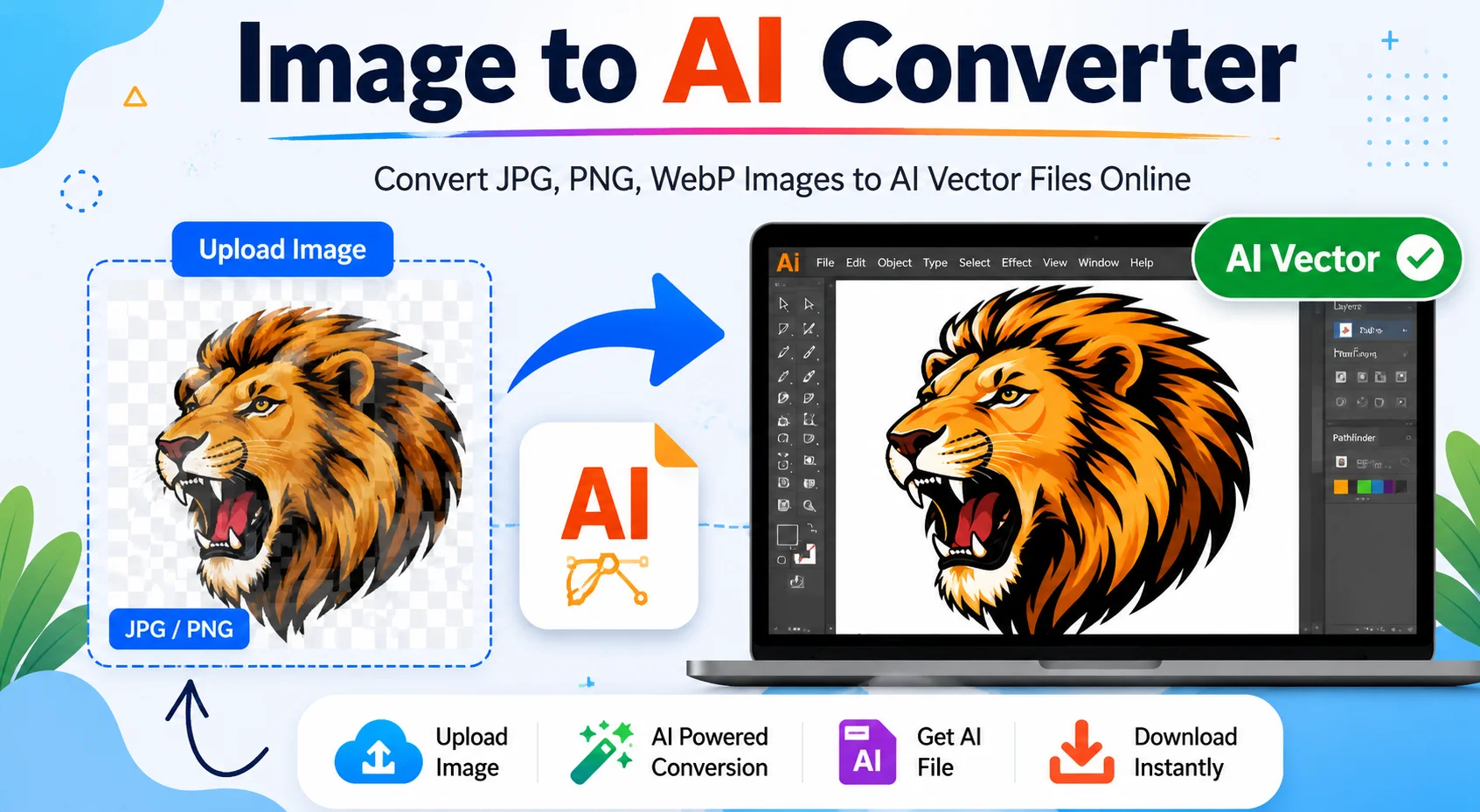
Unlike normal image files, AI vector files can be resized without losing quality. This makes them perfect for logos, icons, illustrations, stickers, signs, and print materials.
Whether you're creating a new logo, preparing artwork for printing, or editing graphics in Adobe Illustrator, an Image to AI Converter can save time and improve your workflow.
What Is an Image to AI Converter?
An Image to AI Converter is an online tool that converts raster images like JPG, JPEG, PNG, BMP, GIF, or WebP into vector graphics. The output is usually available in formats such as AI, SVG, EPS, PDF, or DXF, depending on the converter.
Raster images are made of tiny pixels. When you enlarge them, they often become blurry or pixelated. Vector images are created using mathematical paths, allowing them to scale to any size while keeping clean edges.
This technology is especially useful for:
- Logo redesign
- Business branding
- T-shirt printing
- Laser cutting
- CNC machining
- Vinyl cutting
- Graphic design
- Digital illustrations
Many modern converters also use AI-powered edge detection and intelligent tracing to produce cleaner and more accurate vector results.
How Does an Image to AI Converter Work?
Although every tool works differently, the basic process is simple.
Step 1: Upload Your Image
Choose an image from your computer or mobile device. Most tools support formats such as:
- JPG
- JPEG
- PNG
- WebP
- BMP
- GIF
Step 2: AI Detects Shapes and Edges
The converter scans the image and identifies:
- Lines
- Curves
- Colors
- Corners
- Object boundaries
Instead of storing pixels, it recreates the image using vector paths.
Step 3: Vector Conversion
The AI converts the detected shapes into scalable vectors. Depending on your tool, you may be able to adjust:
- Detail level
- Color count
- Background removal
- Smoothness
- Line thickness
Step 4: Download Your File
Once the conversion is complete, download the result in your preferred format.
Common output formats include:
Format Best For AI Adobe Illustrator editing SVG Websites, Cricut, logos EPS Professional printing PDF Documents and print DXF CNC and laser cuttingKey Features of an Image to AI Converter
A good Image to AI Converter should include the following features.
Feature Description AI-Powered Vectorization Automatically converts pixels into editable vector paths Fast Processing Converts images within seconds High Quality Output Produces smooth and clean vector graphics Multiple Formats Supports JPG, PNG, WebP, BMP, GIF, SVG, AI, EPS and more No Software Installation Works directly in your web browser Secure Upload Uploaded files are automatically removed after processing Mobile Friendly Works on desktop, tablet and smartphone Easy to Use Beginner-friendly interface with simple upload and download options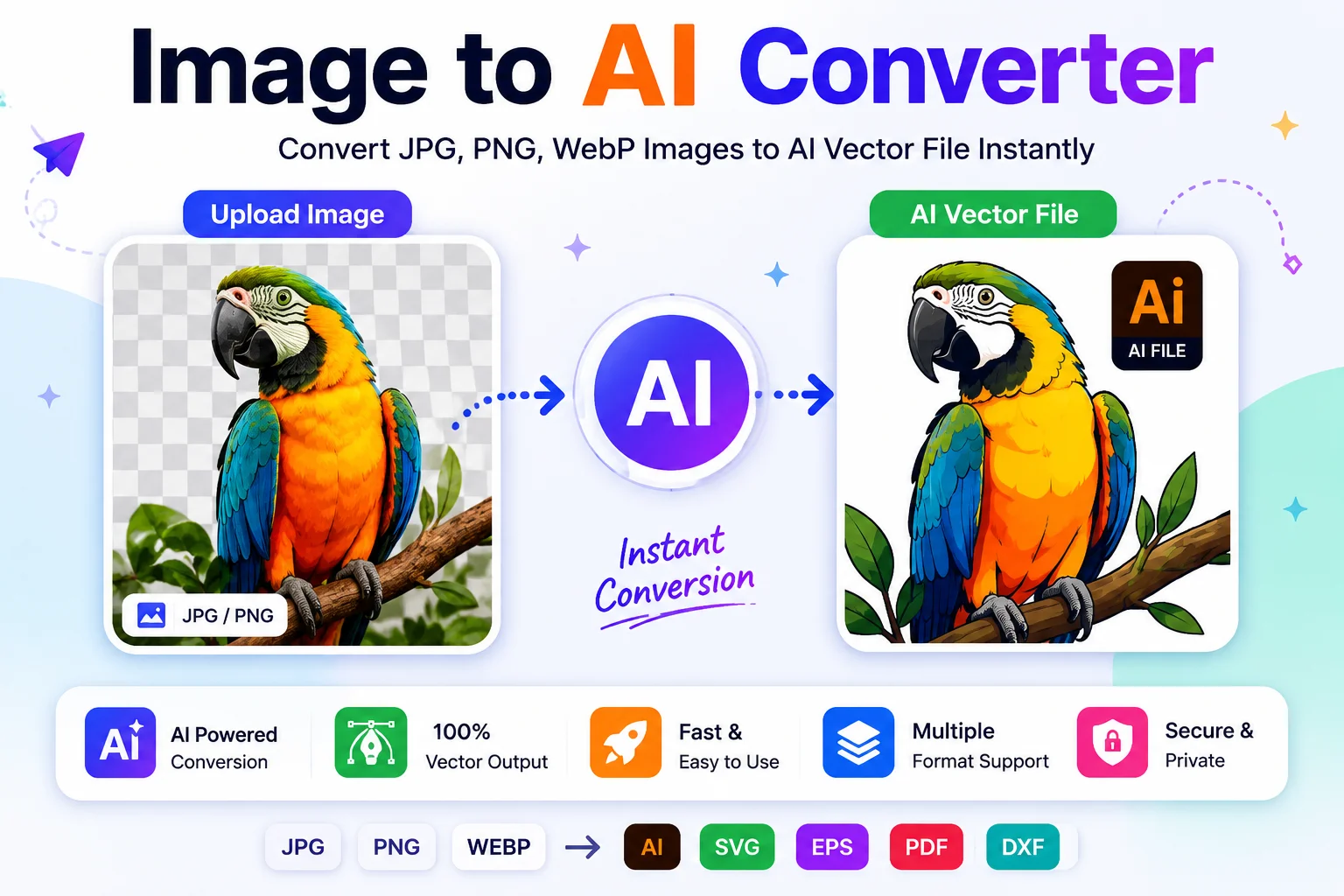
Supported File Formats
Input Formats
Format Supported JPG ✔ JPEG ✔ PNG ✔ WebP ✔ BMP ✔ GIF ✔ TIFF Depends on the toolOutput Formats
Format Use Case AI Adobe Illustrator editing SVG Websites and scalable graphics EPS Professional printing PDF Documents and print DXF CNC and laser cuttingBenefits of Using an Image to AI Converter
1. Resize Without Losing Quality
Vector graphics remain sharp regardless of size. You can enlarge a logo from a business card to a billboard without losing quality.
2. Easy Editing
AI files can be edited in software like Adobe Illustrator. You can change:
- Colors
- Shapes
- Text
- Paths
- Gradients
without starting from scratch.
3. Better for Printing
Printing companies usually prefer vector files because they produce clean and sharp output.
This is especially important for:
- Banners
- Posters
- Packaging
- Stickers
- Business cards
4. Perfect for Logos
Most professional logos are designed as vector graphics. If you only have a PNG or JPG logo, converting it into an AI file makes future editing much easier.
5. Ideal for Cutting Machines
SVG, AI, and DXF files are commonly used with:
- Cricut
- Silhouette
- Laser cutters
- CNC routers
- Vinyl cutters
6. Saves Time
Instead of manually tracing an image in design software, AI-powered converters automate much of the work. This helps users create editable vector files more quickly, especially for simple artwork, logos, and icons.
Who Should Use an Image to AI Converter?
This tool is useful for many different users.
User Why They Need It Graphic Designers Edit logos and illustrations Students Create design projects Print Shops Prepare artwork for printing Small Businesses Convert old logos into editable files Marketing Teams Produce scalable brand assets Web Designers Create responsive SVG graphics Cricut Users Generate cut-ready SVG files Freelancers Deliver professional vector artworkCommon Uses of an Image to AI Converter
People use Image to AI Converters for many creative and professional tasks, including:
- Converting company logos into editable vector files
- Creating scalable website icons
- Designing product labels and packaging
- Preparing artwork for screen printing
- Making stickers and decals
- Creating embroidery designs
- Producing laser-cutting files
- Building illustrations for marketing materials
- Digitizing hand-drawn sketches
- Converting signatures into vector graphics
How to Use an Image to AI Converter
Using our Image to AI Converter is quick and easy. Follow these simple steps:
Step 1: Upload Your Image
Click the Upload Image button and select the JPG, PNG, WebP, or other supported image from your device.
Step 2: Convert the Image
After uploading, click the Convert button. The tool will automatically convert your image into an AI file within a few seconds.
Step 3: Download the AI File
Once the conversion is complete, click the Download button to save your converted AI file to your device.
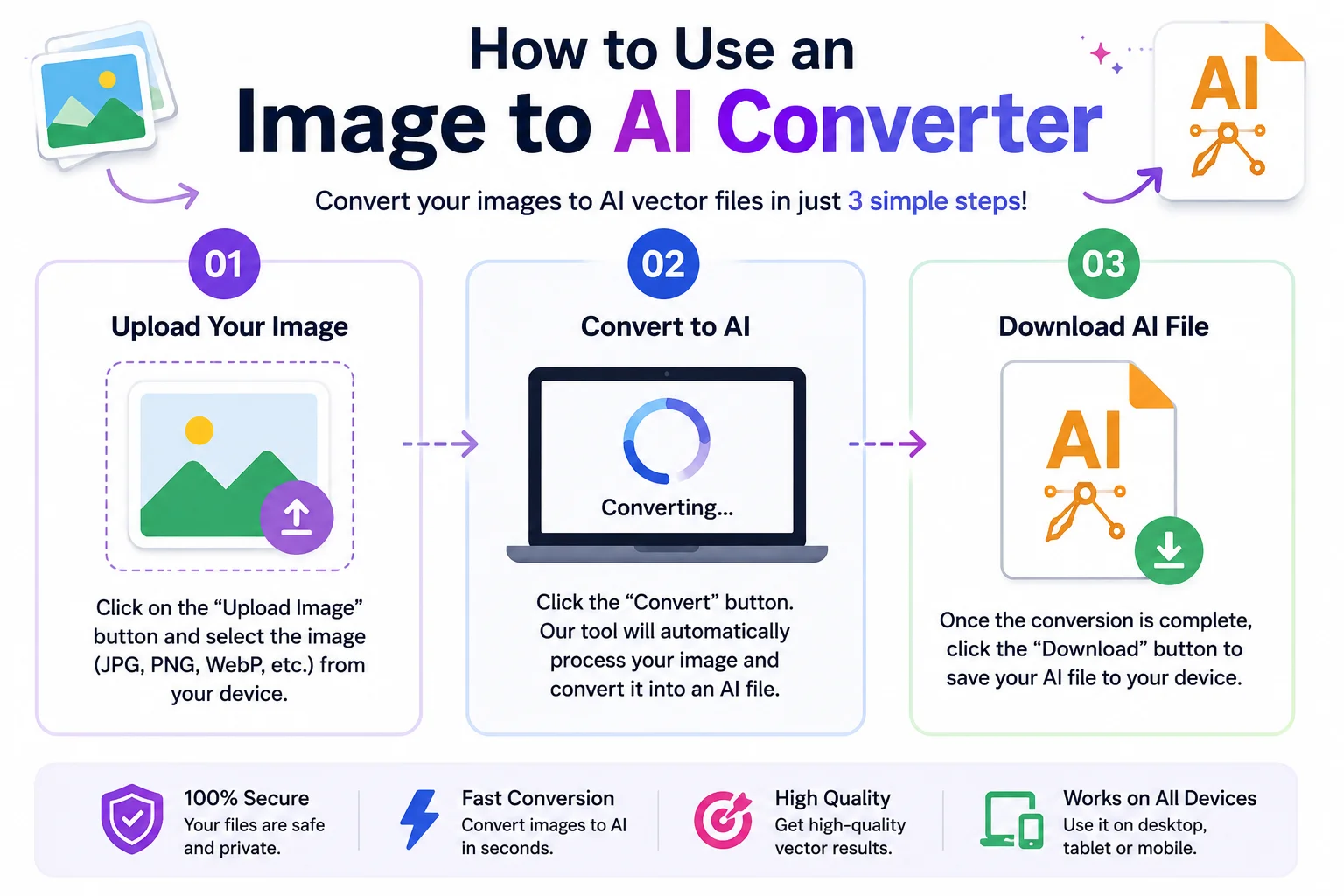
That's it! Your image is now converted and ready to use.
Final Thoughts
An Image to AI Converter is a useful tool for anyone who wants to transform raster images into editable vector graphics. Whether you are creating a logo, designing marketing materials, preparing artwork for printing, or producing files for cutting machines, AI-powered vectorization can make the process faster and easier.
The best results come from using clear, high-quality images with simple shapes. Although some complex artwork may still require manual editing, modern AI converters can save significant time for most everyday design tasks.
If you frequently work with graphics, branding, or print projects, an Image to AI Converter is a valuable addition to your workflow.