Images to AVIF Converter
Convert your images to the modern AVIF format in seconds with our free online Image to AVIF Converter. Upload JPG, PNG, WebP, GIF, BMP, or TIFF files and instantly get high-quality AVIF images with smaller file sizes.
Images play a big role in every website, blog, online store, and mobile app. Large image files can slow down a website and increase data usage. An Image to AVIF Converter helps solve this problem by converting common image formats like JPG, PNG, WebP, BMP, and GIF into the modern AVIF format.
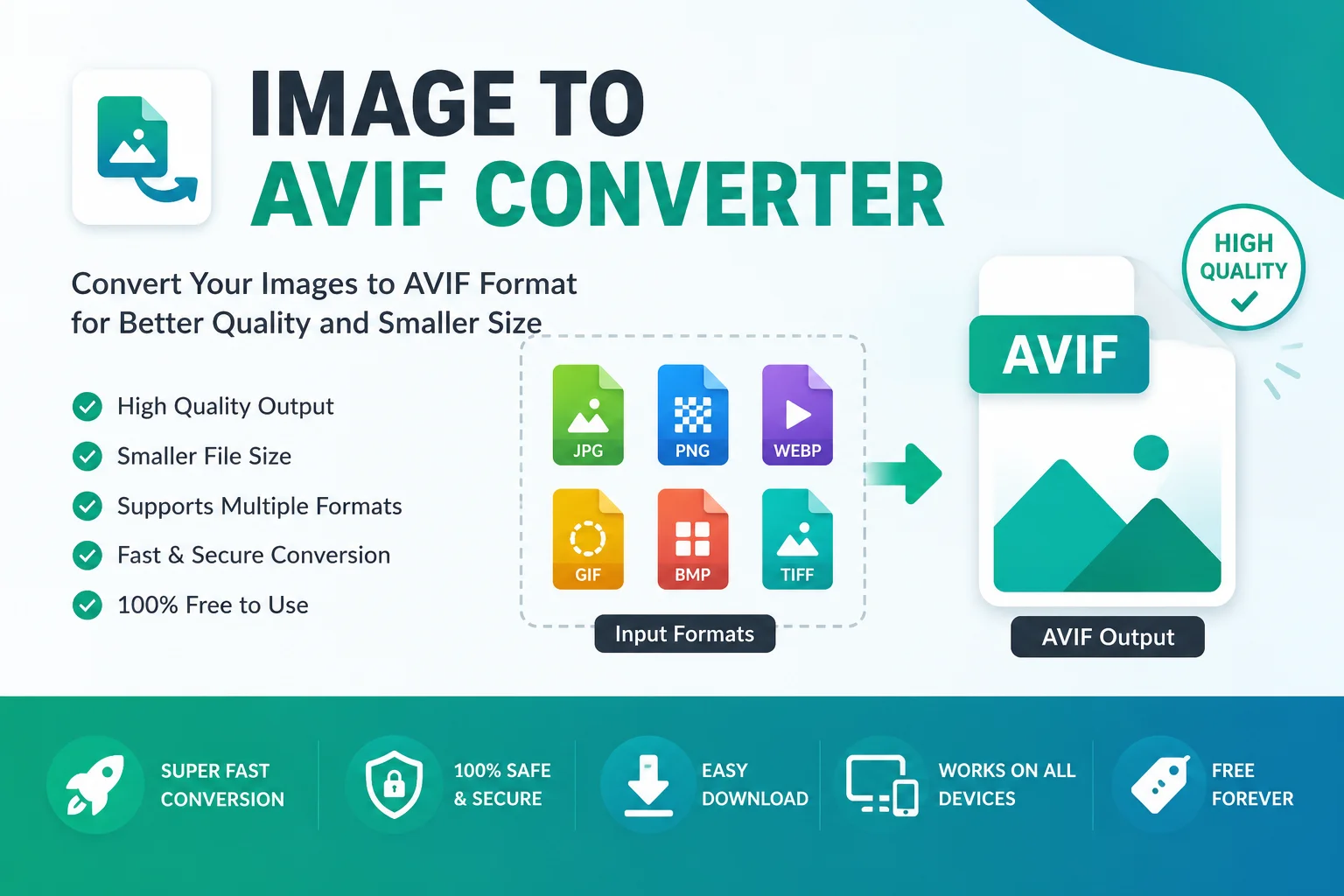
AVIF (AV1 Image File Format) is a next-generation image format designed to provide excellent image quality with much smaller file sizes. It supports advanced features like transparency, HDR, wide color gamut, and both lossy and lossless compression. Because of these benefits, AVIF is becoming a popular choice for developers, designers, bloggers, and businesses.
Whether you want to improve website speed or save storage space, an Image to AVIF Converter makes the process quick and easy.
What Is an Image to AVIF Converter?
An Image to AVIF Converter is an online tool that changes images from formats such as JPG, JPEG, PNG, WebP, BMP, or GIF into the AVIF format.
The conversion process keeps the image looking sharp while reducing the file size as much as possible. Smaller images load faster, improve website performance, and create a better experience for visitors.
Most online converters work directly in your browser, so you do not need to install any software.
What Is AVIF?
AVIF stands for AV1 Image File Format. It is an open, royalty-free image format developed by the Alliance for Open Media.
AVIF is based on the AV1 image compression technology and is designed to deliver high-quality images with better compression than many older formats.
Some important features include:
- Smaller file sizes
- Excellent image quality
- Lossy and lossless compression
- Transparency (Alpha Channel)
- HDR image support
- Wide color gamut
- Royalty-free format
Because of these features, many websites and applications are starting to use AVIF instead of traditional image formats.
Why Convert Images to AVIF?
Faster Website Loading
Smaller images load faster, helping users open web pages more quickly.
Save Storage Space
AVIF files usually require less storage than JPG or PNG files.
Better Image Quality
Even after compression, AVIF keeps images looking clear and detailed.
Better User Experience
Fast-loading images improve the browsing experience on both desktop and mobile devices.
SEO Benefits
Although image format alone does not improve rankings, faster page speed can contribute to a better user experience and support overall SEO performance.
Key Features of Our Image to AVIF Converter
Our online converter is designed to be simple and fast.
- Easy drag-and-drop upload
- Supports multiple image formats
- Fast conversion
- High-quality AVIF output
- Browser-based tool
- No software installation
- Works on Windows, macOS, Android, and iPhone
- Safe and secure conversion
- Free to use
Supported Input Formats
Input Format Supported JPG ✅ JPEG ✅ PNG ✅ WebP ✅ GIF ✅ BMP ✅ TIFF ✅Output Format
Output AVIFHow to Use an Image to AVIF Converter
Using the tool is very simple.
- Step 1: Upload your image.
- Step 2: The tool automatically converts it to AVIF.
- Step 3: Download your new AVIF image.
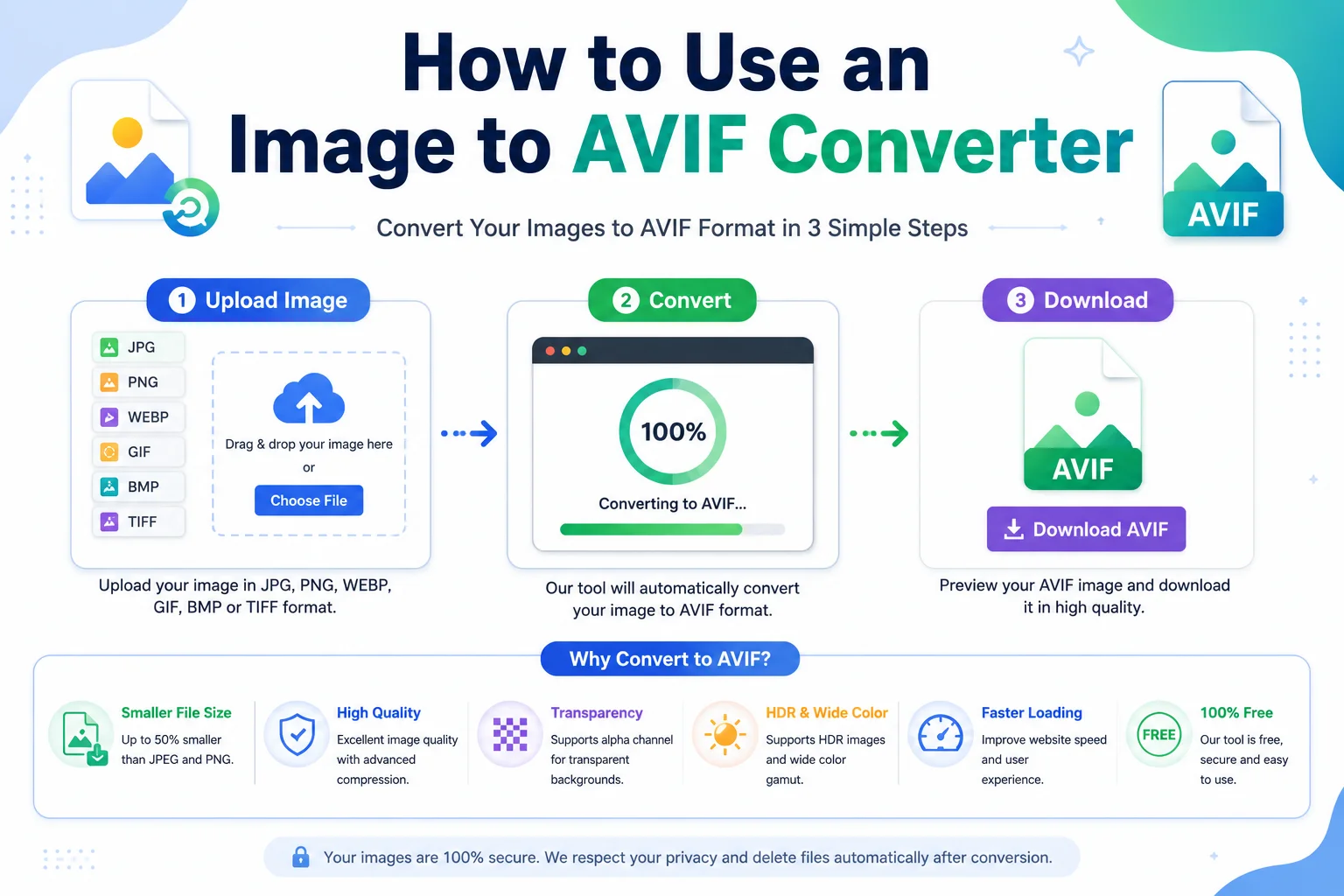
That's it. No editing skills are required.
Image Format Comparison
Feature JPG PNG WebP AVIF Compression Good Low Better Excellent Transparency ❌ ✅ ✅ ✅ Animation ❌ ❌ ✅ ✅ HDR Support ❌ ❌ Limited ✅ Lossless ❌ ✅ ✅ ✅ File Size Medium Large Small Very SmallBenefits of Using AVIF
Smaller Files
AVIF often produces much smaller image files while maintaining excellent visual quality.
High-Quality Images
Photos remain sharp even after compression.
Transparency Support
Like PNG, AVIF supports transparent backgrounds.
HDR Images
AVIF supports High Dynamic Range (HDR), making colors look more vibrant on supported displays.
Better Color Support
It supports modern color formats and wide color gamut for richer visuals.
Royalty-Free
AVIF is an open standard that anyone can use without paying licensing fees.
Who Should Use an Image to AVIF Converter?
This tool is useful for many people.
- Bloggers: Reduce image sizes and improve page loading speed.
- Web Developers: Optimize website assets for better performance.
- Graphic Designers: Export high-quality images with modern compression.
- Online Stores: Speed up product image loading.
- Digital Marketers: Create faster landing pages with optimized visuals.
- Students: Convert images easily without installing software.
Best Uses of AVIF Images
AVIF works well for many purposes, including:
- Website images
- Blog featured images
- Product photos
- Portfolio galleries
- Mobile applications
- Landing pages
- News websites
- UI graphics
- Digital publishing
Tips for Better AVIF Conversion
- Upload high-resolution images.
- Use PNG when transparency is required.
- Keep the original image as a backup.
- Preview the converted image before publishing.
- Compress images only as much as needed to maintain quality.
Frequently Asked Questions (FAQs)
Is AVIF better than JPG?
In many cases, yes. AVIF usually provides better image quality with smaller file sizes than JPG.
Does AVIF support transparent backgrounds?
Yes. AVIF supports an alpha channel, making transparent images possible.
Is AVIF free to use?
Yes. AVIF is an open and royalty-free image format.
Can I convert PNG to AVIF?
Yes. Most Image to AVIF converters support PNG as an input format.
Does AVIF support lossless compression?
Yes. AVIF supports both lossy and lossless compression.
Can I use AVIF images on websites?
Yes. Modern browsers support AVIF, making it a great choice for web optimization.
Do I need to install software?
No. Online Image to AVIF converters work directly in your web browser.
Conclusion
An Image to AVIF Converter is an excellent tool for anyone who wants smaller image files without sacrificing quality. AVIF combines modern compression, transparency support, HDR, and high-quality output into a single open format. Whether you are building a website, writing a blog, designing graphics, or managing an online store, converting your images to AVIF can help improve performance and reduce storage usage.
If you are looking for a fast, free, and easy way to optimize your images, an Image to AVIF Converter is a smart choice.