Images to PSD Converter
Image to PSD converter is a useful tool that allows you to convert images to PSD format
Have you ever wanted to edit a JPG or PNG image in Adobe Photoshop? An Image to PSD Converter makes this possible by converting your image into the Photoshop Document (PSD) format.
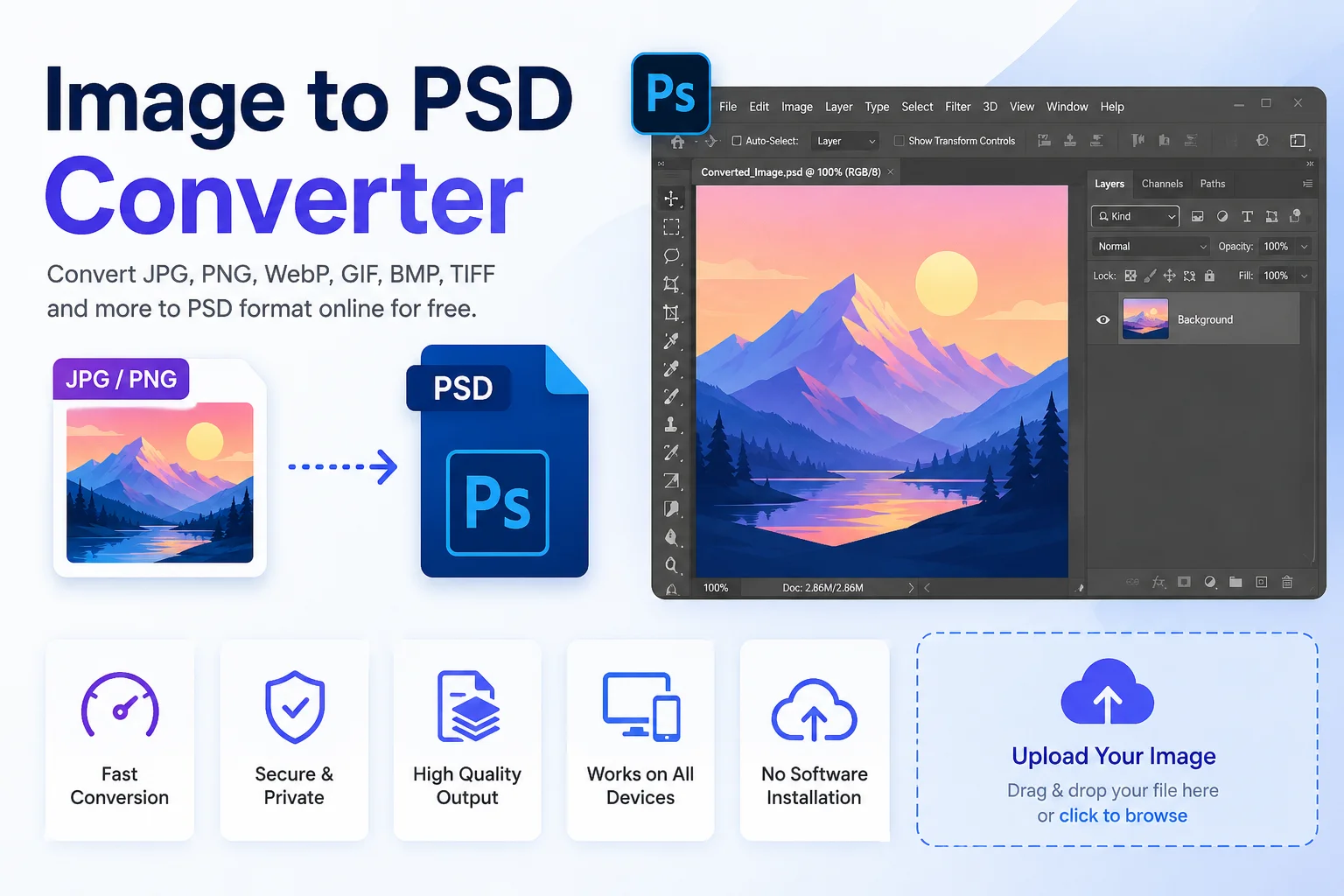
PSD is the native file format used by Adobe Photoshop. Unlike regular image formats, PSD files can support layers, transparency, masks, text, and other editing features. While converting a flat image like JPG or PNG to PSD cannot recreate lost layers, it lets you open the image in Photoshop and continue editing it as a Photoshop project.
Whether you are a graphic designer, photographer, student, marketer, or business owner, an Image to PSD Converter can save time and make image editing much easier.
What Is an Image to PSD Converter?
An Image to PSD Converter is an online tool that converts common image formats such as JPG, JPEG, PNG, WebP, BMP, GIF, TIFF, AVIF, HEIC, ICO, and more into the PSD (Photoshop Document) format.
After conversion, the image opens in Adobe Photoshop as a PSD file. In most cases, the original image becomes a single editable layer. You can then add new layers, text, effects, filters, masks, or other Photoshop elements.
It is important to understand that converting an image to PSD does not recover the original layers if the source image was already flattened. The converter simply places the image into a PSD file so you can continue editing it.
What Is a PSD File?
PSD stands for Photoshop Document, the native file format created by Adobe Photoshop.
Unlike JPG or PNG, a PSD file stores project information that helps designers continue editing their work without losing important details.
A PSD file may include:
- Multiple layers
- Layer masks
- Text layers
- Shapes
- Smart Objects
- Alpha channels
- Transparency
- Adjustment layers
- Clipping paths
- Color profiles
Because of these features, PSD is one of the most popular file formats for professional image editing.
Why Convert an Image to PSD?
Continue Editing in Photoshop
PSD files are fully supported by Adobe Photoshop, allowing you to continue editing your project without starting from scratch.
Add New Layers
Once your image becomes a PSD file, you can create unlimited new layers for text, graphics, backgrounds, and effects.
Professional Graphic Design
Graphic designers often use PSD because it keeps every editing step organized.
Better Workflow
PSD files help teams collaborate more efficiently since every edit remains editable.
Print Design
PSD files are commonly used when preparing posters, banners, brochures, business cards, and other print materials.
Supported Input Formats
Most Image to PSD Converters support many popular image formats.
Input Format Supported JPG ✔ JPEG ✔ PNG ✔ WebP ✔ AVIF ✔ HEIC ✔ BMP ✔ GIF ✔ TIFF ✔ ICO ✔ SVG* Depends on the tool*SVG support may vary depending on the converter.
How to Use an Image to PSD Converter
Converting an image is simple and usually takes only a few steps.
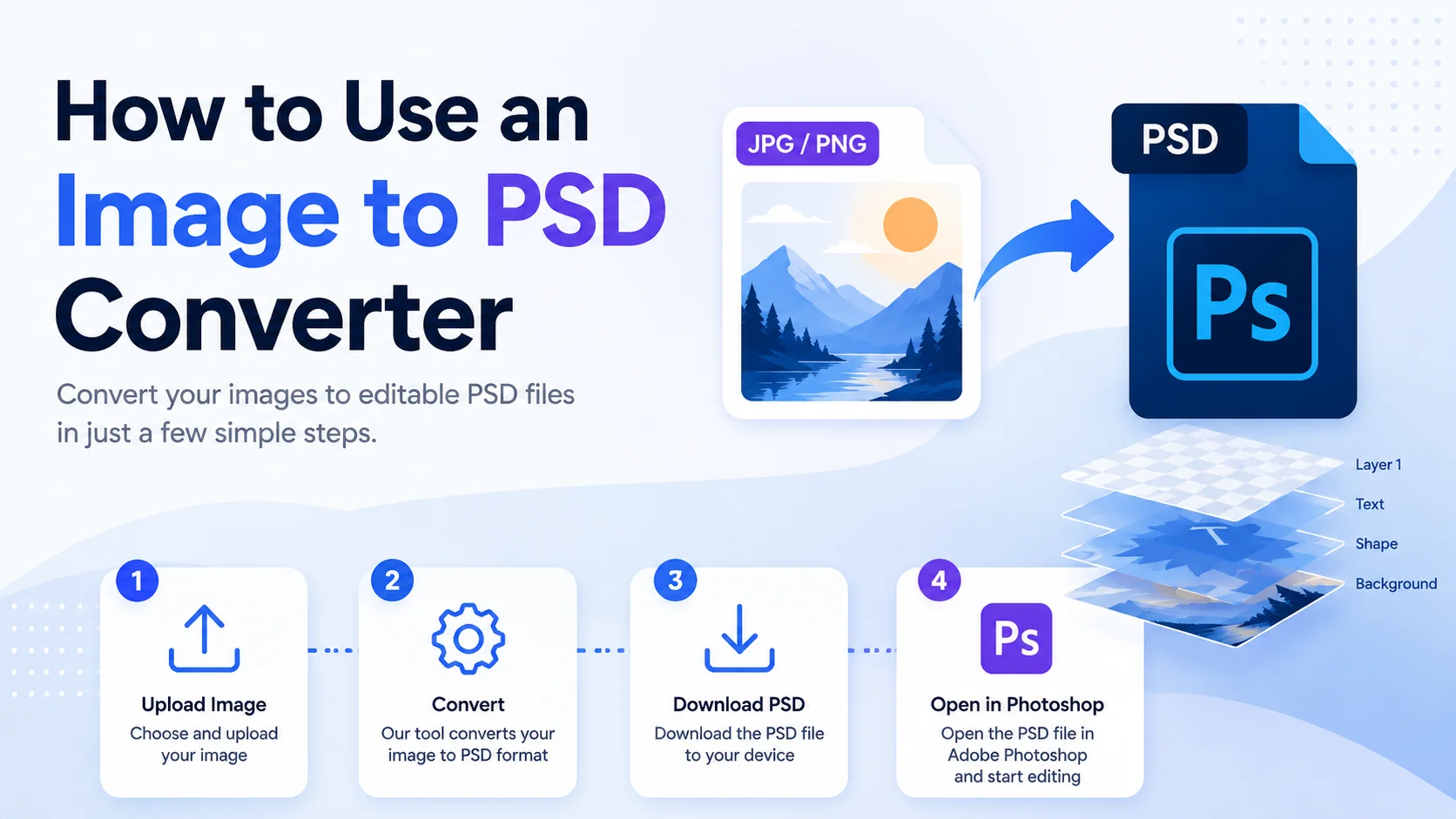
- Step 1: Upload your image from your computer, phone, or tablet.
- Step 2: Select PSD as the output format. Most tools choose it automatically.
- Step 3: Click the Convert button. The conversion usually finishes within a few seconds.
- Step 4: Download the PSD file and open it in Adobe Photoshop or another compatible editor.
Features of Our Image to PSD Converter
Our online converter is designed to be fast, simple, and secure.
Fast Conversion
Convert images within seconds.
Easy to Use
No technical knowledge is required.
Multiple Image Formats
Supports many common image file types.
Browser-Based Tool
No software installation is needed.
Secure Processing
Your uploaded files are processed securely and can be removed automatically after conversion, depending on the tool's settings.
Works on Any Device
Use it on:
- Windows
- macOS
- Linux
- Android
- iPhone
- Tablets
Benefits of Using an Image to PSD Converter
Benefit Description Easy Photoshop Editing Open images in PSD format for further editing. Layer-Based Workflow Add new editable layers after conversion. Saves Time Quick online conversion without extra software. Cross-Platform Works on desktop and mobile devices. Beginner Friendly Simple interface for everyone. No Installation Use directly in your web browser.PSD vs JPG vs PNG
Feature PSD PNG JPG Layers ✔ ✖ ✖ Transparency ✔ ✔ ✖ Lossless Quality ✔ ✔ ✖ Photoshop Editing ✔ Limited Limited Small File Size ✖ Medium ✔ Best for Editing ✔ Sometimes NoCommon Uses of PSD Files
- Graphic design
- Logo editing
- Social media graphics
- Website banners
- YouTube thumbnails
- Marketing materials
- Digital illustrations
- Product mockups
- Photo retouching
- Print projects
Tips for Better Results
- Start with the highest-quality source image.
- Avoid heavily compressed JPG files.
- Keep a backup of the original image.
- Remember that lost layers cannot be restored.
- Save your edits regularly while working in Photoshop.
Common Myths About Image to PSD Conversion
Myth Reality PSD conversion restores deleted layers. ❌ No. Lost layers cannot be recreated from a flat image. Converting to PSD improves image quality. ❌ No. The original quality remains the same. Every PSD contains multiple layers. ❌ Not always. A converted image usually starts as a single layer. PSD files can be edited later. ✔ Yes. You can add new layers, text, effects, and other edits after conversion.Frequently Asked Questions (FAQs)
Is an Image to PSD Converter free?
Many online tools offer free image-to-PSD conversion, while some provide premium features such as batch conversion or larger file size limits.
Can I convert JPG to PSD?
Yes. JPG images can be converted into PSD files and opened in Adobe Photoshop for further editing.
Will the converter recreate Photoshop layers?
No. If your original image was flattened, the converter cannot recover the missing layers.
Does converting to PSD improve image quality?
No. Conversion changes the file format but does not increase the original image quality.
Can I convert PNG to PSD?
Yes. PNG images, including those with transparent backgrounds, can be converted to PSD format.
Can I use the tool on my phone?
Yes. Most online Image to PSD Converters work on Android phones, iPhones, tablets, laptops, and desktop computers.
Is my uploaded image secure?
Most reputable online converters process files securely and delete uploaded files after a certain period. Always review the privacy policy of the tool you use.
Final Thoughts
An Image to PSD Converter is a simple yet powerful tool for anyone who wants to edit images in Adobe Photoshop. It converts popular image formats like JPG, PNG, WebP, BMP, GIF, TIFF, AVIF, and HEIC into PSD, making it easier to continue working on your designs.
While converting an image to PSD does not restore lost layers or improve image quality, it provides a flexible starting point for adding new layers, text, effects, and other Photoshop edits. Whether you're creating social media graphics, marketing materials, digital artwork, or print designs, a PSD file gives you far more editing freedom than standard image formats.
Using a reliable Image to PSD Converter is a fast and convenient way to prepare your images for professional editing without installing extra software, making it an excellent choice for both beginners and experienced designers.