Free Image to JPEG Converter
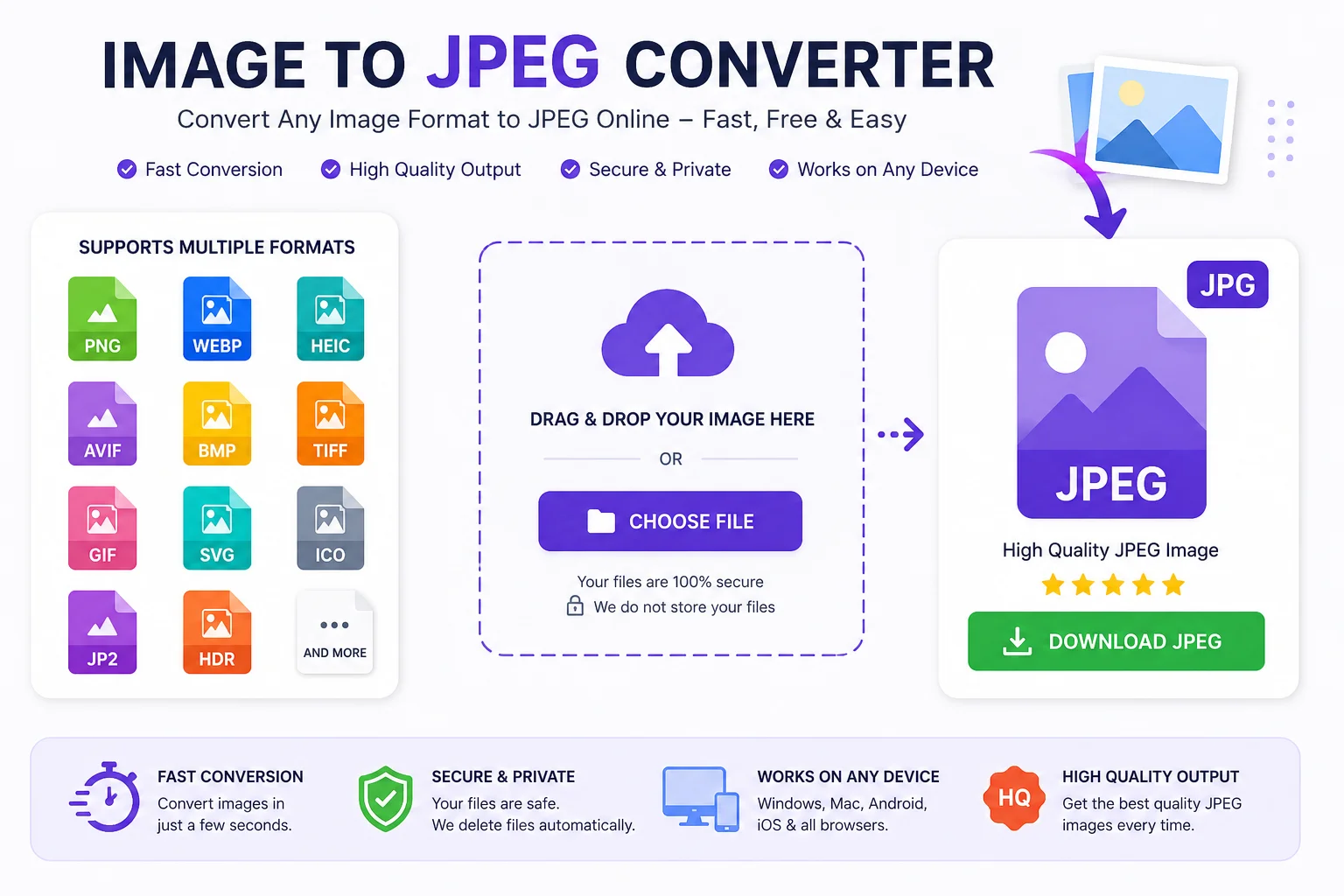
Our free Image to JPEG Converter lets you quickly convert PNG, WebP, HEIC, AVIF, BMP, TIFF, GIF, SVG, ICO, JP2, HDR, and other image formats into high-quality JPEG files. The tool is fast, secure, and easy to use on Windows, Mac, Android, iPhone, and any
Image to JPEG Converter
Digital images come in many different file formats. Some are best for editing, while others are better for sharing or storing photos. If you need a format that works almost everywhere, JPEG is one of the best choices. An Image to JPEG Converter lets you change image files like PNG, WebP, HEIC, AVIF, BMP, TIFF, GIF, ICO, SVG, and more into the widely supported JPEG format.
Whether you are uploading photos to a website, sending images by email, sharing them on social media, or saving storage space, converting your images to JPEG is often the easiest solution.
In this guide, you'll learn what JPEG is, why you should convert images to JPEG, how an Image to JPEG Converter works, and the benefits of using an online converter.
What Is JPEG?
JPEG (Joint Photographic Experts Group) is one of the most popular image formats in the world. It was created for storing digital photographs using efficient compression. JPEG files usually have the .jpg or .jpeg extension.
Unlike formats such as PNG, JPEG uses lossy compression, which reduces file size while keeping good visual quality. This makes JPEG ideal for photographs, websites, blogs, emails, and social media.
What Is an Image to JPEG Converter?
An Image to JPEG Converter is an online tool that changes one image format into a JPEG image. Most converters support many popular image formats, including:
- PNG to JPEG
- WebP to JPEG
- HEIC to JPEG
- HEIF to JPEG
- AVIF to JPEG
- BMP to JPEG
- TIFF to JPEG
- GIF to JPEG
- ICO to JPEG
- SVG to JPEG
- JP2 to JPEG
- HDR to JPEG
The conversion process is usually completed within a few seconds.
Why Convert Images to JPEG?
JPEG offers an excellent balance between image quality and file size. It is supported by nearly every operating system, browser, smartphone, and image editing software.
Some common reasons to convert images include:
- Reduce file size
- Improve website loading speed
- Share images easily
- Upload images where JPEG is required
- Save storage space
- Ensure compatibility with older devices
- Print photographs
Features of Our Image to JPEG Converter
Our online converter is designed to make image conversion simple and fast.
Fast Conversion
Convert images to JPEG in just a few seconds.
Supports Multiple Formats
Upload JPG, PNG, WebP, HEIC, AVIF, TIFF, BMP, GIF, SVG, ICO, JP2, HDR, and more.
High-Quality Output
The converter maintains excellent image quality during conversion.
Secure Processing
Your uploaded files are processed securely. Many online converters automatically delete uploaded files after processing.
Works on Any Device
Use the converter on:
- Windows
- macOS
- Linux
- Android
- iPhone
- Tablets
No Installation Required
Everything works directly in your web browser.
Supported Input Formats
Input Format Convert to JPEG PNG ✅ WebP ✅ HEIC ✅ HEIF ✅ AVIF ✅ BMP ✅ TIFF ✅ GIF ✅ ICO ✅ SVG ✅ JP2 ✅ HDR ✅How to Use an Image to JPEG Converter
Converting an image is simple.
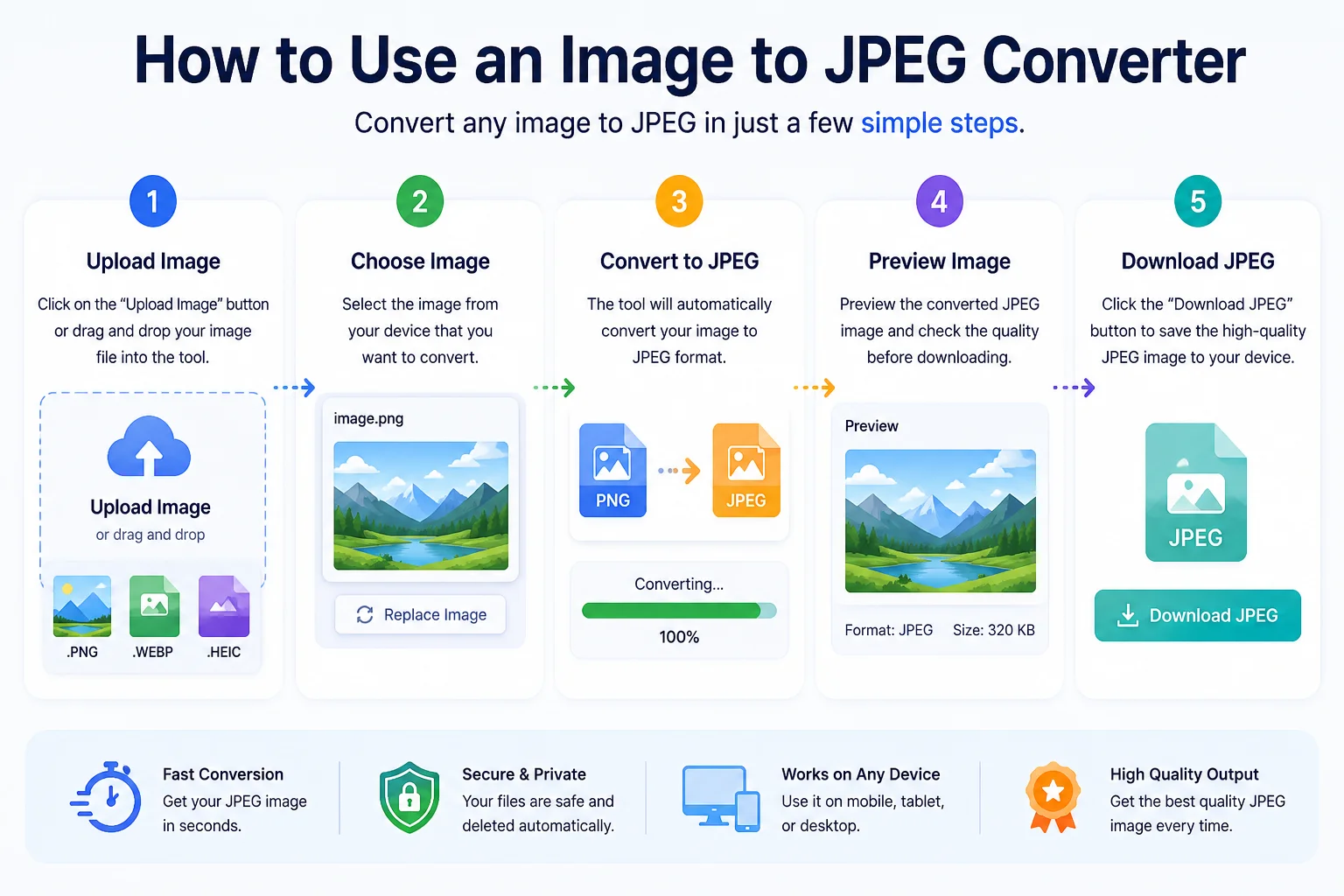
- Click the Upload Image button.
- Choose one or multiple image files.
- The tool automatically converts the image into JPEG.
- Preview the converted image.
- Click Download JPEG to save the file.
The entire process usually takes only a few seconds.
Benefits of JPEG Format
JPEG remains one of the most popular image formats because it offers many advantages.
Smaller File Size
JPEG compression significantly reduces file size, making images easier to store and share.
Universal Compatibility
Almost every device, browser, operating system, and photo viewer supports JPEG.
Perfect for Photos
JPEG is designed for photographs with millions of colors.
Faster Website Loading
Smaller images help websites load more quickly, improving user experience.
Easy Sharing
JPEG files can be shared through email, messaging apps, websites, and social media without compatibility issues.
JPEG vs Other Image Formats
Format Best For Transparency Compression Typical File Size JPEG Photos ❌ Lossy Small PNG Graphics, Logos ✅ Lossless Medium WebP Web Images ✅ Lossy/Lossless Smaller than JPEG HEIC Mobile Photography Limited Efficient Very Small AVIF Modern Web Images ✅ Highly Efficient Very Small TIFF Printing & Editing Optional Lossless Large GIF Simple Animation Limited Lossless SmallCommon Uses of JPEG Images
JPEG is widely used in many situations.
- Personal photographs
- Social media uploads
- Website images
- Blog posts
- Email attachments
- Product photos
- Online portfolios
- School projects
- Office documents
- Digital marketing
Tips for Better JPEG Conversion
For the best results:
- Upload the highest-quality original image.
- Avoid converting the same image multiple times, as repeated JPEG compression may reduce quality.
- Choose an appropriate quality setting if your converter offers one.
- Use JPEG mainly for photographs rather than logos or text-heavy graphics.
- Keep a copy of the original file if you may need to edit it later.
Is an Online Image to JPEG Converter Safe?
Most trusted online converters process files securely. Many services automatically remove uploaded and converted files after a short period.
Before uploading sensitive images, check the website's Privacy Policy to understand how files are handled.
Frequently Asked Questions (FAQs)
Can I convert PNG to JPEG?
Yes. Most online converters support PNG to JPEG conversion in just a few clicks.
Does JPEG reduce image quality?
JPEG uses lossy compression. A small amount of image data is removed to reduce file size, but at high-quality settings, the difference is often hard to notice.
Can I convert multiple images at once?
Many Image to JPEG Converters support batch conversion, allowing you to convert several files together.
Is JPEG better than PNG?
It depends on your needs. JPEG is better for photographs and smaller file sizes, while PNG is better for images that require transparency or sharp graphics.
Can I use this converter on mobile?
Yes. Most online Image to JPEG Converters work on Android phones, iPhones, tablets, laptops, and desktop computers.
Do I need to install software?
No. Online converters work directly in your browser, so no installation is required.
Conclusion
An Image to JPEG Converter is a simple and practical tool for changing different image formats into the widely supported JPEG format. Whether you need to reduce file size, improve compatibility, upload images to websites, or share photos with others, JPEG remains one of the best choices.
Our Image to JPEG Converter provides fast conversion, supports many popular image formats, works on all devices, and delivers high-quality JPEG files in just a few clicks. Whether you're a student, designer, photographer, marketer, or everyday user, converting images to JPEG has never been easier.