Images to WBMP Converter
Use our free Image to WBMP Converter to convert images into Wireless Bitmap (WBMP) format. Supports JPG, PNG, WebP, BMP, GIF, TIFF, and more with quick, secure conversion.
Image to WBMP Converter
If you need to convert an image into the WBMP (Wireless Bitmap) format, an Image to WBMP Converter is the easiest solution. It changes popular image formats like JPG, PNG, WebP, BMP, GIF, TIFF, and JPEG into a WBMP file in just a few clicks.
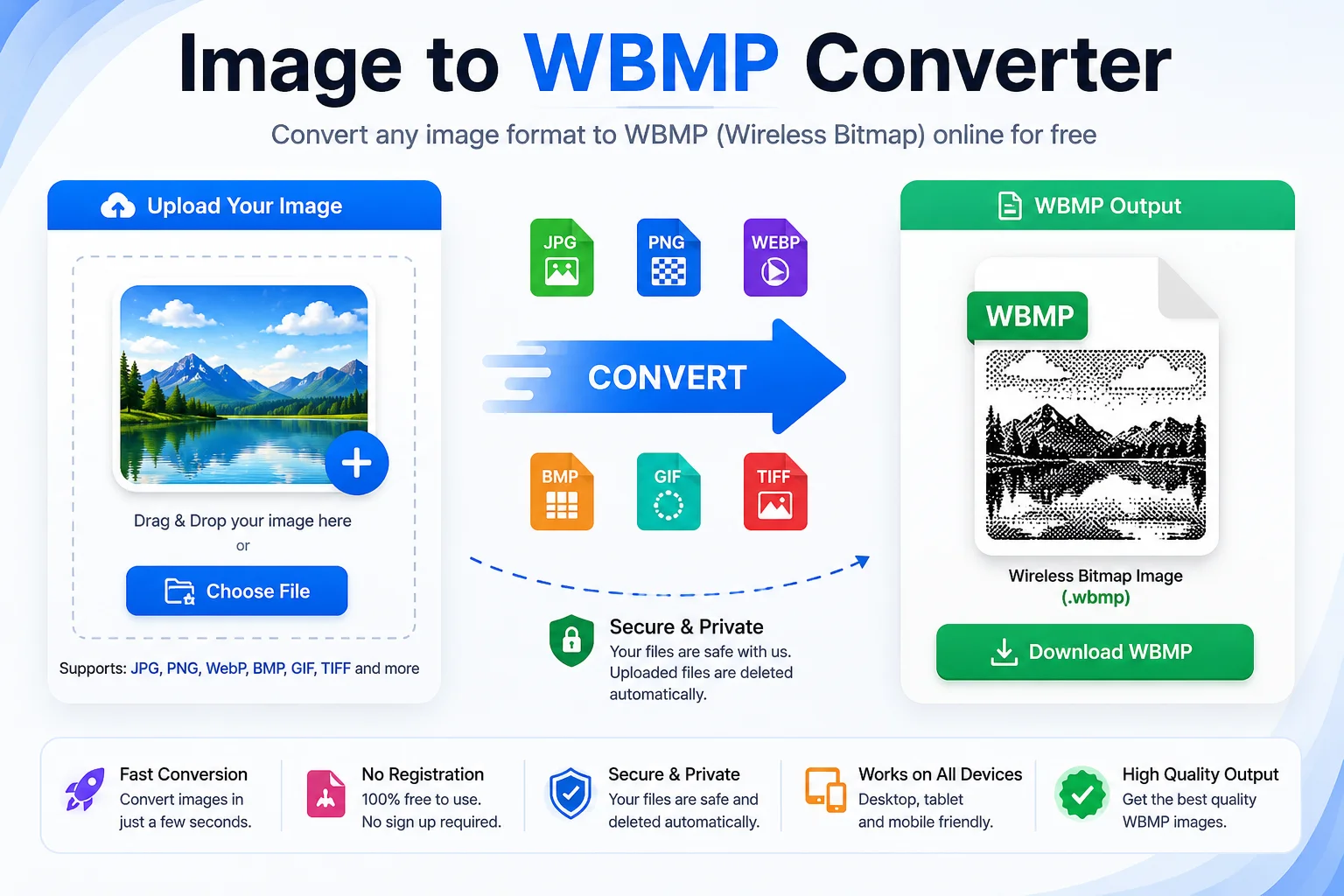
WBMP is a simple 1-bit black-and-white bitmap image format created for early mobile phones that used the Wireless Application Protocol (WAP). Since it stores only black and white pixels, the file size is very small, making it suitable for low-memory and low-bandwidth devices. Although modern smartphones rarely use WBMP today, it is still useful for legacy systems, embedded devices, and software testing.
Whether you are a developer, student, designer, or simply working with an older system, our free Image to WBMP Converter makes the conversion process fast, secure, and easy.
What Is an Image to WBMP Converter?
An Image to WBMP Converter is an online tool that converts common image formats into the Wireless Bitmap (.wbmp) format.
The converter automatically:
- Uploads your image
- Converts it into a monochrome (black and white) image
- Optimizes it for the WBMP format
- Lets you download the converted file instantly
Most converters support popular image formats, including:
Input Format Supported JPG / JPEG ✅ PNG ✅ WebP ✅ BMP ✅ GIF ✅ TIFF ✅ ICO ✅ AVIF ✅What Is a WBMP File?
WBMP stands for Wireless Bitmap or Wireless Application Protocol Bitmap.
It was introduced as part of the Wireless Application Protocol (WAP) standard for early mobile phones with monochrome displays.
Unlike PNG or JPG, a WBMP image:
- Uses only black and white
- Stores 1 bit per pixel
- Has no colors or transparency
- Produces very small file sizes
- Is designed for simple graphics and icons rather than photographs.
Why Convert an Image to WBMP?
Although WBMP is an older image format, it is still useful in several situations.
Benefits include:
- Very small file size
- Works with legacy WAP devices
- Good for embedded systems
- Fast image loading
- Perfect for simple icons and symbols
- Easy to transmit over slow networks
If you're developing software for older hardware or testing legacy applications, WBMP remains a practical choice.
How to Use an Image to WBMP Converter
Converting an image is simple.
Step Action 1 Upload your image 2 Choose WBMP as the output format 3 Click the Convert button 4 Wait a few seconds 5 Download the converted WBMP image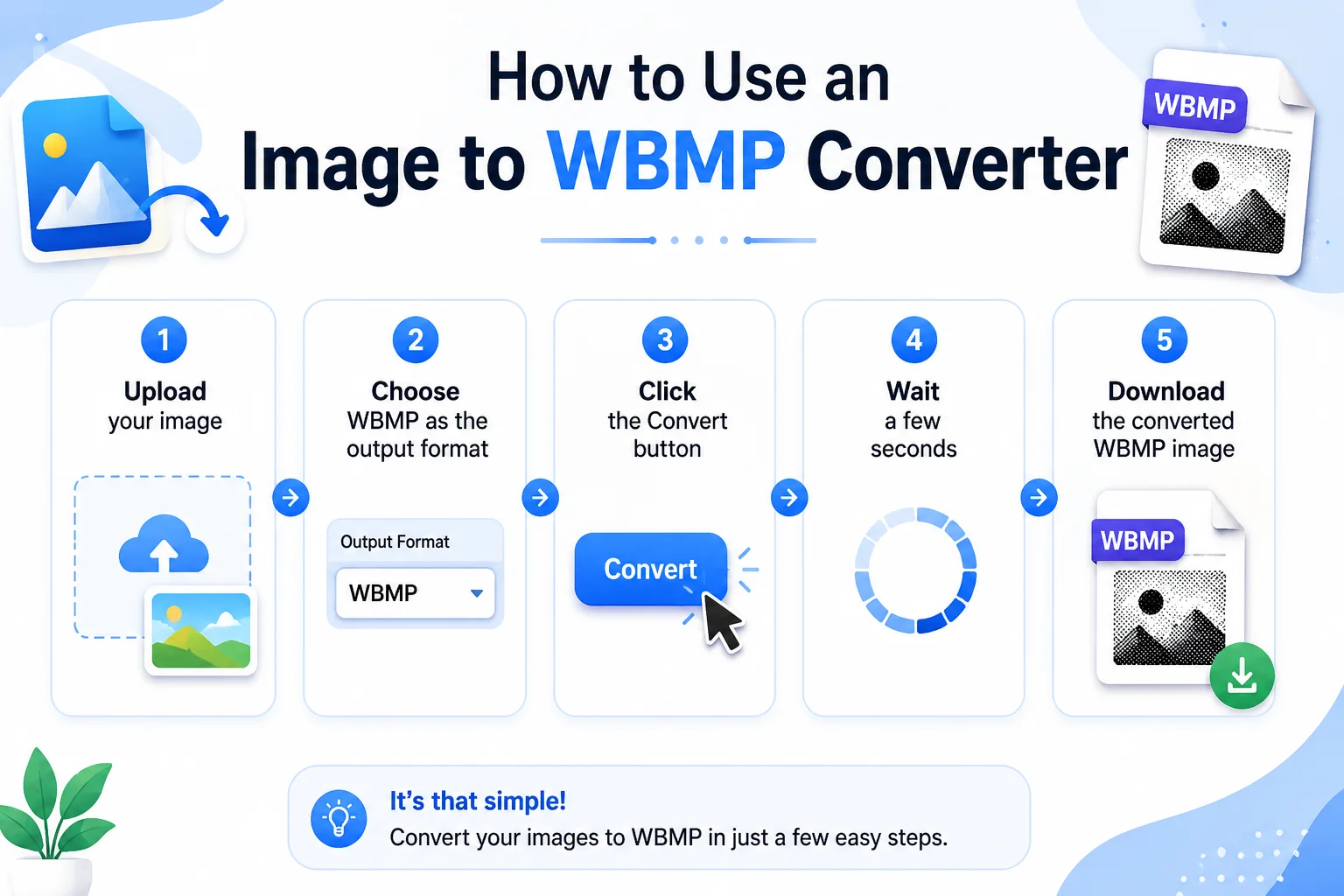
Most conversions finish in only a few seconds.
Features of Our Image to WBMP Converter
Our tool is designed to be fast and beginner-friendly.
- Free to use
- No registration required
- Fast image conversion
- Secure processing
- Supports multiple image formats
- Works on desktop and mobile
- Simple user interface
- High-speed conversion
- Browser-based tool
- No software installation
Supported Image Formats
Format Can Convert to WBMP JPG ✅ JPEG ✅ PNG ✅ WebP ✅ BMP ✅ GIF ✅ TIFF ✅ AVIF ✅ HEIC ✅ SVG (Rasterized) ✅WBMP vs Other Image Formats
Feature WBMP PNG JPG BMP Colors Black & White Millions Millions Millions Compression Simple Lossless Lossy Usually None Transparency No Yes No Limited File Size Very Small Small Small Large Best For Legacy Devices Web Graphics Photos EditingAdvantages of WBMP
- Small File Size
Because every pixel is stored using only one bit, WBMP files are much smaller than many other raster formats. - Faster Transmission
The format was created for low-bandwidth mobile networks, allowing images to load quickly on older devices. - Simple Structure
The file format is easy to read and process in software. - Low Memory Usage
WBMP images require very little storage space. - Good for Icons
Simple logos, symbols, QR-like graphics, and interface icons work well in WBMP.
Limitations of WBMP
Limitation Explanation No Colors Only black and white pixels No Transparency Alpha channel is not supported Poor for Photos Images lose most visual detail Limited Modern Use Rarely used by today's smartphones Basic Graphics Only Best for simple icons and symbolsBest Uses for WBMP
- Legacy mobile applications
- WAP websites
- Embedded devices
- Industrial equipment
- Barcode-style graphics
- Simple icons
- Educational projects
- Software compatibility testing
Tips for Better WBMP Conversion
- Use simple images with high contrast.
- Avoid detailed photographs.
- Remove unnecessary background elements.
- Resize large images before converting.
- Use icons or logos instead of colorful artwork.
Frequently Asked Questions (FAQs)
What is a WBMP file?
WBMP is a monochrome bitmap image format developed for early WAP-enabled mobile phones. It stores only black and white pixels.
Is the Image to WBMP Converter free?
Yes. Our tool is completely free to use.
Which image formats can I upload?
You can upload JPG, PNG, GIF, WebP, BMP, TIFF, JPEG, AVIF, and several other popular image formats.
Does WBMP support color images?
No. WBMP supports only black and white (1-bit) images.
Can I convert multiple images?
If your converter supports batch processing, you can convert multiple images at once.
Is my uploaded image secure?
Yes. Most modern online converters process files securely, and many automatically delete uploaded files after conversion. Check the tool's privacy policy for details.
Conclusion
An Image to WBMP Converter is a simple and effective tool for creating Wireless Bitmap (.wbmp) images from common formats like JPG, PNG, WebP, BMP, and GIF. While WBMP is an older image format, it still serves important purposes in legacy mobile applications, embedded systems, and compatibility testing.
Our online converter makes the process quick and hassle-free. Just upload your image, convert it to WBMP, and download the result in seconds no software installation or technical knowledge required.