Images to HDR Converter
Image to HDR Converter is a free online tool that lets you convert images such as JPG, PNG, WebP, BMP, TIFF, GIF, AVIF, HEIC, SVG, and more into the HDR (High Dynamic Range) format. Simply upload your image, click the convert button.
Have you ever needed to convert a regular image into an HDR file? An Image to HDR Converter makes this easy. You can upload image formats like JPG, PNG, WebP, BMP, TIFF, GIF, AVIF, HEIC, and more, then convert them into the HDR (High Dynamic Range) format in just a few clicks.
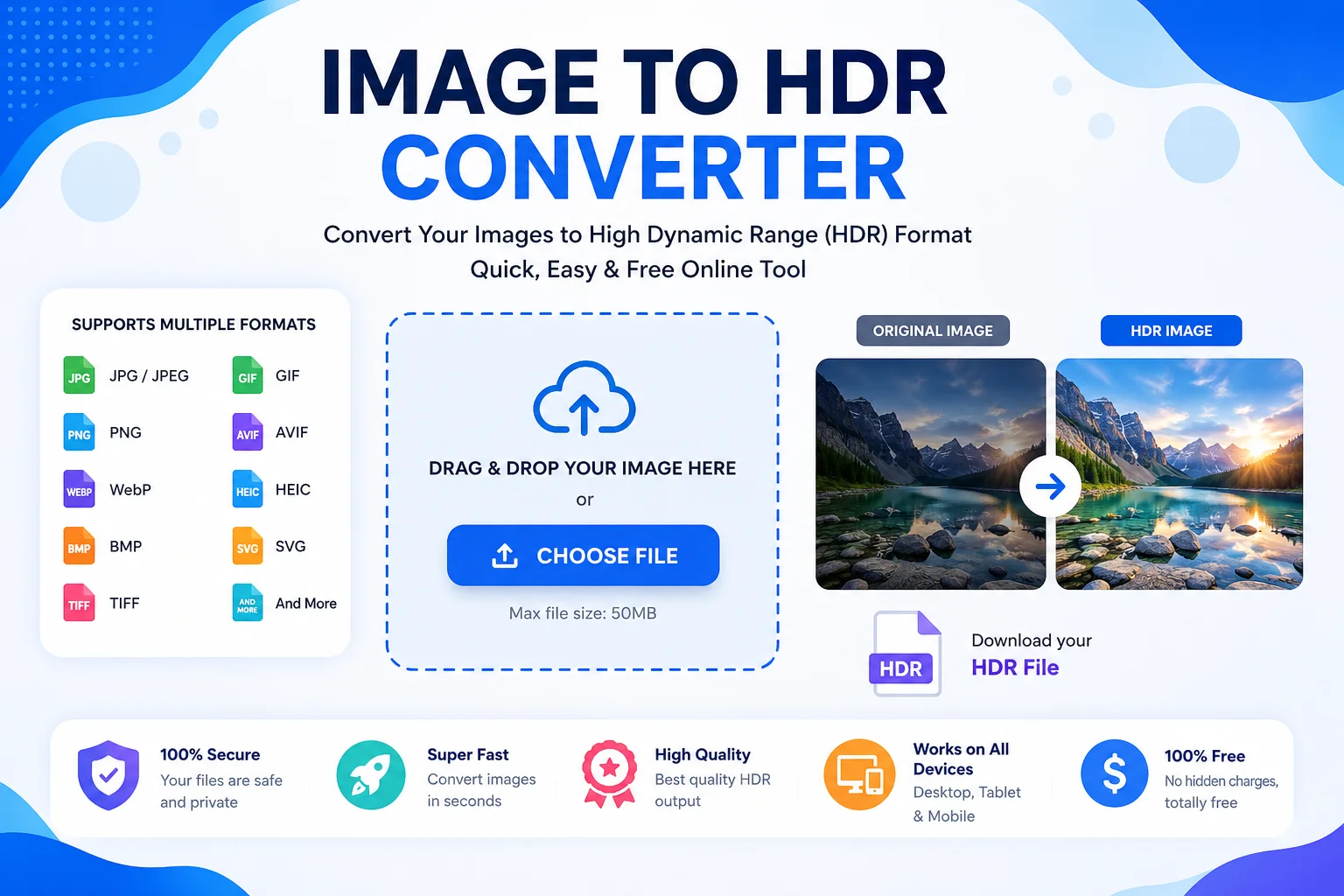
HDR files are widely used in photography, 3D rendering, game development, visual effects, and lighting design because they can store a much wider range of brightness than standard image formats. Unlike normal 8-bit images, HDR images preserve more light and color information, making them ideal for professional editing and realistic rendering.
Whether you're a beginner trying HDR for the first time or a professional working with graphics software, an Image to HDR Converter helps you save time and maintain image quality.
What Is an Image to HDR Converter?
An Image to HDR Converter is an online or desktop tool that converts common image formats into the HDR (.hdr) file format.
Most converters support formats such as:
- JPG / JPEG
- PNG
- WebP
- BMP
- TIFF
- GIF
- AVIF
- HEIC
- SVG
- ICO
- DDS
- PSD
- And many more
The converted HDR file can then be used in compatible editing software, rendering engines, and 3D applications.
Note: Converting a standard image to HDR format does not magically create missing lighting details. It simply saves the image in an HDR-compatible format. True HDR images are usually created from multiple exposures or RAW image data.What Is HDR?
HDR stands for High Dynamic Range.
Dynamic range is the difference between the darkest and brightest parts of an image. HDR images can store a much wider range of brightness values than standard image formats.
This allows HDR images to preserve:
- Bright highlights
- Deep shadows
- Better color gradients
- More realistic lighting
HDR imaging is commonly used in:
- Professional photography
- Video production
- 3D rendering
- Virtual reality
- Animation
- Visual effects
- Game development
Why Use an Image to HDR Converter?
There are many reasons to convert images into HDR format.
Benefits include:
- Easy conversion from common image formats
- Supports professional HDR workflows
- Better compatibility with rendering software
- Preserves higher precision image data (when available)
- Useful for environment maps
- Works with many graphics applications
- Fast online conversion
- No software installation required (for web tools)
Supported Input Formats
Input Format Supported JPG ✅ JPEG ✅ PNG ✅ WebP ✅ BMP ✅ TIFF ✅ GIF ✅ AVIF ✅ HEIC ✅ SVG ✅ ICO ✅ DDS ✅ PSD ✅Output Format
Output Format Description HDR (.hdr) High Dynamic Range image format commonly used for lighting, rendering, and professional graphics.How to Use an Image to HDR Converter
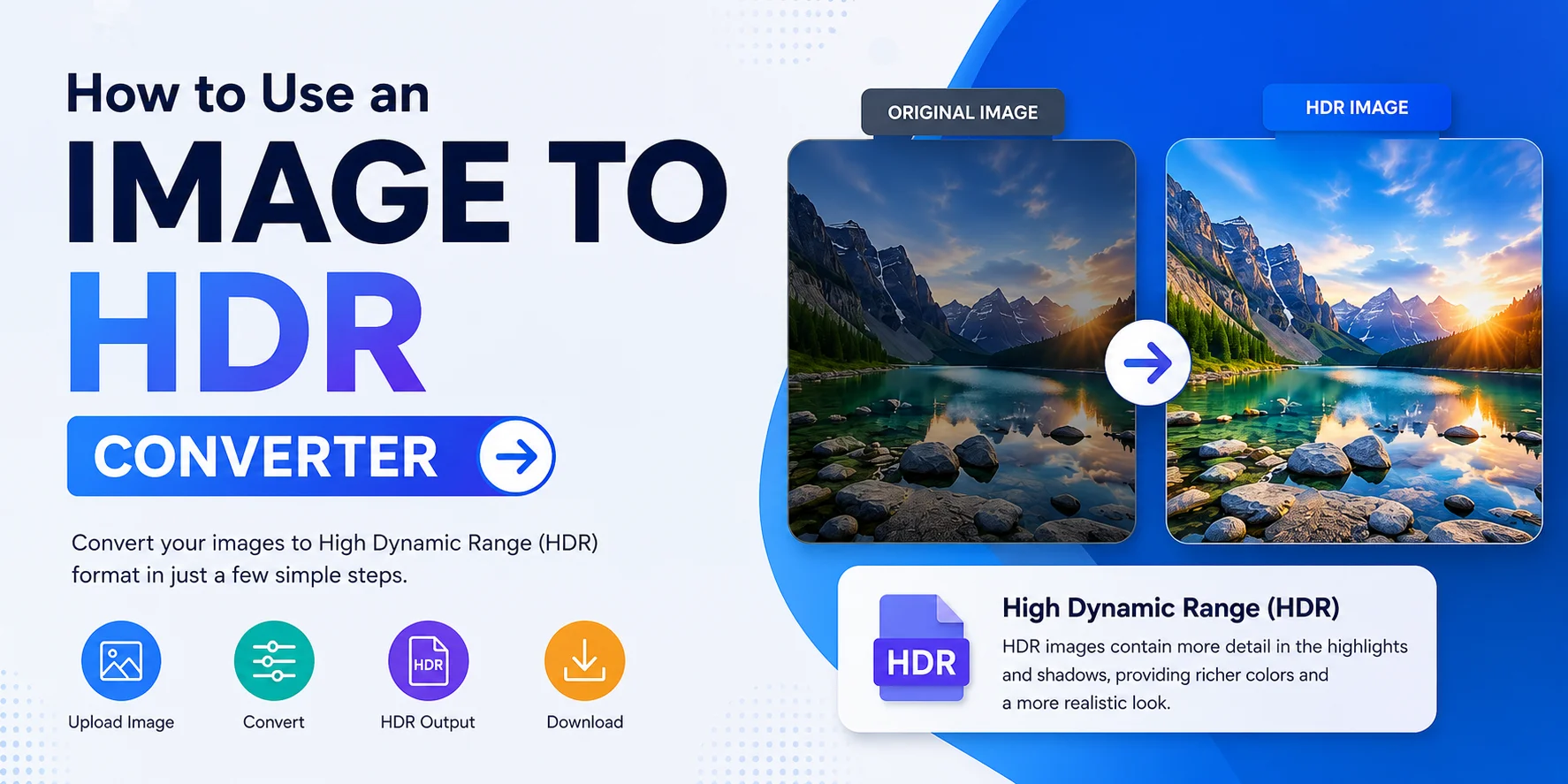
Using the tool is simple.
Step 1
Upload your image.
Step 2
The tool automatically detects the file format.
Step 3
Click the Convert button.
Step 4
Wait a few seconds while the conversion is completed.
Step 5
Download your HDR file.
That's it!
Features of Our Image to HDR Converter
Our tool includes several helpful features.
- Simple interface
- Beginner-friendly
- Fast processing
- Supports many image formats
- High-quality conversion
- Secure uploads
- Works on desktop and mobile
- No technical knowledge required
- No watermark
- Free to use
Common Uses of HDR Images
Industry Usage Photography High dynamic range editing 3D Rendering Environment lighting Game Development Skyboxes and lighting maps Visual Effects Realistic lighting Architecture Lighting simulations Animation HDR environments Product Design Reflection maps Virtual Reality 360° HDR environmentsAdvantages of HDR Format
Better Brightness Range
HDR stores much more brightness information.
More Realistic Lighting
It produces natural-looking light and shadow.
Higher Precision
Professional applications can work with floating-point color values.
Excellent for Rendering
HDR images are commonly used as environment maps in rendering engines.
Professional Workflow
Many VFX and 3D applications support HDR files.
Limitations of HDR Files
Although HDR is powerful, there are a few limitations.
- Larger file size
- Not all image viewers support HDR
- Standard monitors cannot display the full HDR range
- Some editing software requires plugins or HDR support
- Converting a normal image cannot recreate missing dynamic range
HDR vs JPG
Feature HDR JPG Dynamic Range Very High Limited Image Quality Excellent Good Compression Minimal/Lossless options Lossy Professional Use Yes Limited File Size Larger Smaller Editing Flexibility Excellent Limited Best For Rendering, VFX, Photography Web and sharingTips for Better HDR Conversion
For the best results:
- Use high-resolution images.
- Avoid heavily compressed JPG files.
- Upload the original image whenever possible.
- Keep the aspect ratio unchanged.
- Use HDR-compatible software for editing.
- Store original files as backups.
Frequently Asked Questions (FAQs)
What is an HDR image?
An HDR image stores a much wider range of brightness and color information than a standard image.
Is HDR better than JPG?
For professional editing and rendering, yes. HDR preserves more lighting information, while JPG is better for everyday sharing.
Can I convert PNG to HDR?
Yes. Most Image to HDR Converters support PNG files.
Can I convert JPG to HDR?
Yes. JPG files can be converted into HDR format, although the conversion cannot recover lighting details that were not present in the original image.
Is HDR supported by Photoshop?
Yes. Adobe Photoshop supports HDR workflows and can open HDR-compatible image formats.
Are HDR files larger?
Usually yes. HDR files often contain higher-precision image data, which increases file size.
Is this tool free?
Most online Image to HDR Converter tools are free for standard usage.
Conclusion
An Image to HDR Converter is a useful tool for anyone working with digital images, photography, 3D graphics, or visual effects. It allows you to convert popular image formats like JPG, PNG, WebP, TIFF, BMP, and more into the HDR format quickly and easily.
While converting a standard image to HDR format does not create true high dynamic range information, it provides compatibility with professional HDR workflows and software. Whether you're creating environment maps, editing photos, or working on 3D projects, an Image to HDR Converter is a fast and convenient solution for preparing your images for HDR-supported applications.