Images to TIFF Converter
Convert images to TIFF online for free with our fast and easy Image to TIFF Converter. Upload JPG, PNG, WebP, BMP, GIF, HEIC, AVIF, and other image formats, then download high-quality TIFF files in seconds. No installation, registration, or watermark requ
TIFF (Tagged Image File Format) is one of the most trusted image formats for professional work. It keeps image quality high and supports lossless compression, making it a popular choice for photography, printing, graphic design, document scanning, and digital archiving.
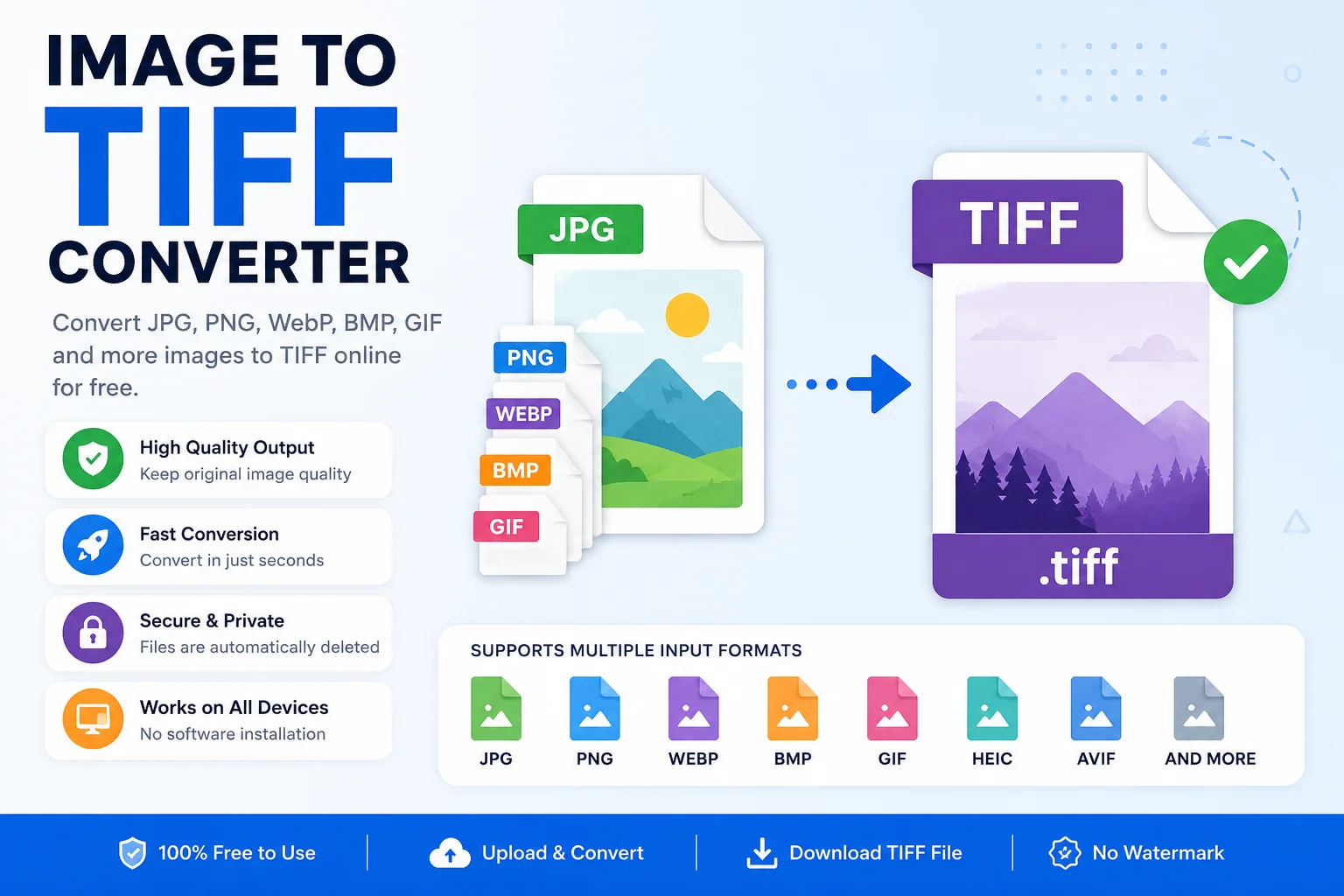
An Image to TIFF Converter lets you convert common image formats like JPG, PNG, WebP, BMP, GIF, HEIC, AVIF, and more into TIFF files in just a few clicks. Whether you're a designer, photographer, student, or office user, this tool helps you create high-quality TIFF images quickly without installing any software.
If you need a reliable way to convert images while keeping as much detail as possible, an online Image to TIFF Converter is a simple and effective solution.
What Is a TIFF File?
TIFF stands for Tagged Image File Format. It is a raster image format developed for storing high-quality images with little or no quality loss.
Unlike many common image formats, TIFF is designed for professional use. It can store high-resolution images, multiple pages, metadata, transparency, and different types of compression.
Because of these features, TIFF is widely used in:
- Professional photography
- Printing
- Graphic design
- Publishing
- Medical imaging
- Scanning important documents
- Digital archives
Most TIFF files use either the .tif or .tiff file extension.
What Is an Image to TIFF Converter?
An Image to TIFF Converter is an online tool that changes one image format into the TIFF format.
For example, you can convert:
- JPG to TIFF
- PNG to TIFF
- WebP to TIFF
- BMP to TIFF
- GIF to TIFF
- HEIC to TIFF
- AVIF to TIFF
The conversion usually takes only a few seconds, and most online tools work directly in your web browser.
Why Convert Images to TIFF?
Many image formats are made for sharing online or saving storage space. TIFF is different because it focuses on preserving image quality.
People convert images to TIFF for many reasons:
- Preserve maximum image quality
- Prepare images for professional printing
- Scan and archive important documents
- Edit photos without repeated quality loss
- Store images with detailed metadata
- Save images for long-term preservation
Key Features of an Image to TIFF Converter
A good Image to TIFF Converter should include useful features that make image conversion quick and easy.
Feature Benefit Fast conversion Convert images in seconds High-quality output Keeps image details clear Supports multiple formats Convert JPG, PNG, WebP, BMP, GIF, and more Browser-based No software installation required Secure processing Files are usually removed after processing Easy interface Suitable for beginners Batch conversion (if available) Convert multiple files together Cross-platform Works on Windows, macOS, Linux, Android, and iPhoneBenefits of Using TIFF
Excellent Image Quality
TIFF supports lossless storage, helping preserve fine image details.
Better for Editing
Graphic designers and photographers often use TIFF because it maintains quality after editing and saving.
Ideal for Printing
Professional printers frequently accept TIFF files because they provide excellent image quality.
Supports Metadata
TIFF files can store camera information, copyright details, color profiles, and other metadata.
Long-Term Storage
Many libraries, museums, and archives use TIFF for preserving digital images over time.
Supported Input Formats
Most Image to TIFF Converter tools support many popular image formats.
Input Format Can Convert to TIFF JPG ✅ Yes JPEG ✅ Yes PNG ✅ Yes WebP ✅ Yes BMP ✅ Yes GIF ✅ Yes HEIC ✅ Yes HEIF ✅ Yes AVIF ✅ Yes ICO ✅ Yes PSD ✅ Yes (tool dependent)TIFF vs Other Image Formats
Feature TIFF JPG PNG WebP Image Quality Excellent Good Excellent Excellent Lossless Support Yes No Yes Yes Transparency Yes No Yes Yes File Size Large Small Medium Small Professional Printing Excellent Limited Good Rare Editing Excellent Limited Good GoodHow to Use an Image to TIFF Converter
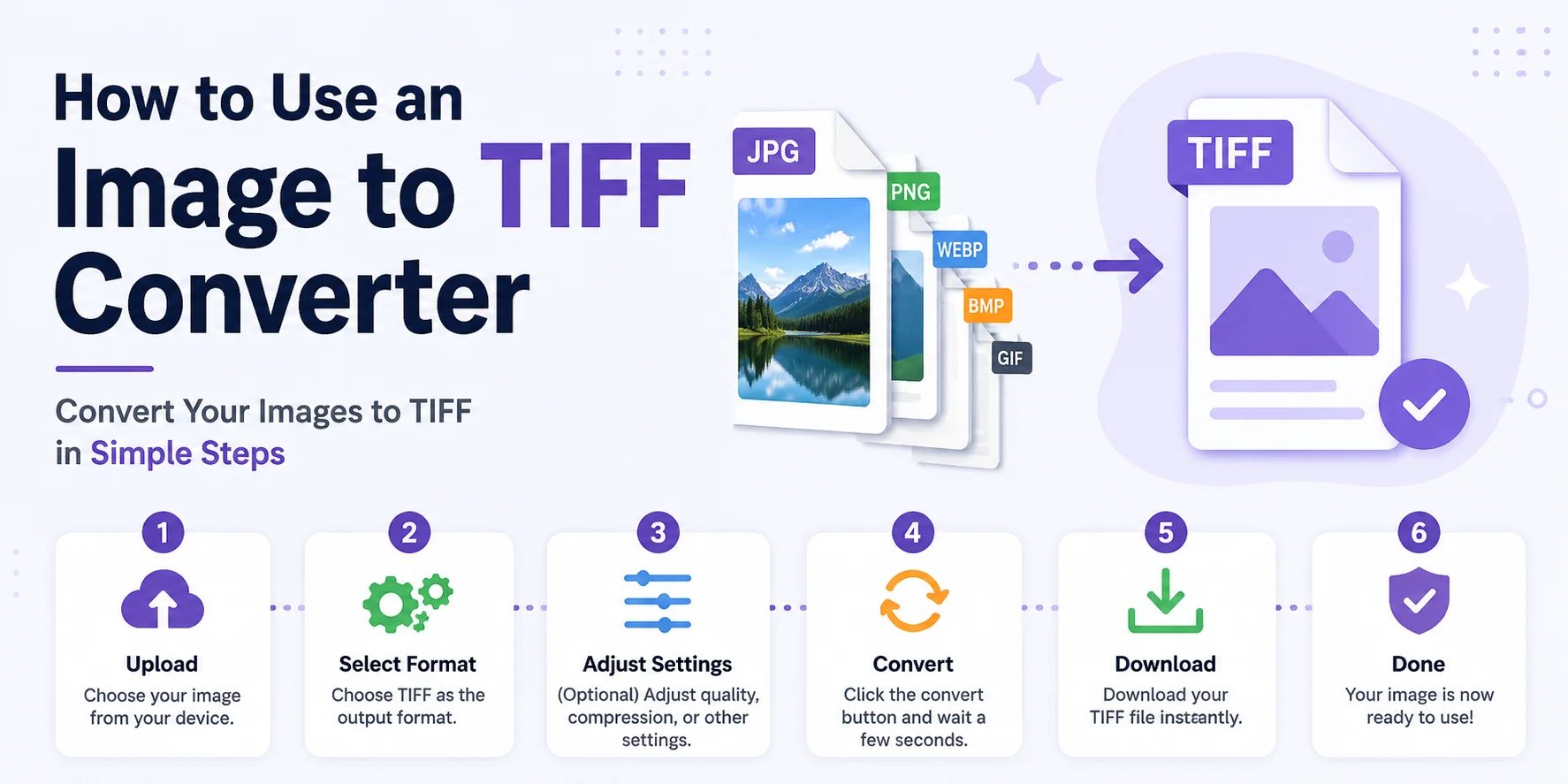
Using an online converter is simple.
- Step 1: Upload your image from your computer, phone, or tablet.
- Step 2: Choose TIFF as the output format.
- Step 3: If available, adjust settings like compression, resolution, or color depth.
- Step 4: Click the Convert button.
- Step 5: Wait a few seconds while the tool processes your image.
- Step 6: Download your new TIFF file.
Who Should Use an Image to TIFF Converter?
Photographers
Convert photos into high-quality TIFF files before editing or printing.
Graphic Designers
Prepare artwork for professional printing with minimal quality loss.
Students
Convert scanned documents or project images into TIFF format.
Businesses
Store contracts, reports, and scanned paperwork in a high-quality format.
Publishers
Maintain image quality for books, magazines, brochures, and newspapers.
Digital Archives
Preserve valuable historical documents and images for long-term storage.
Common Uses of TIFF Files
Industry Common Use Photography High-quality photo editing Printing Print-ready images Publishing Books and magazines Healthcare Medical image storage Government Document archiving Museums Digital preservation Education Research documents Design Professional artworkDoes TIFF Reduce Image Quality?
Generally, no.
TIFF is designed to preserve image quality. It supports lossless compression, which means the image can be stored without losing visible details. However, the final quality also depends on the original image. Converting a low-quality image to TIFF cannot restore details that were already lost.
Is an Online TIFF Converter Safe?
Most trusted online converters process your files securely and automatically remove uploaded files after a certain period. If you're converting sensitive or confidential images, always check the website's privacy policy before uploading your files.
Conclusion
An Image to TIFF Converter is a simple and reliable tool for creating high-quality TIFF images from formats like JPG, PNG, WebP, BMP, GIF, HEIC, and more. TIFF is trusted by photographers, designers, printers, and businesses because it preserves image quality and supports professional workflows.
Whether you are preparing images for printing, editing photos, scanning important documents, or building a digital archive, converting your files to TIFF helps maintain clear details and reliable image quality. With an online converter, you can complete the process in just a few clicks without installing any software.
Try our free Image to TIFF Converter today to convert your images quickly, securely, and with excellent quality. Simply upload your file, choose TIFF as the output format, and download your converted image in seconds.