Images to TGA Converter
Convert images to TGA format online for free with our easy-to-use Image to TGA Converter. Upload JPG, PNG, WebP, BMP, GIF, TIFF, and other image files, then download high-quality TGA files in seconds. No installation, registration, or watermark required.
Image to TGA Converter
An Image to TGA Converter lets you change common image formats like JPG, PNG, WebP, BMP, GIF, TIFF, and JPEG into a TGA (Truevision TGA) file. TGA is a raster image format that is widely used in game development, 3D graphics, animation, and visual effects. It supports high-quality images and can store transparency using an alpha channel.
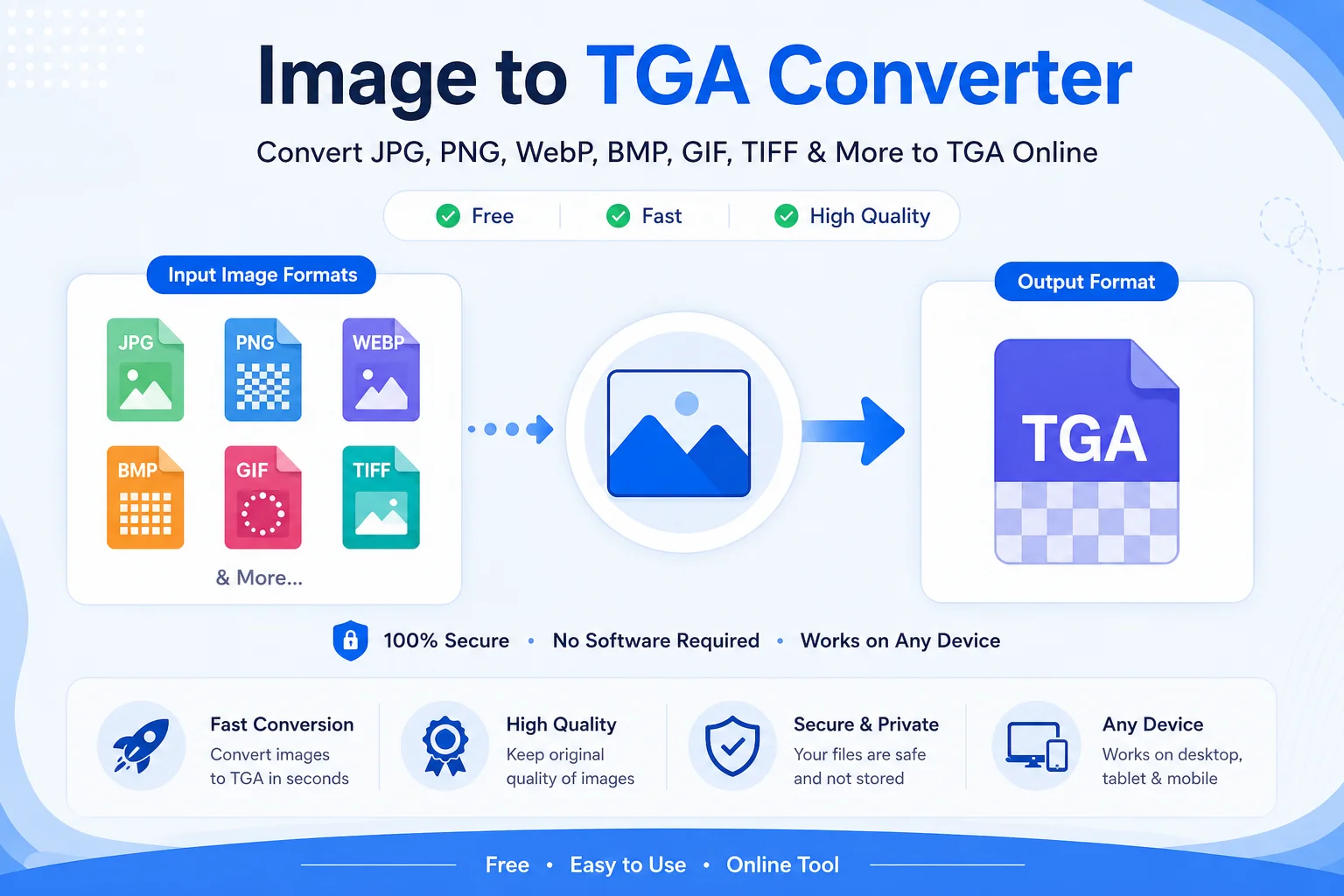
Our free Image to TGA Converter is designed to make the process simple. Upload your image, start the conversion, and download your new TGA file in just a few clicks. There is no need to install software or learn complex editing tools.
Whether you are creating game textures, editing graphics, or preparing images for a design project, this tool offers a quick and reliable solution.
What Is a TGA File?
A TGA file (Truevision TARGA) is a raster image format developed by Truevision Inc. It was created for use with professional graphics hardware and later became popular in video games, 3D software, and digital content creation.
Unlike common web formats such as JPG or PNG, TGA is mainly used in creative workflows where image quality and transparency are important.
TGA files can store:
- RGB color images
- Grayscale images
- Indexed color images
- Alpha transparency
- Optional lossless RLE compression
Because of these features, many game engines and graphics applications continue to support the TGA format.
What Is an Image to TGA Converter?
An Image to TGA Converter changes one image format into the TGA format. It reads the original image data and saves it as a new TGA file while keeping the image as close to the original as possible.
Most converters support popular formats such as:
- JPG
- JPEG
- PNG
- WebP
- BMP
- GIF
- TIFF
The converted TGA file can then be used in software that supports this format.
Why Convert Images to TGA?
Better Compatibility with Game Engines
Many game engines and graphics tools accept TGA files for textures and assets.
Supports Transparency
Unlike JPG, TGA can store an alpha channel for transparent backgrounds.
High Image Quality
TGA is commonly used when preserving image quality is more important than reducing file size.
Useful for 3D Projects
Artists often use TGA textures in 3D modeling and rendering software.
Professional Workflow
Many designers and developers choose TGA because it fits well into professional graphics pipelines.
How to Use an Image to TGA Converter
Using the tool is simple.
Step Action Step 1 Upload your image file. Step 2 The tool detects the image format automatically. Step 3 Click the Convert button. Step 4 Wait a few seconds while the conversion is completed. Step 5 Download your new TGA file.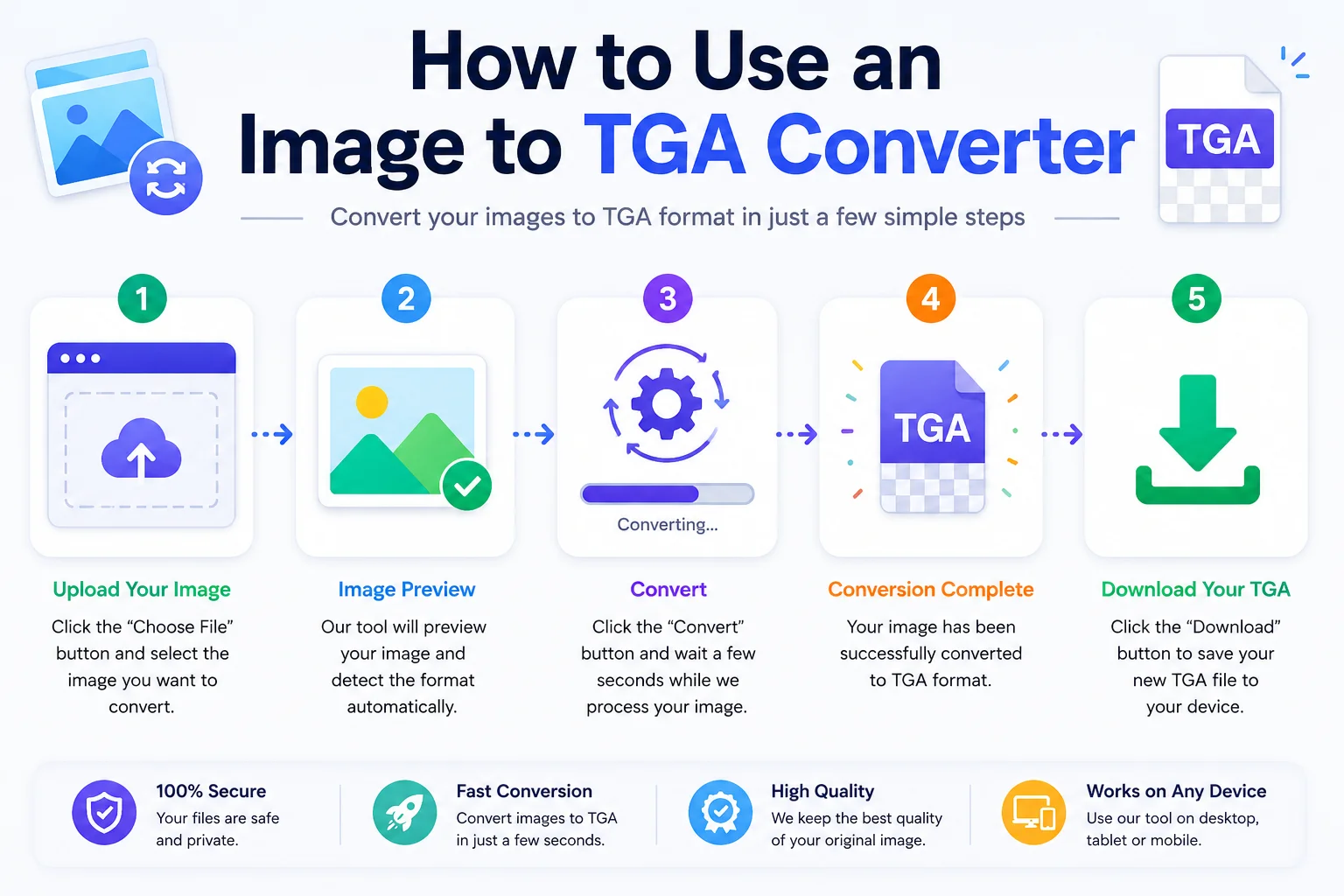
No advanced knowledge is required.
Features of Our Image to TGA Converter
Our converter is designed to be easy for everyone.
Fast Conversion
Convert images in just a few seconds.
Free to Use
No registration or payment is required.
Works on Any Device
Use the tool on Windows, macOS, Linux, Android, or iPhone.
Multiple Input Formats
Supports popular image formats including JPG, PNG, WebP, BMP, GIF, TIFF, and more.
Simple Interface
Clean design that anyone can use.
High-Quality Output
The tool preserves image quality during conversion whenever possible.
Browser-Based
No software installation is needed.
Common Uses of TGA Files
Use Description Game Development Texture files for characters, environments, and objects. 3D Modeling Materials and texture maps for models. Animation High-quality image assets. Visual Effects Graphics with transparency. Digital Art Artwork requiring alpha channels. UI Design Icons and interface graphics for games.Supported Input Formats
Our Image to TGA Converter accepts many image formats.
Input Format Supported JPG Yes JPEG Yes PNG Yes WebP Yes BMP Yes GIF Yes TIFF YesTGA vs Other Image Formats
Feature TGA JPG PNG WebP Transparency Yes No Yes Yes Lossless Compression Optional RLE No Yes Yes Best for Web No Yes Yes Yes Best for Games Yes Limited Good Limited Alpha Channel Yes No Yes YesThis comparison shows why TGA remains popular for graphics work while JPG, PNG, and WebP are often better choices for websites.
Advantages of TGA Files
- Supports alpha transparency.
- High-quality image storage.
- Optional lossless RLE compression.
- Well supported by game engines.
- Great for textures and sprites.
- Easy to work with in graphics software.
- Suitable for professional design projects.
Limitations of TGA Files
Although useful, TGA is not perfect.
- Larger file sizes than JPG.
- Usually larger than WebP and AVIF.
- Not recommended for websites.
- Limited support in web browsers.
- Mainly intended for graphics and game development.
Understanding these limitations helps you choose the right image format for your project.
Tips for Better Conversion Results
- Start with the highest-quality image available.
- Use PNG if you need to preserve transparency before converting.
- Avoid repeatedly converting between lossy formats like JPG and TGA.
- Keep a backup of your original image.
- Check the converted file in your target software before using it in a project.
Frequently Asked Questions (FAQs)
Is this Image to TGA Converter free?
Yes. You can convert images without paying or creating an account.
Can I convert PNG to TGA?
Yes. PNG files can be converted into TGA format.
Can I convert JPG to TGA?
Yes. JPG and JPEG files are supported.
Does TGA support transparency?
Yes. TGA supports an alpha channel, making it suitable for transparent images.
Can I use TGA files in game development?
Yes. TGA is commonly used for textures, sprites, and other game assets.
Will my image quality change?
The converter keeps the image as close to the original as possible. However, the final quality also depends on the source image.
Do I need to install software?
No. The converter works directly in your web browser.
Conclusion
An Image to TGA Converter is a useful tool for anyone working with game graphics, 3D models, animation, or digital artwork. It allows you to convert common image formats like JPG, PNG, WebP, BMP, GIF, and TIFF into the widely supported TGA format in just a few clicks.
Our free online converter is fast, easy to use, and works on any device. Whether you are a beginner learning about image formats or a professional preparing textures for a game engine, converting images to TGA is simple and efficient with this tool.