Images to JP2 Converter
Convert your images to JP2 (JPEG 2000) quickly and easily with our free online Image to JP2 Converter. Upload JPG, PNG, WebP, BMP, GIF, TIFF, HEIC, AVIF, SVG, and other popular image formats, then convert them into high-quality JP2 files.
Image to JP2 Converter
Digital images come in many file formats. While JPG and PNG are the most common, some industries need a more advanced format that offers better image quality and efficient compression. This is where an Image to JP2 Converter becomes useful.
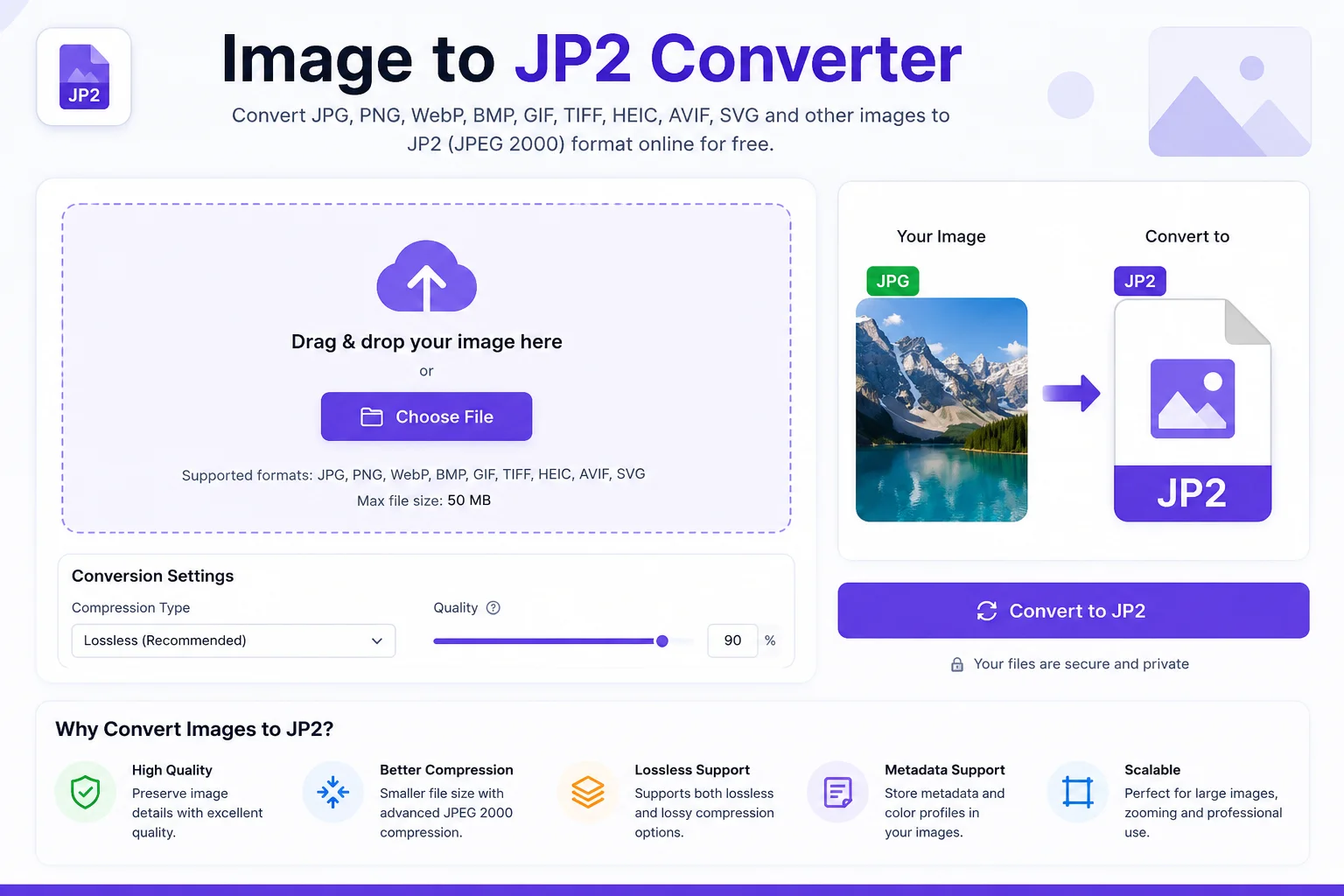
A JP2 converter lets you change popular image formats like JPG, PNG, WebP, BMP, TIFF, GIF, HEIC, AVIF, and SVG into the JP2 (JPEG 2000) format. Whether you're working with digital archives, scanned documents, medical images, GIS maps, or high-quality photography, converting images to JP2 helps preserve image quality while reducing file size. JPEG 2000 supports both lossless and lossy compression, making it suitable for many professional applications.
In this guide, you'll learn what JP2 files are, why they're useful, how to convert images to JP2, and when you should use this format.
What Is an Image to JP2 Converter?
An Image to JP2 Converter is an online or offline tool that converts standard image files into the JPEG 2000 (.jp2) format.
Most converters support formats such as:
- JPG / JPEG
- PNG
- WebP
- BMP
- TIFF
- GIF
- HEIC
- AVIF
- SVG
After conversion, the output file is saved with the .jp2 extension.
Unlike traditional JPEG images, JPEG 2000 uses wavelet-based compression, which can provide better image quality at lower file sizes and also supports completely lossless compression.
What Is a JP2 File?
A JP2 file is an image stored using the JPEG 2000 standard.
It was created as an improved version of the original JPEG format and became an international standard (ISO/IEC 15444). JP2 files support:
- Lossless compression
- Lossy compression
- High image quality
- Large image support
- Multiple color spaces
- Transparency (alpha channel)
- Embedded metadata
Because of these features, JP2 is commonly used in digital libraries, archives, satellite imagery, medical imaging, and digital cinema.
Why Convert Images to JP2?
Converting your images to JP2 offers several advantages.
Better Compression
JP2 can reduce file size while maintaining high image quality.
Lossless Image Storage
Unlike standard JPG, JP2 supports true lossless compression, allowing images to be restored without losing data.
Professional Image Quality
Photographers, museums, and government organizations often use JP2 because it preserves fine image details.
Metadata Support
JP2 files can store image information, color profiles, and additional metadata.
Large Image Handling
JP2 works well with extremely large images and supports efficient zooming and streaming, making it useful for maps and scanned documents.
Supported Input Formats
Most Image to JP2 converters support a wide range of image formats.
Input Format Convert to JP2 JPG / JPEG ✔ PNG ✔ WebP ✔ BMP ✔ TIFF ✔ GIF ✔ AVIF ✔ HEIC ✔ SVG ✔How to Use an Image to JP2 Converter
Using an Image to JP2 Converter is simple.
- Upload your image.
- Choose JP2 as the output format.
- Adjust compression or quality settings if your converter provides them.
- Click the Convert button.
- Download your new JP2 image.
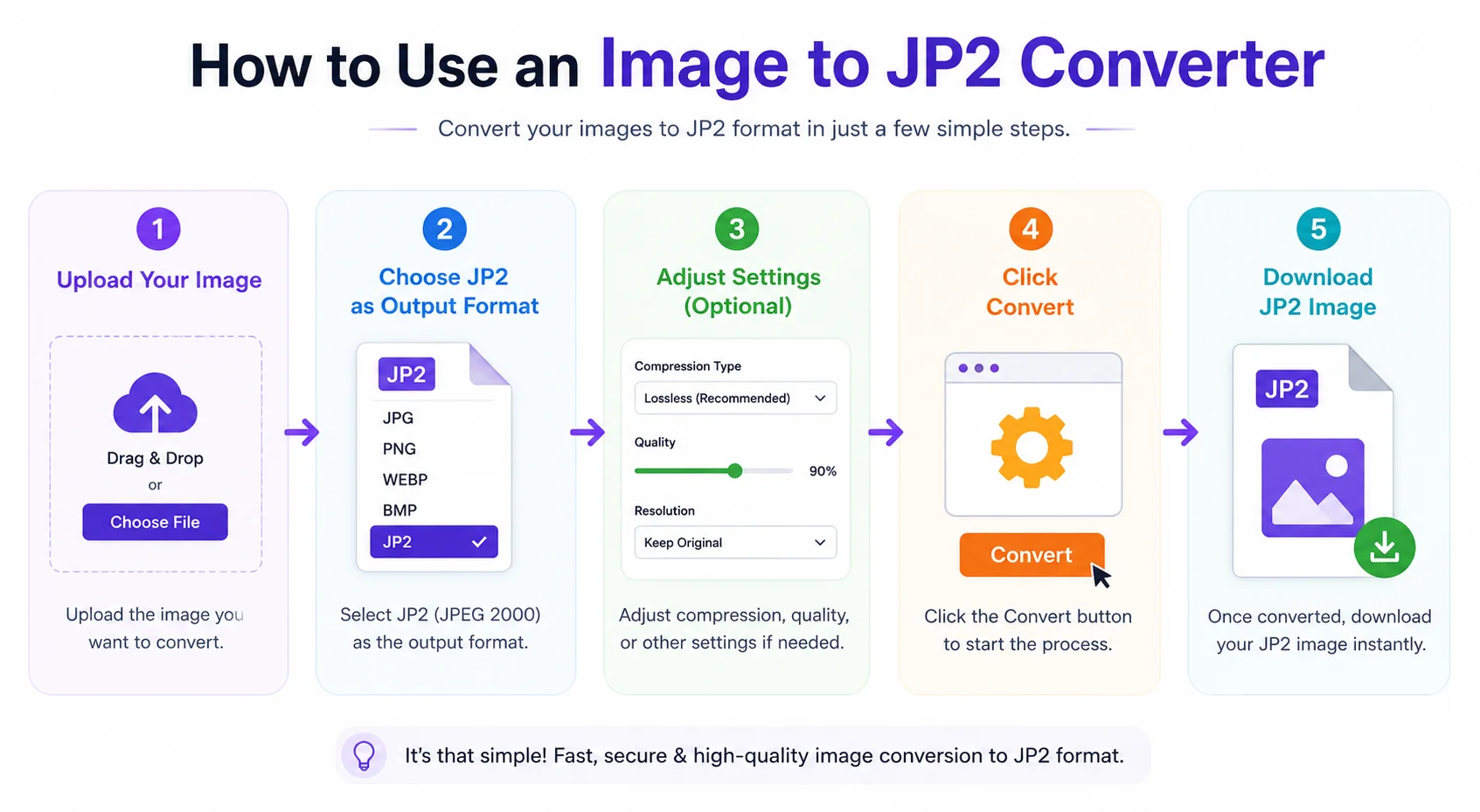
The entire process usually takes only a few seconds.
Features of an Image to JP2 Converter
A good converter should include:
- Fast image conversion
- Support for multiple image formats
- High-quality JPEG 2000 output
- Lossless conversion option
- Batch conversion support
- Secure file processing
- Browser-based conversion
- No software installation
- Mobile-friendly interface
- Free downloads
JP2 vs JPG vs PNG
Feature JP2 JPG PNG Compression Lossy & Lossless Lossy Lossless Image Quality Excellent Good Excellent Transparency Yes No Yes Metadata Support Excellent Basic Good File Size Small Small Larger Best For Archives, Medical, GIS Photos Graphics & LogosJP2 is generally chosen when maintaining image quality and supporting advanced features are more important than broad compatibility. JPG remains the most widely supported format for everyday photography, while PNG is preferred for graphics and images with transparency.
Common Uses of JP2 Files
JP2 is widely used across many industries.
Digital Archives
Libraries and museums store historical documents in JP2 because of its efficient compression and excellent image quality.
Medical Imaging
Hospitals and research organizations use JPEG 2000 for high-quality medical images.
Satellite Images
GIS applications often use JP2 for storing large geographic images.
Digital Libraries
Many digital collections use JP2 to provide fast zooming and viewing of large scanned documents.
Digital Cinema
JPEG 2000 technology is also used in digital cinema workflows due to its high-quality compression.
Benefits of Using an Online Image to JP2 Converter
An online converter offers several advantages.
- No software installation
- Works on Windows, Mac, Linux, Android, and iPhone
- Easy for beginners
- Fast conversion
- Supports many image formats
- Saves storage space
- Produces professional-quality files
- Accessible from any modern web browser
Tips for Better Conversion Results
For the best JP2 output:
- Start with a high-resolution image.
- Use lossless compression when image quality is critical.
- Avoid converting already heavily compressed images repeatedly.
- Keep the original image as a backup.
- Choose the appropriate quality setting for your intended use.
Frequently Asked Questions (FAQs)
Is JP2 better than JPG?
JP2 can provide better compression efficiency and supports both lossless and lossy compression, making it suitable for professional workflows. However, JPG has much wider support across devices and web browsers.
Can I convert PNG to JP2?
Yes. Most Image to JP2 converters support PNG files.
Does JP2 support transparency?
Yes. JP2 can support transparency (alpha channels), unlike standard JPG.
Is JPEG 2000 lossless?
Yes. JPEG 2000 supports both lossless and lossy compression.
Are JP2 files smaller than PNG?
In many cases, yes. JP2 often produces smaller files while maintaining high image quality, though the exact result depends on the image and compression settings.
Can I use JP2 images on websites?
JP2 is not as widely supported by web browsers as JPG, PNG, or WebP. It is mainly used in specialized applications, archives, medical imaging, and digital preservation workflows.
Conclusion
An Image to JP2 Converter is an excellent tool for anyone who needs high-quality image compression with advanced features. Whether you're preserving historical documents, working with professional photography, handling medical scans, or managing large digital collections, the JPEG 2000 format offers an ideal balance between image quality and file size.
Modern converters make the process quick and simple. Upload your image, choose JP2, convert it in seconds, and download a professional-quality file ready for archiving, sharing, or specialized applications.