Images to DIB Converter
Convert your images to DIB (Device Independent Bitmap) format quickly and easily with our free online Image to DIB Converter. Upload JPG, PNG, WebP, AVIF, HEIC, GIF, BMP, TIFF, SVG, and other popular image formats.
Images come in many file formats, and each one serves a different purpose. While formats like JPG and PNG are popular for sharing photos and graphics, some Windows applications and graphics software work better with DIB (Device Independent Bitmap) files.
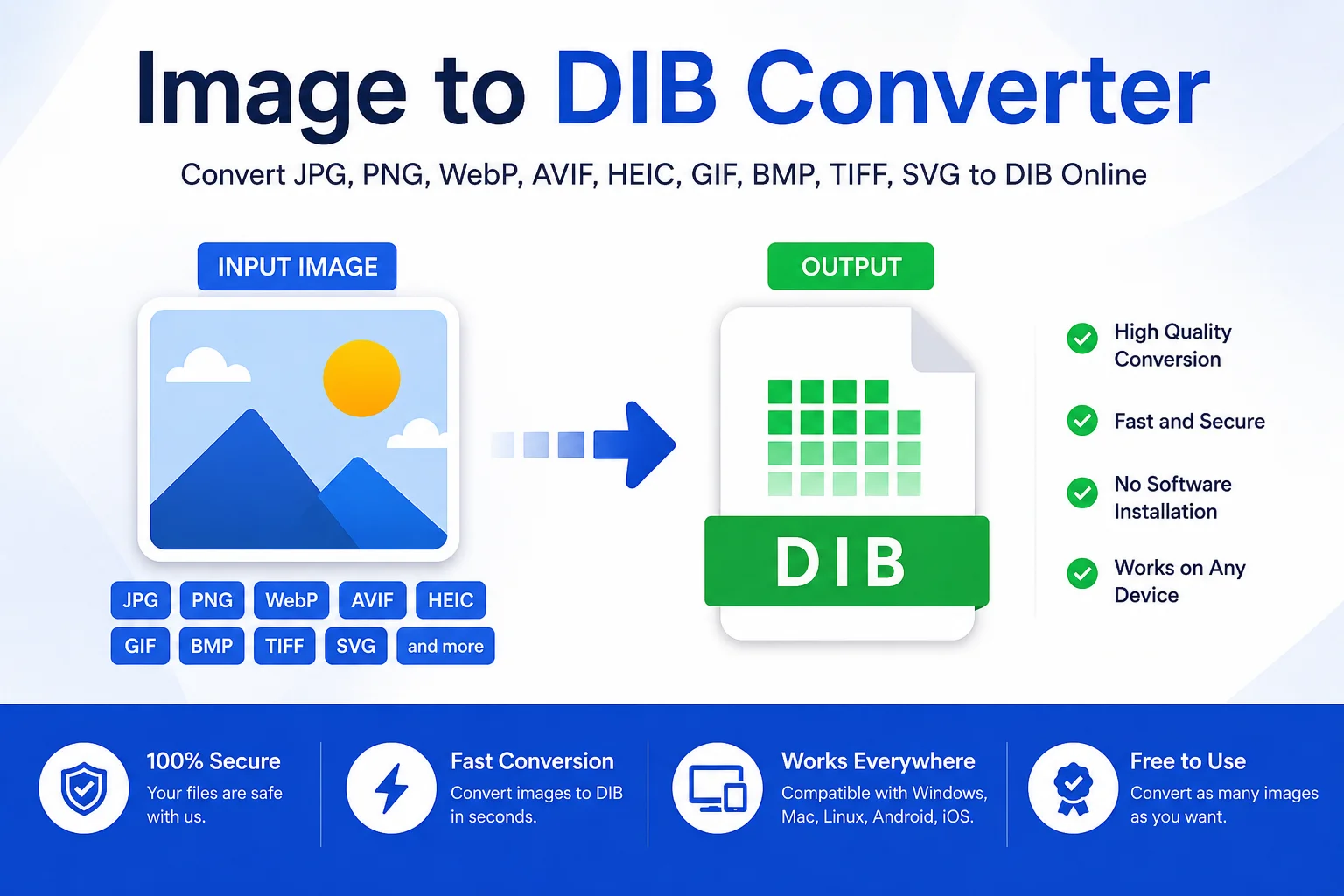
An Image to DIB Converter lets you change images such as JPG, PNG, WebP, AVIF, HEIC, BMP, GIF, TIFF, and SVG into the DIB format in just a few clicks. You don't need to install any software or learn complex editing tools. Simply upload your image, convert it, and download the DIB file.
Whether you're a developer, designer, or someone working with Windows graphics, an Image to DIB Converter makes the process fast and simple.
What Is an Image to DIB Converter?
An Image to DIB Converter is an online tool that converts common image formats into the DIB (Device Independent Bitmap) format.
A DIB stores image data in a way that allows Windows applications to display the image consistently on different devices. Unlike device-dependent bitmaps, a DIB contains color information that helps the operating system render the image correctly without relying on specific display hardware.
This makes DIB files useful for Windows graphics programming, clipboard operations, image processing, and software development.
According to Microsoft: A Device Independent Bitmap (DIB) stores bitmap information in a format that allows it to be displayed correctly on any device.
What Is a DIB File?
A DIB (Device Independent Bitmap) is a bitmap image format used by Microsoft Windows.
It contains:
- Bitmap header
- Color information
- Pixel data
The file stores image information independently of the display device, making it easier for different computers and printers to show the same image accurately.
DIB files are commonly used by:
- Windows applications
- Graphics editors
- Clipboard operations
- Image processing software
- Desktop publishing software
How Does an Image to DIB Converter Work?
The conversion process is simple and takes only a few seconds.
- Upload your image.
- The tool reads the image data.
- It converts the image into DIB format.
- The DIB file is generated.
- Download the converted file instantly.
Most online converters work entirely inside your browser, making the process quick and secure.
Supported Input Formats
An Image to DIB Converter usually supports many popular image formats.
Input Format Supported JPG / JPEG ✔ PNG ✔ WebP ✔ AVIF ✔ HEIC ✔ BMP ✔ GIF ✔ TIFF ✔ SVG ✔ ICO ✔This allows you to convert nearly any common image into a DIB file.
Why Convert an Image to DIB?
Better Windows Compatibility
Many Windows applications work directly with DIB images.
Useful for Software Development
Developers often use DIB files when working with Windows APIs and graphics programming.
Device Independent
Unlike device-dependent bitmaps, DIB images display consistently across different hardware.
Easy Image Processing
Some graphics libraries and editing software support DIB for internal image operations.
Clipboard Support
Windows clipboard operations commonly use DIB format when copying and pasting images.
Common Uses of DIB Files
DIB files are used in many professional and technical environments.
- Windows desktop applications
- Image editing software
- Clipboard image transfer
- Graphic design software
- Printing systems
- Software development
- Bitmap processing
- Legacy Windows programs
Although regular users may not encounter DIB files often, they remain important in Windows graphics programming.
DIB vs BMP
Many people think DIB and BMP are exactly the same, but they are closely related rather than identical.
Feature DIB BMP Full Name Device Independent Bitmap Bitmap Image Windows Support Excellent Excellent Device Independent Yes Depends on implementation Contains Pixel Data Yes Yes Used in Windows API Yes Yes Common File Extension .dib .bmp Best For Windows graphics programming General bitmap imagesAdvantages of Using a DIB Converter
- Fast Conversion: Most files convert in just a few seconds.
- No Software Installation: Everything works directly in your web browser.
- Supports Multiple Formats: Convert JPG, PNG, WebP, AVIF, HEIC, BMP, GIF, TIFF, SVG, and more.
- Beginner Friendly: Simple interface with no technical knowledge required.
- High Image Quality: The converter preserves image quality during conversion whenever possible.
- Works on Any Device: Compatible with Windows, macOS, Linux, Android, and iPhone.
How to Use an Image to DIB Converter
Converting an image is easy.
- Step 1: Upload your image.
- Step 2: Wait for the upload to finish.
- Step 3: The tool automatically converts the image into DIB format.
- Step 4: Download the converted DIB file.
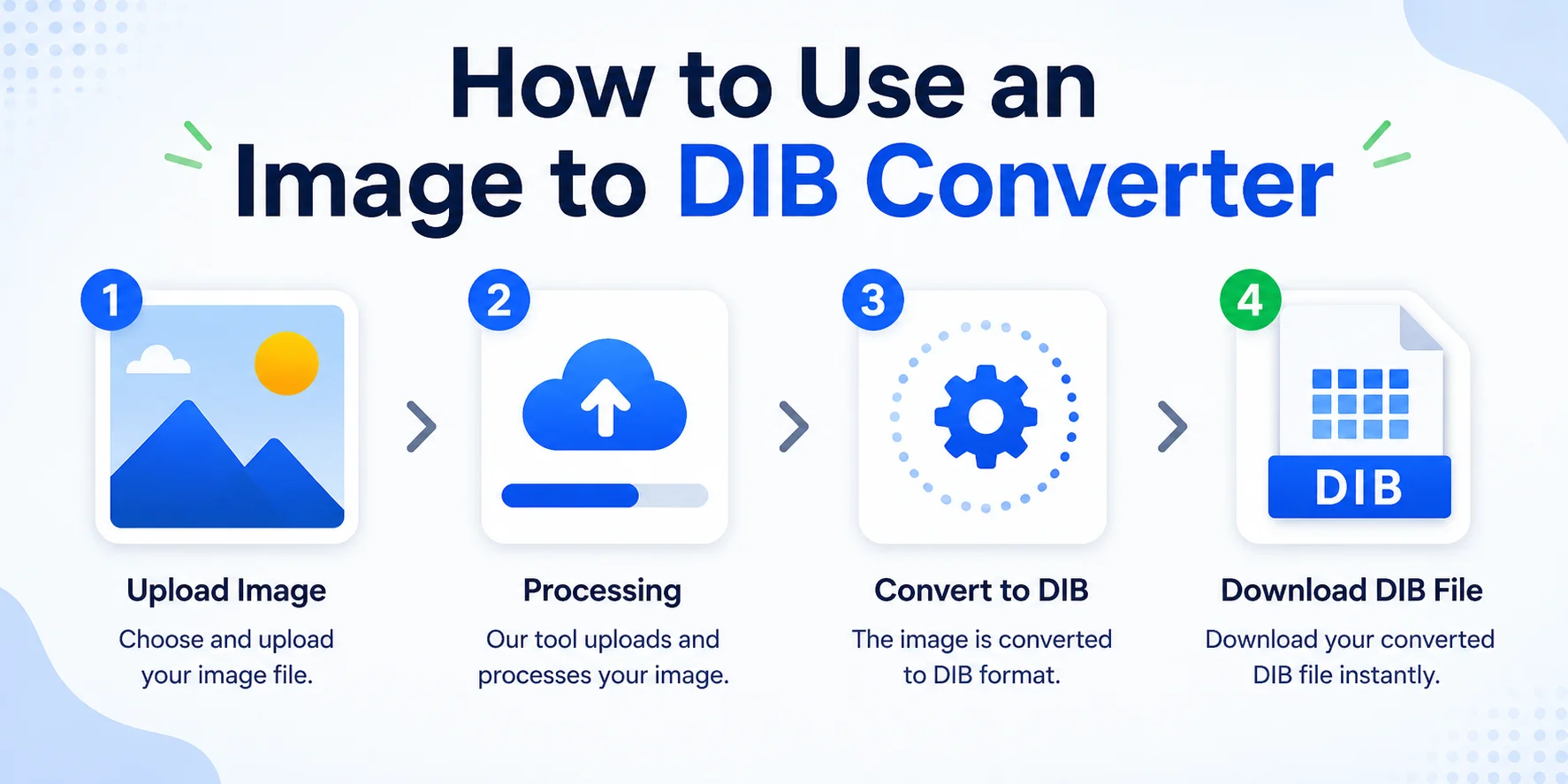
That's it no registration, software installation, or advanced settings required.
Tips for Better Results
- Use high-resolution images.
- Avoid heavily compressed source files.
- Keep the original image if further editing is needed.
- Make sure the uploaded image is not corrupted.
- Verify the output in your target application if you're using it for development.
Limitations of DIB Files
- Larger file sizes than JPG or WebP.
- Not commonly used on websites.
- Limited support in some modern image viewers.
- Mainly designed for Windows environments.
If you need a web-friendly format, PNG or WebP may be better choices.
Who Should Use an Image to DIB Converter?
This tool is useful for:
- Software developers
- Windows application developers
- Graphic designers
- Digital artists
- Students
- IT professionals
- Image processing engineers
- Anyone working with Windows bitmap graphics
Frequently Asked Questions (FAQ)
What is a DIB file?
A DIB (Device Independent Bitmap) is a Windows bitmap format that stores image data independently of display hardware.
Is DIB the same as BMP?
They are closely related. A BMP file typically contains a file header followed by DIB data, while DIB refers to the bitmap information itself used by Windows graphics systems.
Can I convert PNG to DIB?
Yes. Most Image to DIB converters support PNG files.
Can I convert JPG to DIB?
Yes. JPG images can easily be converted into DIB format.
Does converting reduce image quality?
Most converters preserve the original image quality. However, the final result depends on the source image and the converter being used.
Is an online Image to DIB Converter safe?
Most browser-based converters process your image quickly without requiring software installation. Always use trusted websites if uploading sensitive images.
Conclusion
An Image to DIB Converter is a simple and useful tool for anyone who needs Windows-compatible bitmap images. Whether you're converting JPG, PNG, WebP, AVIF, HEIC, BMP, GIF, TIFF, or SVG files, the process is fast and easy.
DIB files remain important for Windows graphics programming, clipboard operations, image processing, and legacy software. With an online converter, you can create DIB files in just a few clicks without installing any software.