Images to RAW Converter
Use our free Image to RAW Converter to convert JPG, PNG, WebP, BMP, TIFF, HEIC, AVIF, and more into RAW-compatible format online. The tool is fast, secure, browser-based, and works on desktop and mobile devices with no software installation required.
Digital images come in many formats like JPG, PNG, WebP, BMP, TIFF, and GIF. Each format has a different purpose. If you are looking for an Image to RAW Converter, it is important to understand what a RAW file really is and what this type of converter can and cannot do.
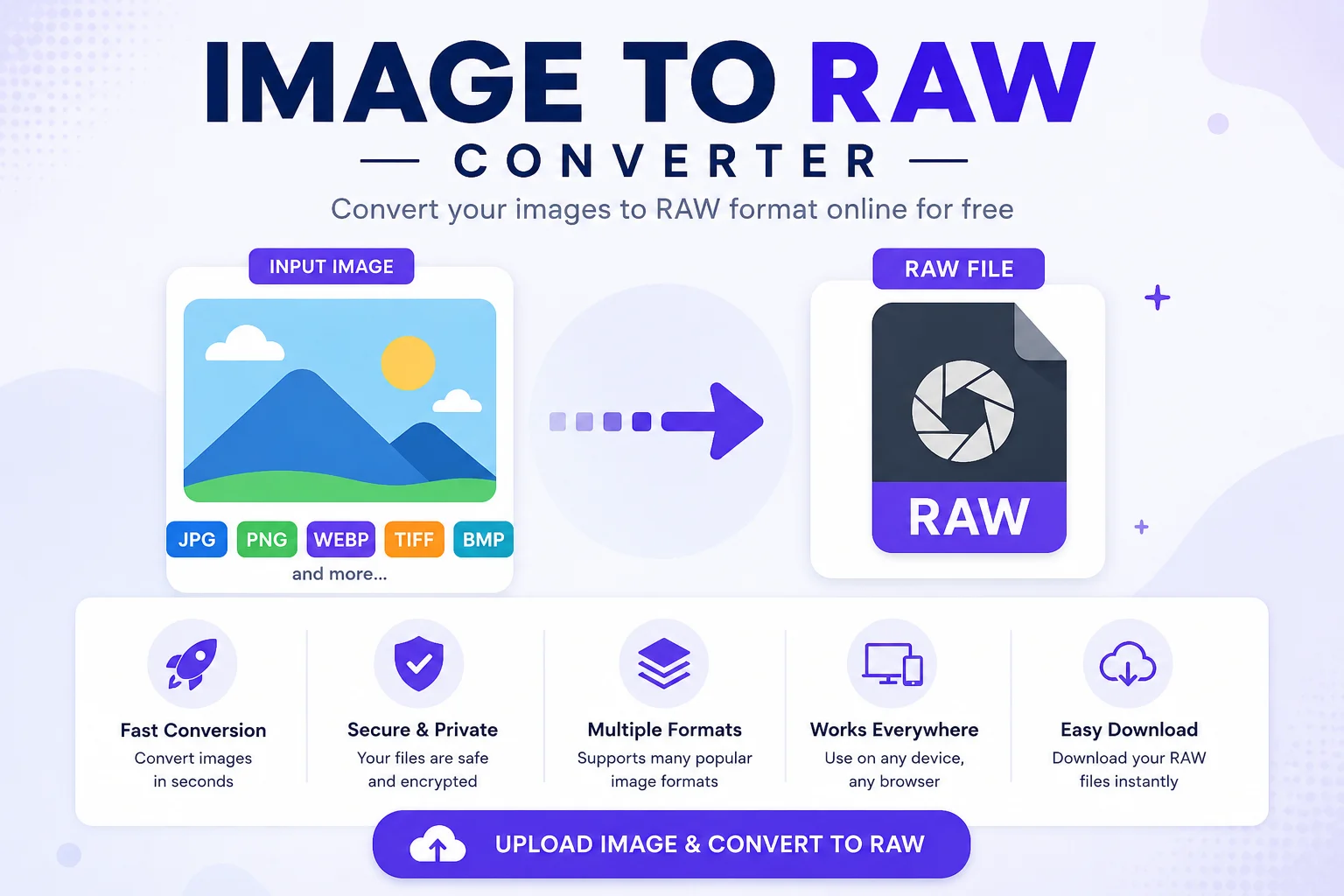
A RAW image is very different from common image formats. It stores unprocessed data captured directly by a camera sensor. Because of this, a standard JPG or PNG cannot be turned back into a true camera RAW file. The original sensor information is simply no longer available.
An Image to RAW Converter can still be useful in some situations. It can convert supported image files into a RAW-compatible format used by certain software or workflows, but it cannot recreate the original camera sensor data that existed before the image was processed.
In this guide, you'll learn how Image to RAW converters work, their limitations, their benefits, and when you should use them.
What Is a RAW Image?
RAW is an image format that stores the original data recorded by a digital camera's image sensor before any processing is applied.
Unlike JPG files, RAW images usually have:
- More color information
- Higher dynamic range
- Better highlight and shadow recovery
- Greater editing flexibility
- Less image compression
Because the image has not been fully processed, photographers can make significant adjustments without reducing image quality.
Popular camera manufacturers use different RAW formats.
Camera Brand RAW Format Canon CR2, CR3 Nikon NEF Sony ARW Fujifilm RAF Olympus ORF Panasonic RW2 Adobe DNGSince there is no universal RAW format, software often supports many different RAW file types.
What Is an Image to RAW Converter?
An Image to RAW Converter is a tool that changes supported image files into a RAW-compatible output format for specific workflows or applications.
However, there is an important limitation.
A converter cannot recreate the original camera sensor data that was lost when an image was saved as JPG, PNG, or another processed format.
Instead, the converter changes the file structure or container so that it can be used where a RAW-like format is required.
This makes the tool useful for compatibility purposes, but it does not increase image quality or restore missing details.
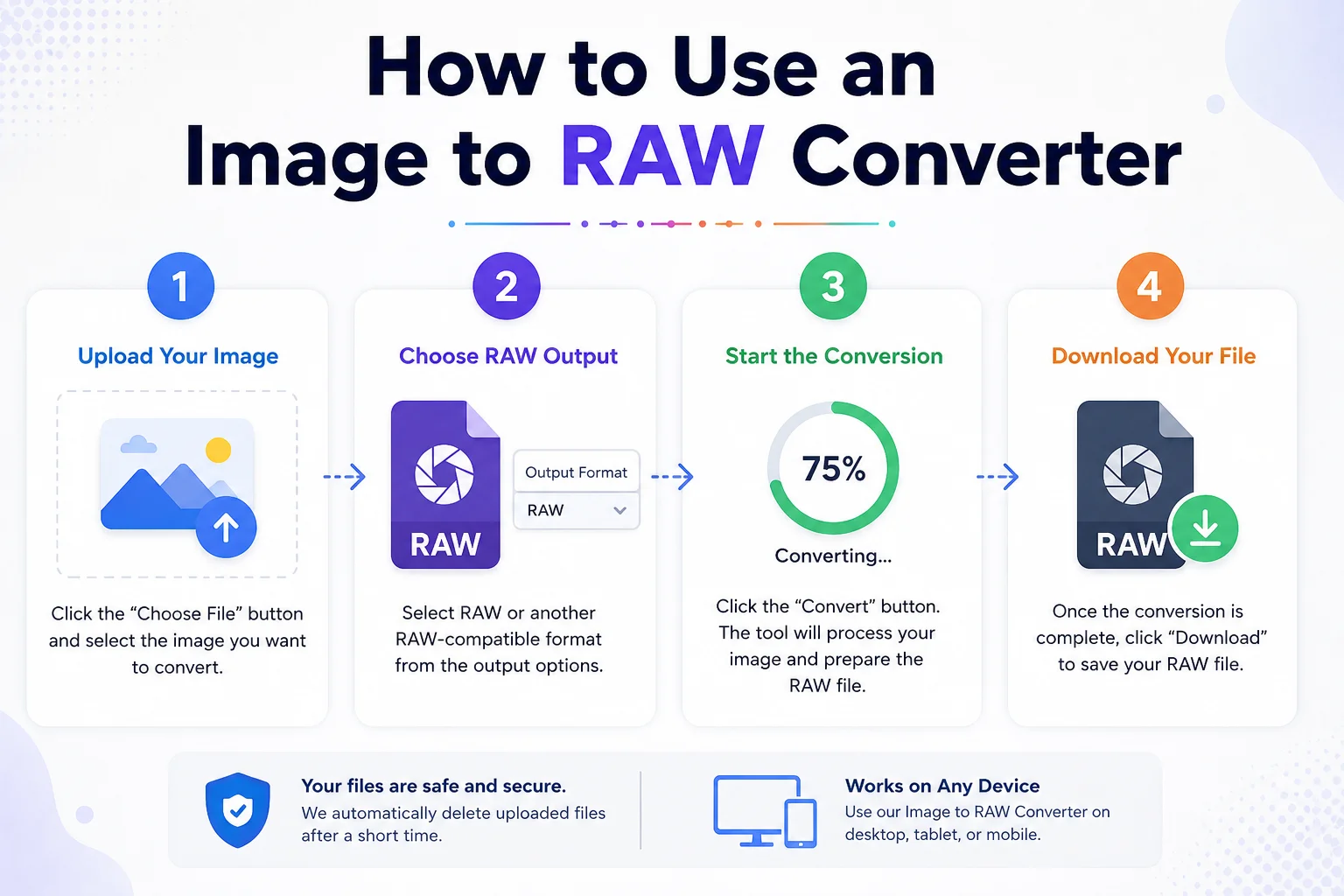
How to Use an Image to RAW Converter
Using the tool is simple.
- Step 1: Upload Your Image
Select the image you want to convert.
Supported formats may include:
- JPG
- JPEG
- PNG
- WebP
- BMP
- TIFF
- GIF
- HEIC
- AVIF
- Step 2: Choose RAW Output
Select RAW or another supported RAW-compatible format from the output options.
- Step 3: Start the Conversion
Click the Convert button. The tool processes the uploaded image and prepares the output file.
- Step 4: Download Your File
Once the conversion finishes, download the converted file to your device.
Features of Our Image to RAW Converter
Our converter is designed to be simple, fast, and easy for everyone.
Fast Conversion
Convert images within seconds.
Easy to Use
No editing experience is required.
Supports Multiple Input Formats
Upload many popular image formats.
Secure Processing
Your uploaded files are processed securely and can be removed automatically after conversion.
Works on Any Device
Use the tool on:
- Windows
- macOS
- Linux
- Android
- iPhone
- Tablets
No Software Installation
Everything works directly in your web browser.
Benefits of Using an Image to RAW Converter
Benefit Description Better Compatibility Creates RAW-compatible output for supported workflows. Browser-Based No installation required. Easy Workflow Quick conversion process. Multiple Formats Supports many common image types. Free to Use Many online converters are available at no cost.What an Image to RAW Converter Cannot Do
Many users misunderstand RAW conversion.
Here are a few common myths.
Myth Reality Converts JPG into a real camera RAW ❌ No Restores lost image detail ❌ No Recovers deleted sensor data ❌ No Improves image quality automatically ❌ No Makes editing more flexible than the original JPG ❌ NoThe converter changes the file format but cannot recover information that was never stored in the original image.
When Should You Use an Image to RAW Converter?
An Image to RAW Converter can be useful if you:
- Need a RAW-compatible file for certain software.
- Want a different file format for your workflow.
- Are testing image processing applications.
- Need compatibility with specific editing tools.
If your goal is professional photo editing, it is always better to capture images in RAW directly using your camera.
Image to RAW vs JPG
Feature RAW JPG Compression Usually None Lossy Editing Flexibility Excellent Limited File Size Large Small Image Quality Maximum Good Camera Sensor Data Available Not Available Best For Professional Photography Sharing and WebSupported Input Formats
Depending on the converter, supported input formats may include:
- JPG
- JPEG
- PNG
- WebP
- BMP
- TIFF
- GIF
- HEIC
- AVIF
- ICO
- SVG
The available output options depend on how the converter has been developed.
Is Image to RAW Conversion Safe?
Yes.
A trustworthy online converter should:
- Use secure HTTPS connections.
- Delete uploaded files after a short period.
- Not require unnecessary personal information.
- Protect user privacy during processing.
Always choose a reliable converter if you are working with important images.
Tips for Better Results
- Upload the highest-quality version of your image.
- Avoid converting already compressed images multiple times.
- Keep a backup of the original file.
- Understand that conversion will not restore lost camera data.
- Use RAW files directly from your camera whenever possible.
Frequently Asked Questions
Can I convert JPG to a real RAW file?
No. A JPG image does not contain the original sensor data found in a camera RAW file. A converter cannot recreate that missing information.
Does converting to RAW improve image quality?
No. The conversion changes the file format but does not add new image details or improve quality.
Can I edit the converted file?
Yes. Depending on the output format and software, you may be able to open and edit the converted file, but it will not have the same editing flexibility as a genuine camera RAW image.
Is the tool free?
Many Image to RAW converters are free to use online, while some advanced services may offer premium features.
Which image formats can I upload?
Most tools support common formats such as JPG, PNG, WebP, BMP, TIFF, GIF, HEIC, and AVIF.
Conclusion
An Image to RAW Converter is useful when you need a RAW-compatible output format for specific software or workflows. However, it is important to understand its limitations. A converter cannot recreate the original camera sensor data that exists only in genuine RAW photographs.
If you want the highest image quality and maximum editing flexibility, capture photos in RAW directly using your camera. For everyone else, an Image to RAW Converter offers a quick and convenient way to convert supported image files into a compatible format while maintaining an easy and efficient workflow.