Images to BMP Converter
Our Image to BMP Converter lets you quickly convert JPG, PNG, WebP, AVIF, GIF, TIFF, HEIC, and other image formats into high-quality BMP files. The tool is fast, free, and works directly in your browser without installing any software.
Images come in many different file formats. Some are designed for smaller file sizes, while others focus on preserving image quality. If you need an uncompressed image for editing, printing, software development, or Windows applications, an Image to BMP Converter is the perfect tool.
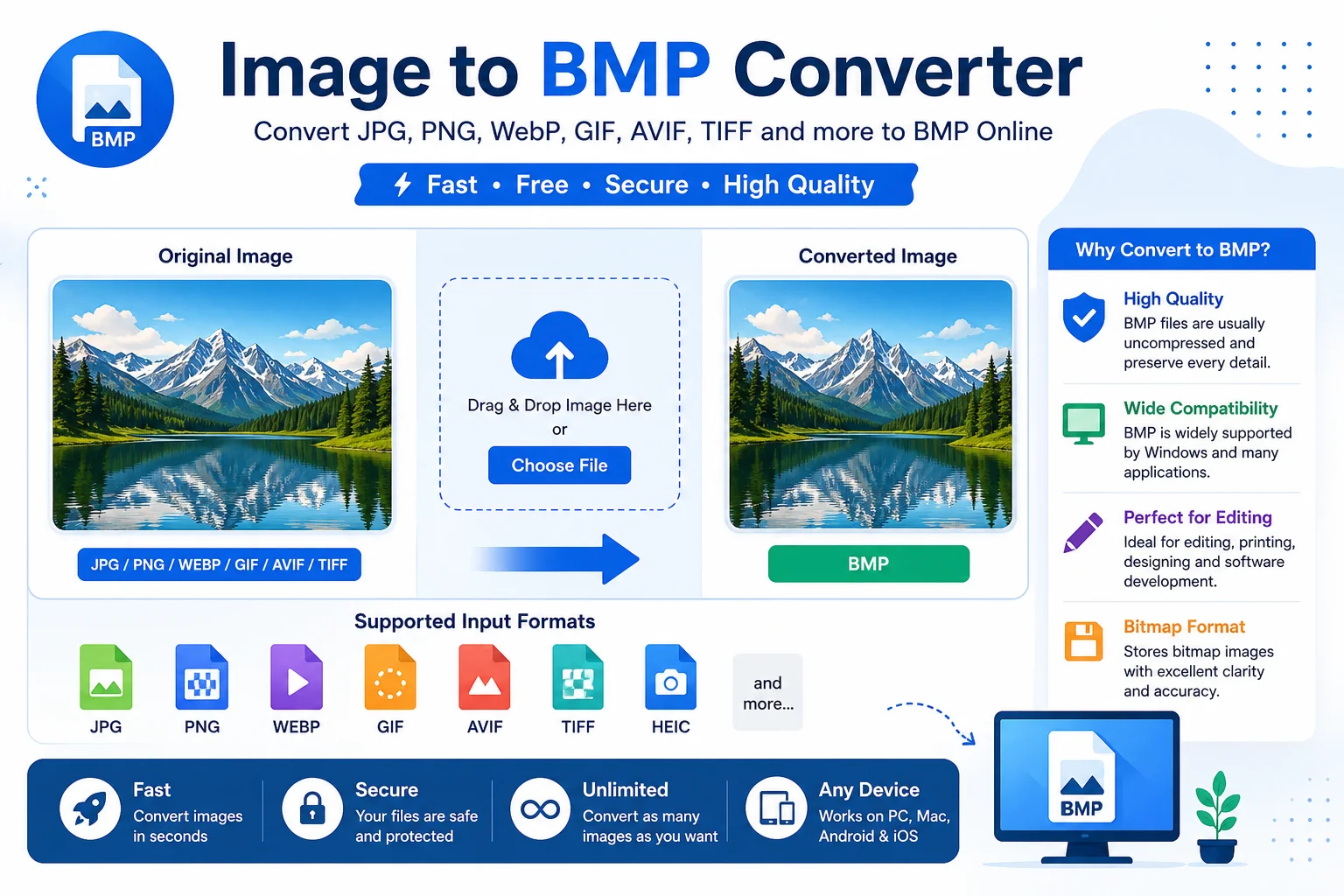
A BMP converter allows you to convert popular image formats such as JPG, PNG, WebP, GIF, AVIF, TIFF, and HEIC into the Bitmap (BMP) format in just a few clicks. There is no need to install any software. Simply upload your image, convert it, and download the BMP file.
Whether you are a designer, developer, student, or everyday user, this tool makes image conversion fast, simple, and reliable.
What Is BMP?
BMP stands for Bitmap Image File. It is a raster image format developed by Microsoft for the Windows operating system.
Unlike JPG or WebP, BMP files are usually stored without compression. This means they keep all image details, but the file size is much larger.
BMP files are commonly used for:
- Windows applications
- Image editing
- Graphic design
- Software development
- Digital artwork
- Printing
- Game development
Because BMP keeps every pixel, it delivers excellent image quality.
Why Use an Image to BMP Converter?
Many modern image formats are optimized for the web. While they save storage space, they may reduce image quality due to compression.
Converting an image to BMP gives you an uncompressed version that is suitable for editing and professional work.
Some common reasons include:
- Maintain original image quality
- Edit images without compression artifacts
- Use BMP files in Windows software
- Prepare graphics for development projects
- Create bitmap images for printing
- Convert unsupported image formats
Supported Input Formats
Most Image to BMP Converter tools support multiple image formats.
Input Format Supported JPG ✔ Yes JPEG ✔ Yes PNG ✔ Yes WebP ✔ Yes GIF ✔ Yes AVIF ✔ Yes HEIC ✔ Yes TIFF ✔ Yes ICO ✔ Yes SVG (Rasterized) ✔ Yes BMP ✔ YesWhy Convert Images to BMP?
Excellent Image Quality
BMP images are usually uncompressed, so every pixel is preserved.
Easy to Edit
Most image editing software supports BMP files without quality loss.
Wide Windows Support
BMP works natively with Microsoft Windows and many desktop applications.
Perfect for Software Development
Many desktop programs and games still use BMP images for icons, textures, and graphics.
Great for Printing
Since BMP preserves full image data, it is useful for high-quality printing.
Features of Our Image to BMP Converter
Our online converter is designed to make image conversion quick and easy.
Fast Conversion
Convert images in just a few seconds.
No Software Installation
Everything works directly in your web browser.
Supports Multiple Formats
Upload JPG, PNG, WebP, GIF, AVIF, TIFF, HEIC, and more.
High-Quality Output
The converter preserves image quality during conversion.
Free to Use
Convert images without paying any fees.
Secure Processing
Your uploaded files are processed securely and can be removed automatically after conversion, depending on the website's policy.
Works on Any Device
Compatible with:
- Windows
- Mac
- Linux
- Android
- iPhone
- Tablets
How to Use an Image to BMP Converter
Converting an image takes only a few simple steps.
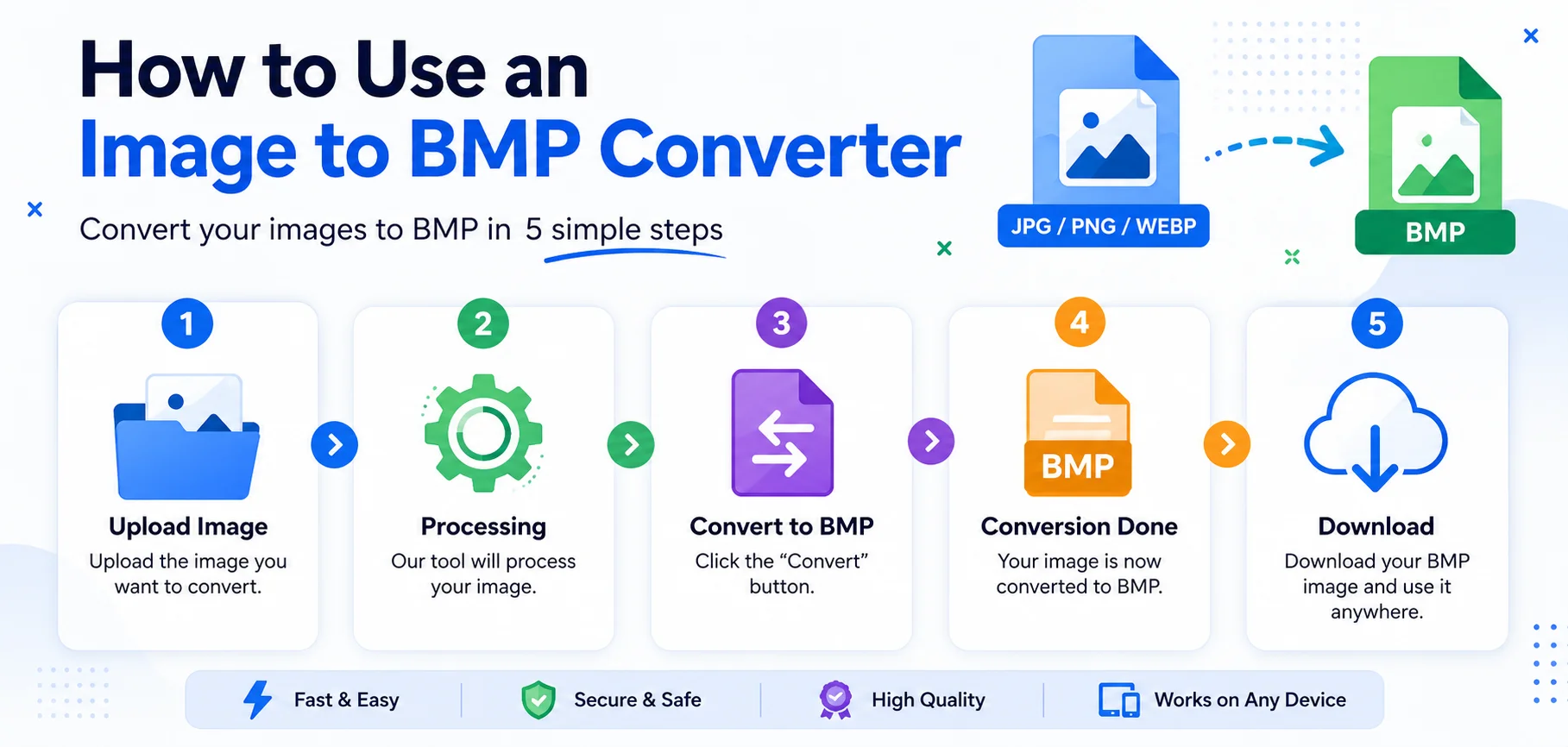
- Step 1: Upload your image.
- Step 2: The tool automatically processes the image.
- Step 3: Click the Convert to BMP button.
- Step 4: Wait a few seconds while the conversion finishes.
- Step 5: Download your BMP image.
No technical knowledge is required.
BMP vs JPG vs PNG vs WebP
Feature BMP JPG PNG WebP Compression Usually None Lossy Lossless Lossy/Lossless Image Quality Excellent High Excellent Excellent File Size Very Large Small Medium Very Small Transparency Limited No Yes Yes Best For Editing, Windows Photos Graphics WebsitesWho Should Use an Image to BMP Converter?
This tool is useful for many users.
- Graphic Designers: Convert images for editing without compression artifacts.
- Software Developers: Use BMP graphics in Windows software and desktop applications.
- Students: Prepare images for assignments and computer projects.
- Photographers: Keep image quality during editing.
- Digital Artists: Work with bitmap graphics for creative projects.
- Businesses: Convert product images for internal systems and printing.
Common Uses of BMP Files
BMP files are still widely used in many industries.
Some common applications include:
- Windows desktop applications
- Software interfaces
- Image editing
- Digital art
- Printing
- Game textures
- Educational projects
- Bitmap graphics
- Technical documentation
- Offline image storage
Benefits of Using Our Online BMP Converter
Choosing an online converter offers several advantages.
- No registration required
- Simple user interface
- Quick image processing
- High-quality output
- Works in any browser
- Supports many image formats
- Free for everyday use
- Mobile-friendly
- No advanced skills needed
Tips for Better BMP Conversion
- Upload the highest-quality original image.
- Avoid converting already compressed images multiple times.
- Use PNG instead of JPG if you need better source quality.
- Keep the original image as a backup.
- Use BMP mainly for editing or printing rather than websites.
Frequently Asked Questions (FAQs)
What is an Image to BMP Converter?
It is an online tool that converts image formats like JPG, PNG, WebP, AVIF, GIF, and TIFF into BMP format.
Is BMP better than JPG?
BMP provides higher image quality because it is usually uncompressed. However, BMP files are much larger than JPG files.
Can I convert PNG to BMP?
Yes. Most online BMP converters support PNG to BMP conversion.
Is BMP lossless?
Yes. BMP images are generally stored without compression, which helps preserve image quality.
Does BMP support transparency?
Standard BMP has limited transparency support. PNG is generally a better choice if transparency is required.
Is this converter free?
Yes. Most online Image to BMP Converter tools are free for everyday image conversions.
Does the converter reduce image quality?
No. Converting to BMP generally preserves the image quality because BMP is typically an uncompressed format.
Can I convert multiple images?
Many Image to BMP Converter tools support batch image conversion, depending on the tool's features.
Conclusion
An Image to BMP Converter is a simple and reliable tool for converting modern image formats into high-quality Bitmap files. Whether you are editing photos, developing Windows software, creating digital artwork, or preparing images for printing, BMP remains a trusted format because it preserves image details without heavy compression.
Our online converter makes the process fast and easy. Simply upload your image, convert it to BMP, and download the result in seconds. No software installation, technical knowledge, or registration is required, making it a convenient solution for beginners and professionals alike.