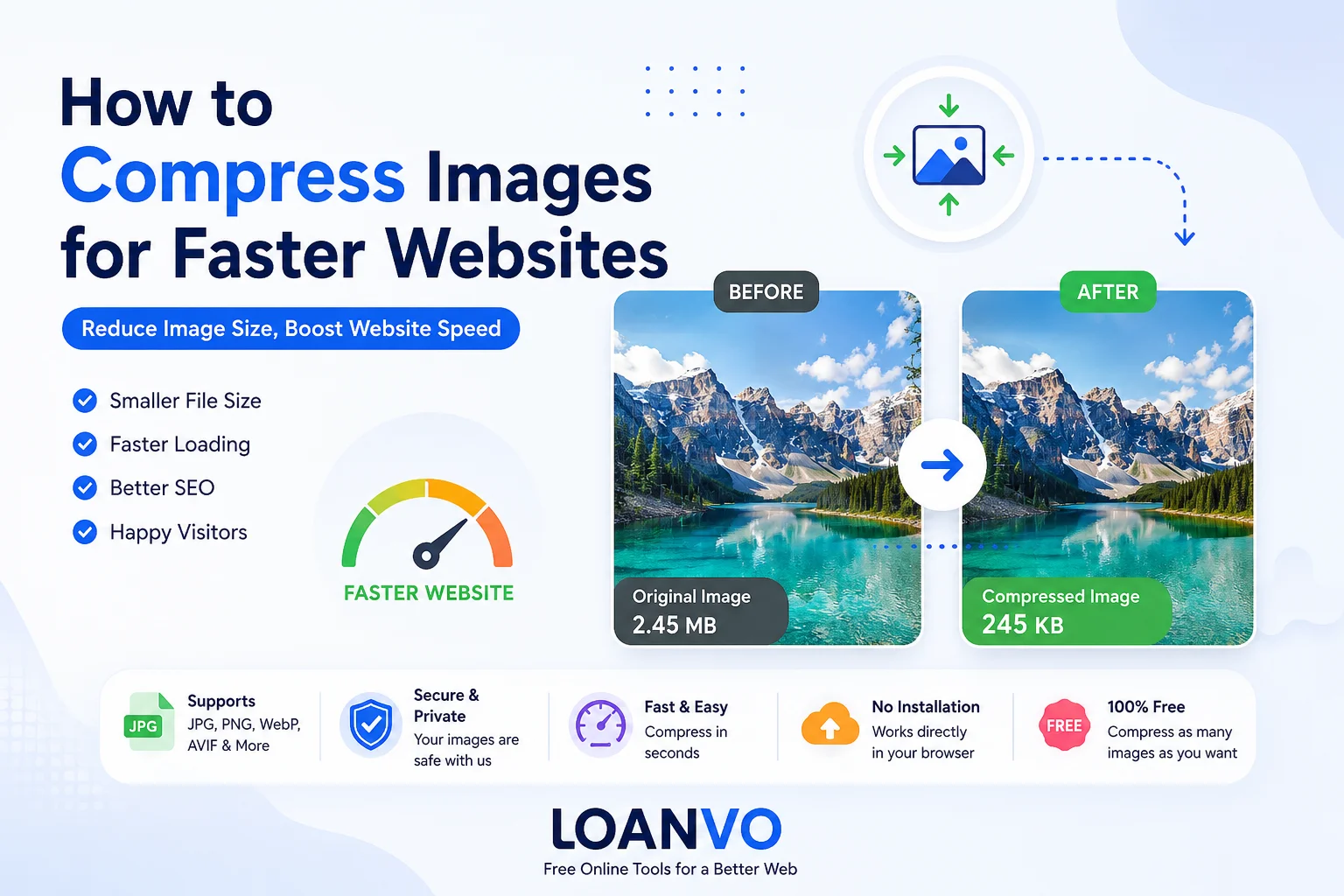
Website speed plays a major role in user experience, SEO, and conversion rates. One of the easiest ways to make a website load faster is by compressing images before uploading them. Large image files increase page load time, consume more bandwidth, and can negatively affect Core Web Vitals.
In this beginner-friendly guide, you'll learn what image compression is, why it matters, the difference between lossy and lossless compression, how to choose the right image format, and how to compress images using free online tools like Loanvo Image Compressor.
What Is Image Compression?
Image compression is the process of reducing an image's file size while trying to maintain acceptable visual quality. Smaller images download faster, improving website performance and reducing bandwidth usage.
There are two main types of image compression:
| Compression Type | Best For | Image Quality | File Size |
|---|---|---|---|
| Lossy Compression | Photos, blogs, product images | Slight quality loss | Much smaller |
| Lossless Compression | Logos, graphics, screenshots | Original quality preserved | Moderately smaller |
Modern formats like WebP and AVIF support both lossy and lossless compression and usually produce much smaller files than JPEG or PNG.
Why Image Compression Matters
Compressing images benefits both visitors and website owners.
Faster Page Loading
Smaller images require less time to download, helping pages load more quickly, especially on mobile networks.
Better SEO
Google recommends optimizing images because smaller files can improve loading performance and Core Web Vitals, which are important ranking signals.
Improved User Experience
Visitors are less likely to leave a website that loads quickly. Fast-loading pages generally lead to higher engagement and better conversion rates.
Lower Bandwidth Usage
Compressed images reduce the amount of data transferred from your server, saving hosting bandwidth and CDN costs.
How Image Compression Works
When you compress an image, unnecessary or redundant data is removed.
- Lossless compression reorganizes image data without removing visual information.
- Lossy compression removes some image information that the human eye usually doesn't notice, allowing much greater size reduction.
The goal is to find the right balance between image quality and file size. Google recommends experimenting with compression levels because there is no single quality setting that works for every image.
Choosing the Right Image Format
Selecting the correct format is just as important as compression.
| Image Format | Best Use | Compression |
|---|---|---|
| JPEG | Photographs | Good |
| PNG | Logos, transparent graphics | Lossless |
| WebP | Most websites | Excellent |
| AVIF | High-performance websites | Best |
| SVG | Icons and illustrations | Vector (Scalable) |
According to MDN and web.dev:
- WebP images are typically 25–35% smaller than comparable JPEG or PNG images.
- AVIF can achieve over 50% smaller file sizes than JPEG in many cases while maintaining similar visual quality.
JPEG vs PNG vs WebP vs AVIF
| Feature | JPEG | PNG | WebP | AVIF |
|---|---|---|---|---|
| Photos | ✅ | ❌ | ✅ | ✅ |
| Transparency | ❌ | ✅ | ✅ | ✅ |
| Animation | ❌ | ❌ | ✅ | ✅ |
| Compression | Good | Moderate | Excellent | Best |
| Browser Support | Excellent | Excellent | Excellent | Very Good |
For most modern websites:
- Use WebP as the default choice.
- Use AVIF where supported for even smaller files.
- Keep JPEG or PNG as fallback formats when necessary.
Step-by-Step: How to Compress Images
Compressing images is simple.
Step 1: Choose Your Image
Upload your JPG, PNG, WebP, AVIF, or another supported image.
Step 2: Select Compression Level
Choose between:
- Low compression (higher quality)
- Medium compression (balanced)
- High compression (smallest file)
Step 3: Preview the Result
Compare the original and compressed versions.
Step 4: Download
Download the optimized image and upload it to your website.
Use Loanvo Image Compressor
If you're looking for a free and easy solution, try the Loanvo Image Compressor.
With Loanvo, you can:
- Compress images online for free
- Reduce image size without installing software
- Convert between multiple image formats
- Process files quickly inside your browser
- Improve website performance before uploading images
Best Practices for Website Images
Follow these tips for better performance:
| Best Practice | Benefit |
|---|---|
| Resize images before uploading | Smaller file size |
| Compress every image | Faster loading |
| Use WebP whenever possible | Better compression |
| Use AVIF for maximum savings | Highest efficiency |
| Don't upload original camera photos | Avoid huge files |
| Test image quality after compression | Maintain appearance |
Common Mistakes to Avoid
Uploading Large Camera Photos
Modern smartphones can produce images larger than 5–15 MB. These should always be resized and compressed before uploading.
Using PNG for Everything
PNG is ideal for transparent graphics but often much larger than JPEG or WebP for photographs.
Over-Compressing Images
Extreme compression can create visible artifacts and reduce image quality.
Ignoring Responsive Images
Serve appropriately sized images for different screen sizes whenever possible. Using the HTML <picture> element can also help deliver modern formats with fallbacks for older browsers.
Frequently Asked Questions
Does image compression reduce quality?
Lossless compression preserves original quality. Lossy compression may slightly reduce quality but usually remains visually acceptable when using moderate settings.
Which image format is best for websites?
For most websites, WebP offers the best balance between quality, compression, and browser support. AVIF provides even better compression but may require fallback formats for older browsers.
Can compressed images improve SEO?
Yes. Faster-loading pages improve user experience and can positively affect Core Web Vitals, which are important for SEO.
Is PNG better than JPEG?
PNG is better for graphics, logos, and transparency. JPEG is usually better for photographs because it produces much smaller file sizes.
How much can image compression reduce file size?
The reduction depends on the image and format. WebP commonly reduces image size by around 25–35% compared to JPEG or PNG, while AVIF can often achieve even greater savings.
Final Thoughts
Image compression is one of the simplest ways to speed up a website. By choosing the right image format, using appropriate compression levels, and optimizing every image before upload, you can improve page speed, reduce bandwidth usage, and create a better experience for visitors.
For beginners, using an online tool like Loanvo Image Compressor makes the process quick and hassle-free. Compress your images before publishing them, and you'll enjoy faster websites without sacrificing visual quality.